Chart Type Display
Displays the current chart type and settings on the chart
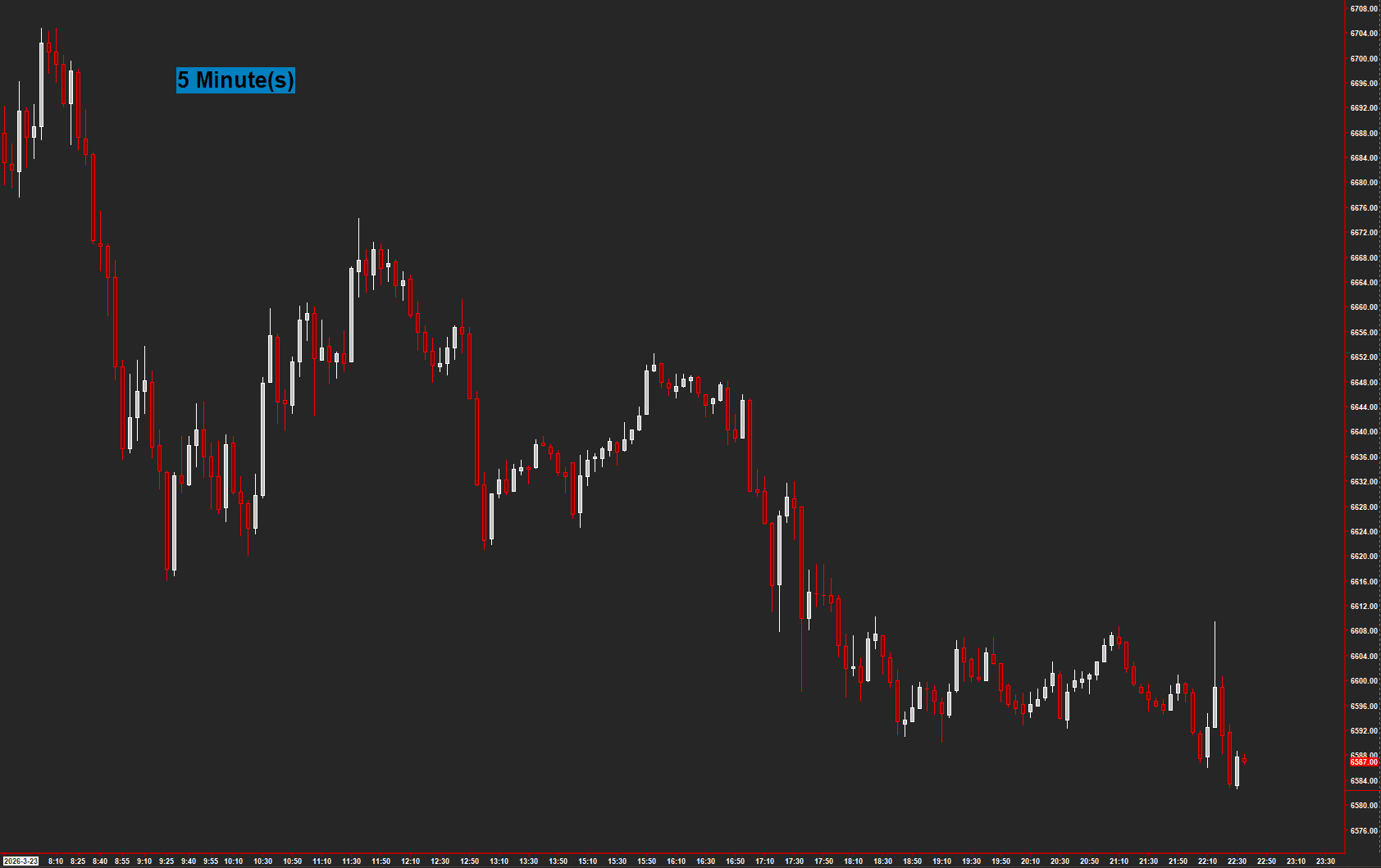
Shows the current chart type configuration directly on the chart as a text overlay. Automatically detects the chart type — Minutes, Volume, Trades/Tick, or Range — and displays it with the period value. Useful in multi-chart layouts where you need to quickly confirm chart settings at a glance.
The Concept
When working with multiple charts at different resolutions — minutes, volume, ticks, range — it's easy to forget which chart type you're looking at. Chart Type Display places a text overlay directly on the chart showing the current chart type and period value. This simple utility eliminates guesswork in complex multi-chart layouts.
How to Read It
A text label shows the chart configuration — there are no trading signals.
- The display automatically detects chart type: Minutes, Volume, Trades/Tick, or Range
- The period value is shown alongside the type for immediate identification
- Position is configurable — place it where it's visible but not obscuring price action
- Optional transparent background lets the text float cleanly over the chart
Practical Tips
Position the text in a corner that doesn't conflict with your other studies. The Horizontal and Vertical Position inputs use chart-relative coordinates. Enable Transparent Label Background for a cleaner look. Especially useful when sharing screenshots or recording — viewers immediately know the chart configuration.
Input & Settings
| No. | Input Name | Function |
|---|---|---|
| 1 | Horizontal Position From Left | Horizontal position of the text display, measured from the left edge of the chart. Default: 20. |
| 2 | Vertical Position From Bottom | Vertical position of the text display, measured from the bottom edge of the chart. Default: 90. |
| 3 | Transparent Label Background | When enabled, the text is displayed with a transparent background. When disabled, uses the configured background color. Default: No. |
Horizontal position of the text display, measured from the left edge of the chart. Default: 20.
Vertical position of the text display, measured from the bottom edge of the chart. Default: 90.
When enabled, the text is displayed with a transparent background. When disabled, uses the configured background color. Default: No.
Subgraphs
| No. | Subgraph Name | Function & Comments |
|---|---|---|
| 1 | ChartType | Default: Custom Text. Controls the font size (via line width) and colors for the chart type text display. Primary Color = text color, Secondary Color = background color. |
Default: Custom Text. Controls the font size (via line width) and colors for the chart type text display. Primary Color = text color, Secondary Color = background color.
Get Access to Every Study
All studies are included with the Gold License — proprietary Sierra Chart tools, Discord community access, and the full AMT framework.
Get the Gold License — $125/mo