Free Studies for Sierra Chart

Tools for your chart.
Free to make them yours.

100% free · No credit card

My way of giving back to the trading community: 18 free Sierra Chart studies for order flow, market structure, and chart utilities. No AMT Gold membership required.

Sierra Chart subscriptions and applicable market-data fees are separate.

Explore 18 free studies ↓Activate my free studiesSee the setup steps

See it on the chart

One useful tool.
A clear place to start.

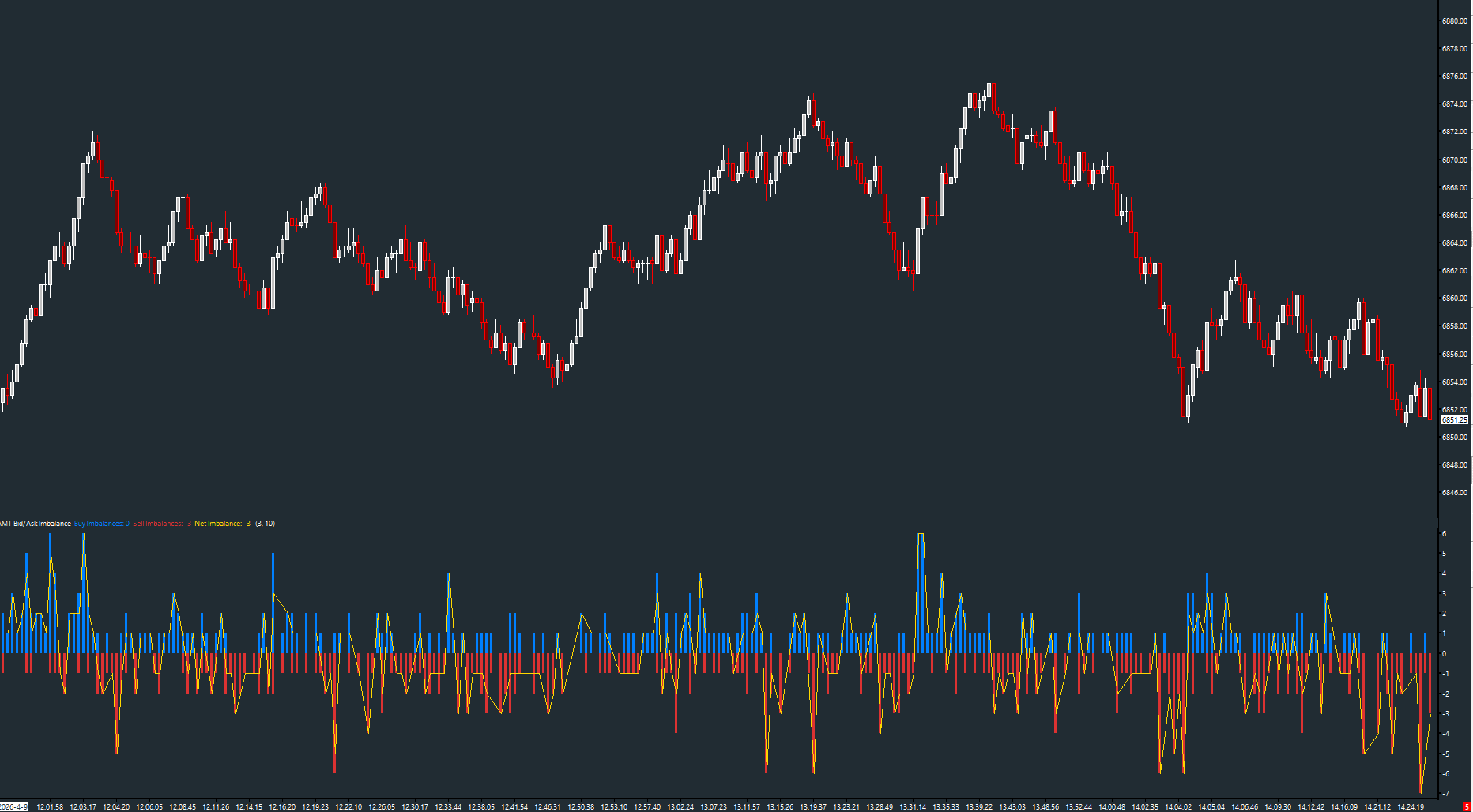
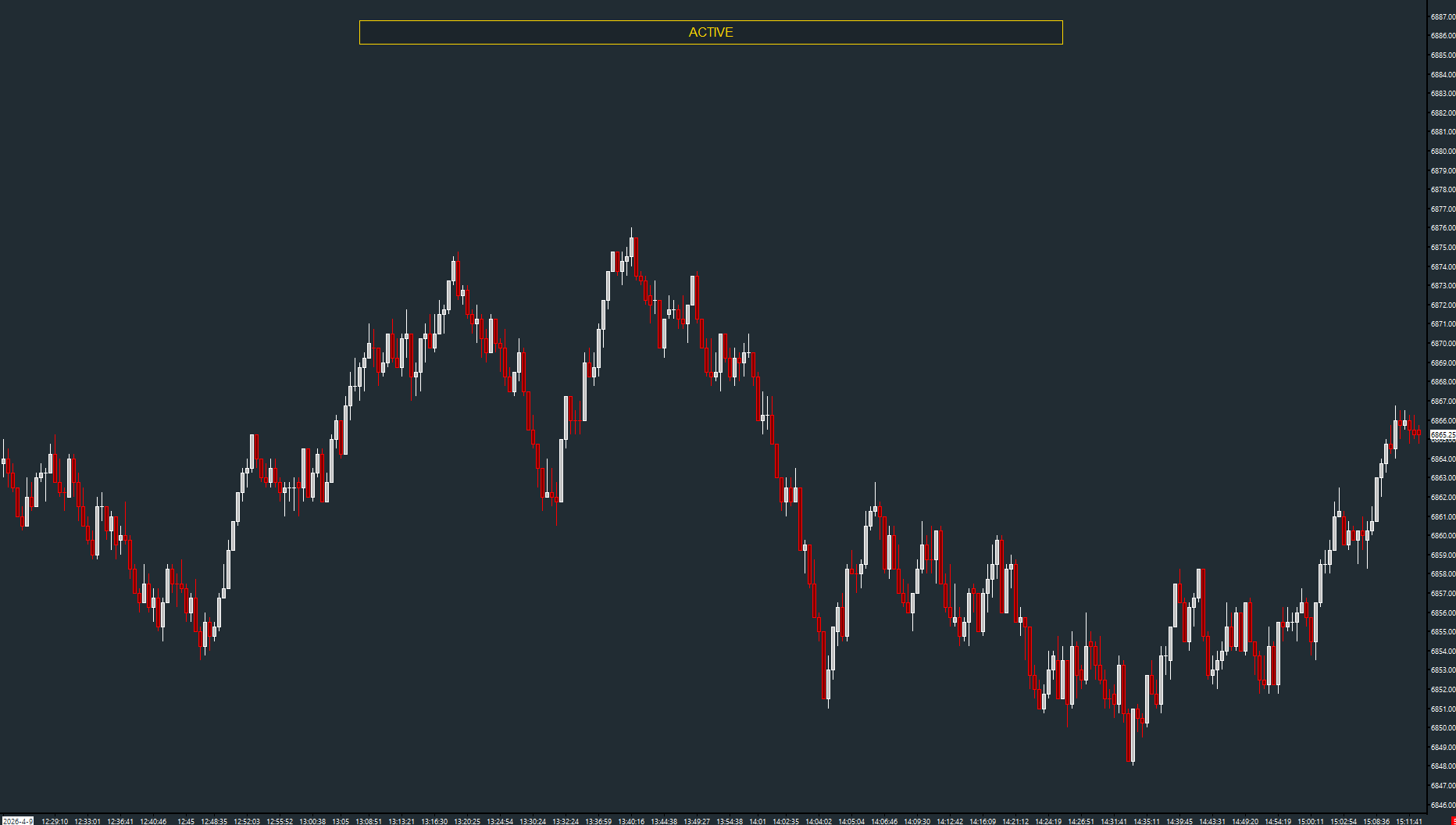
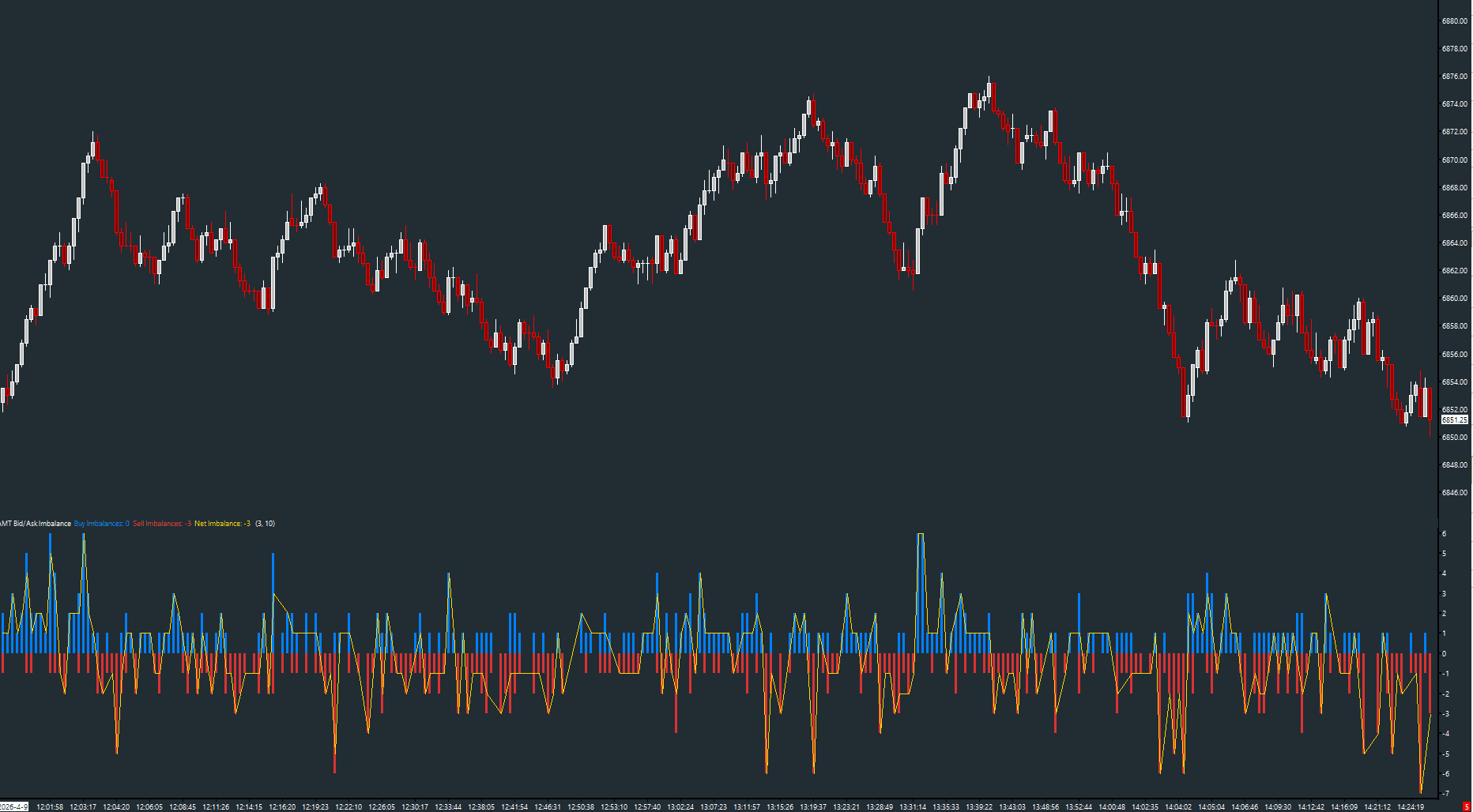
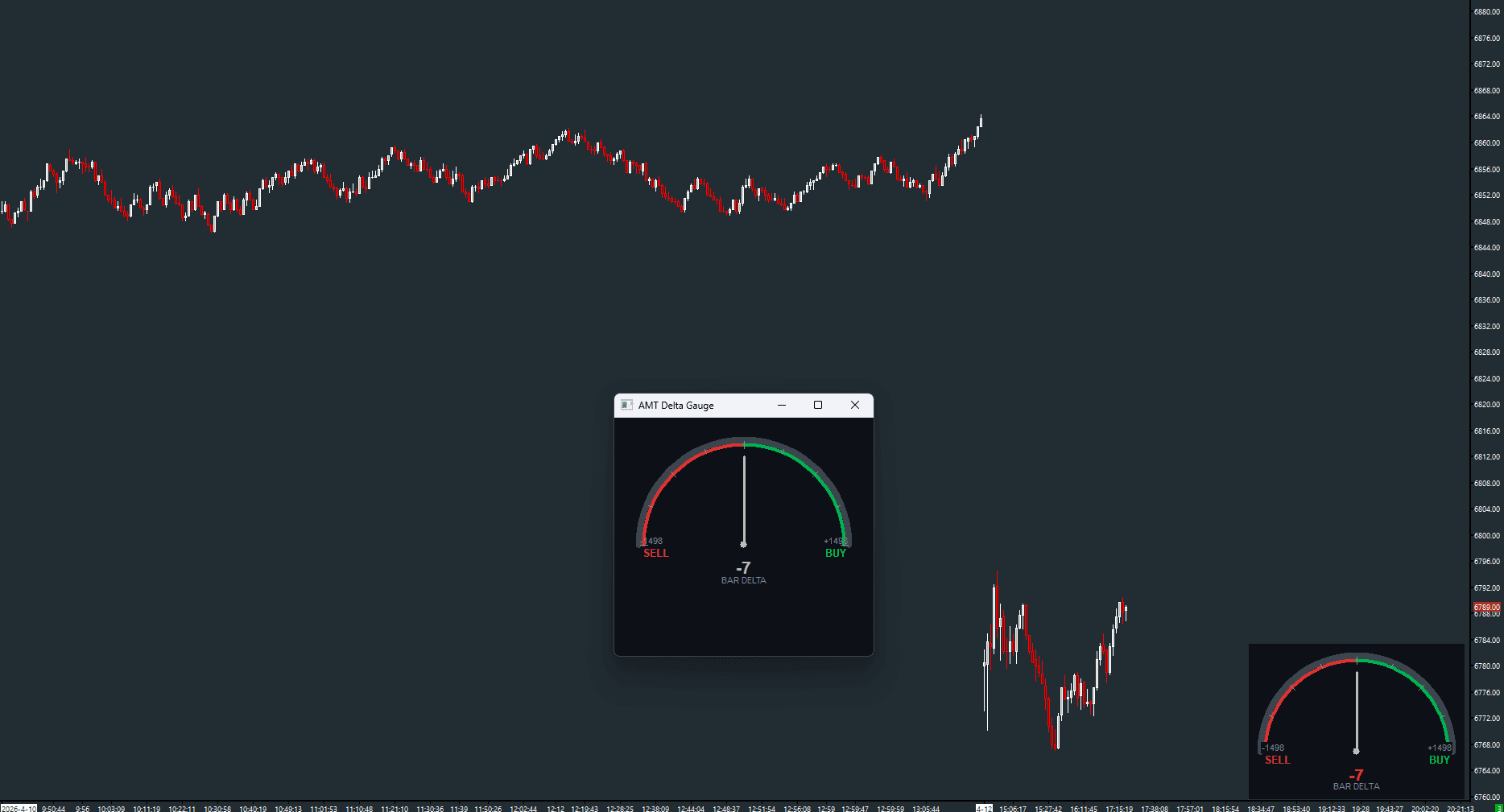
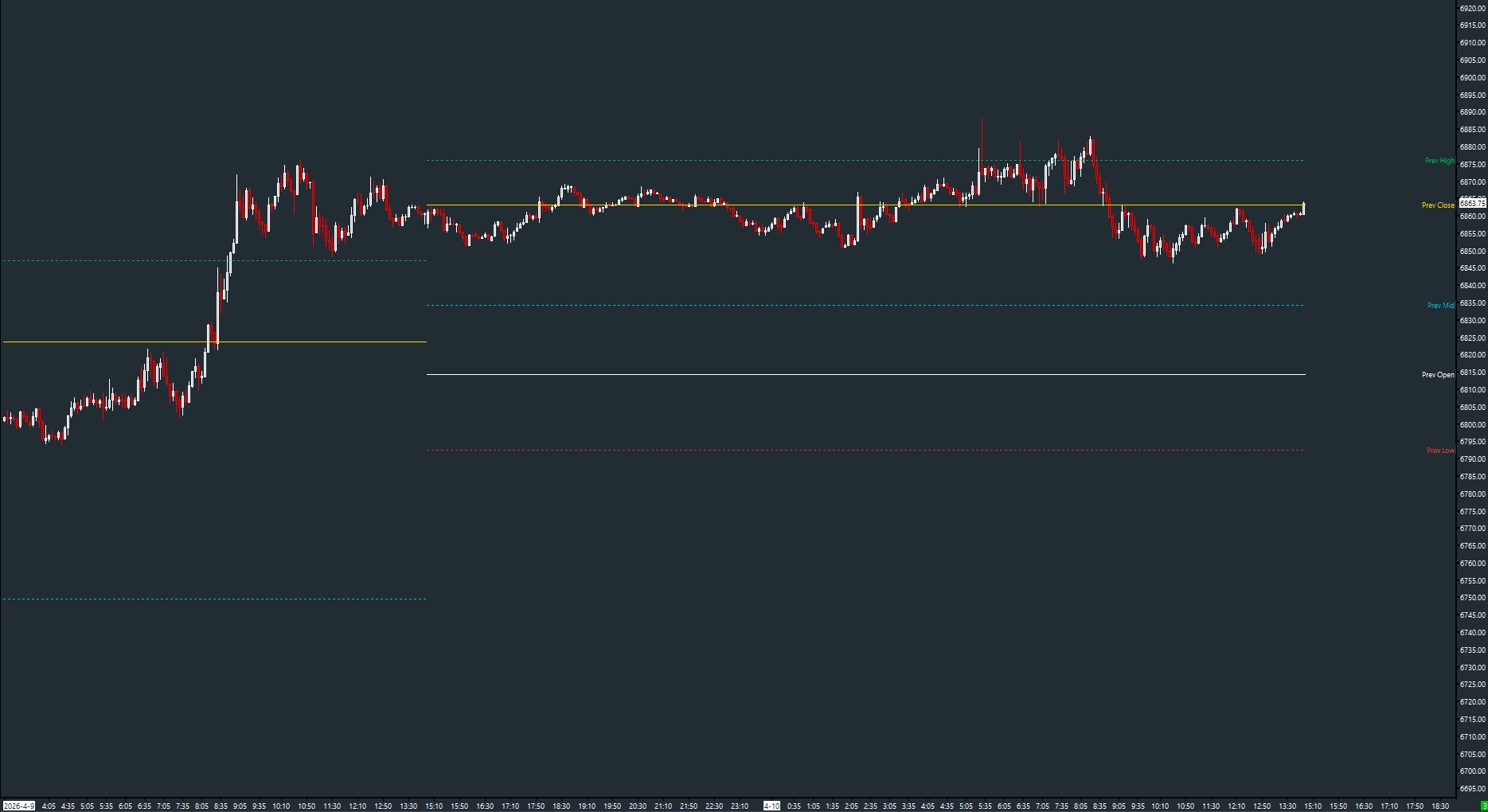
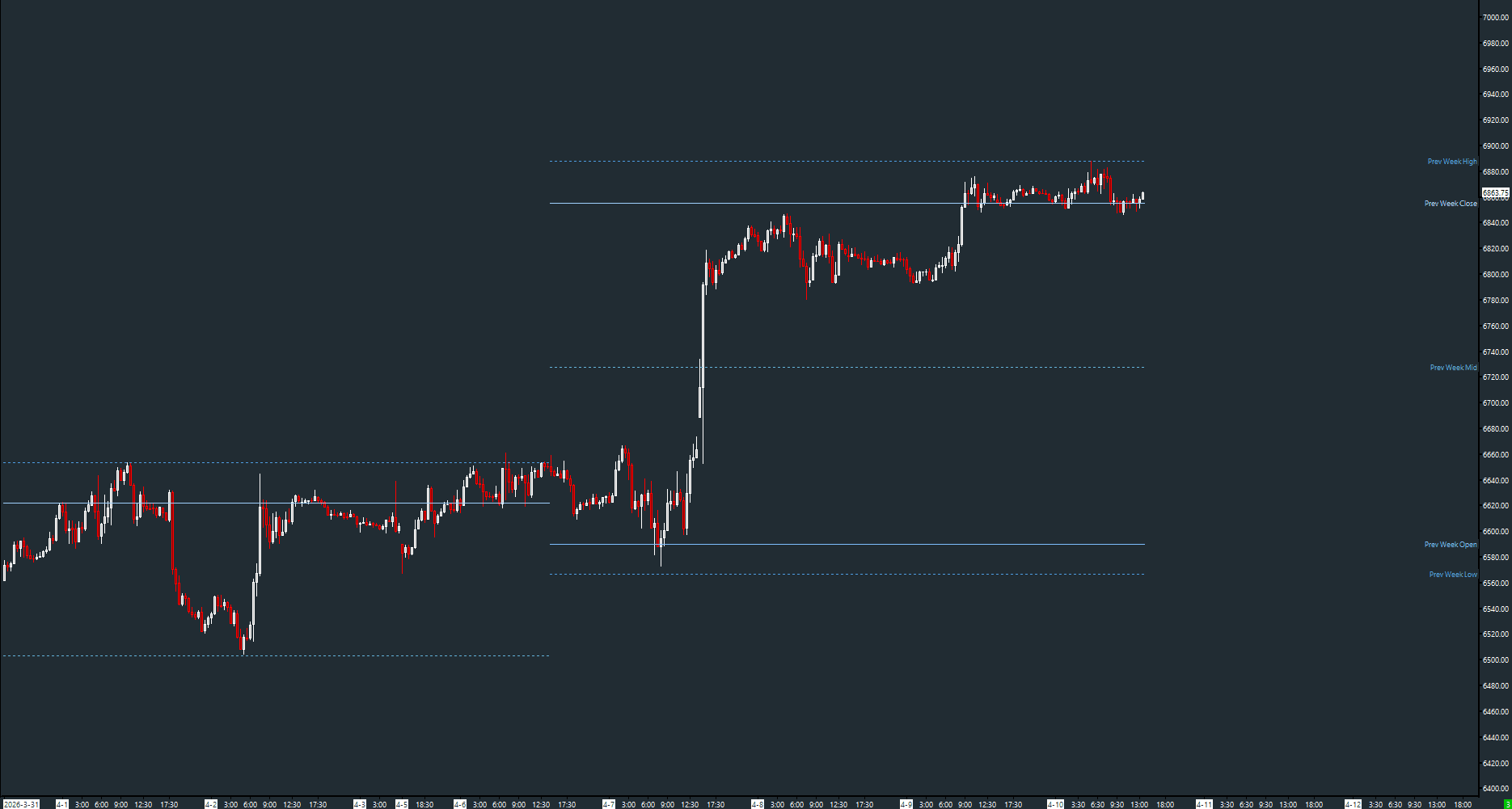
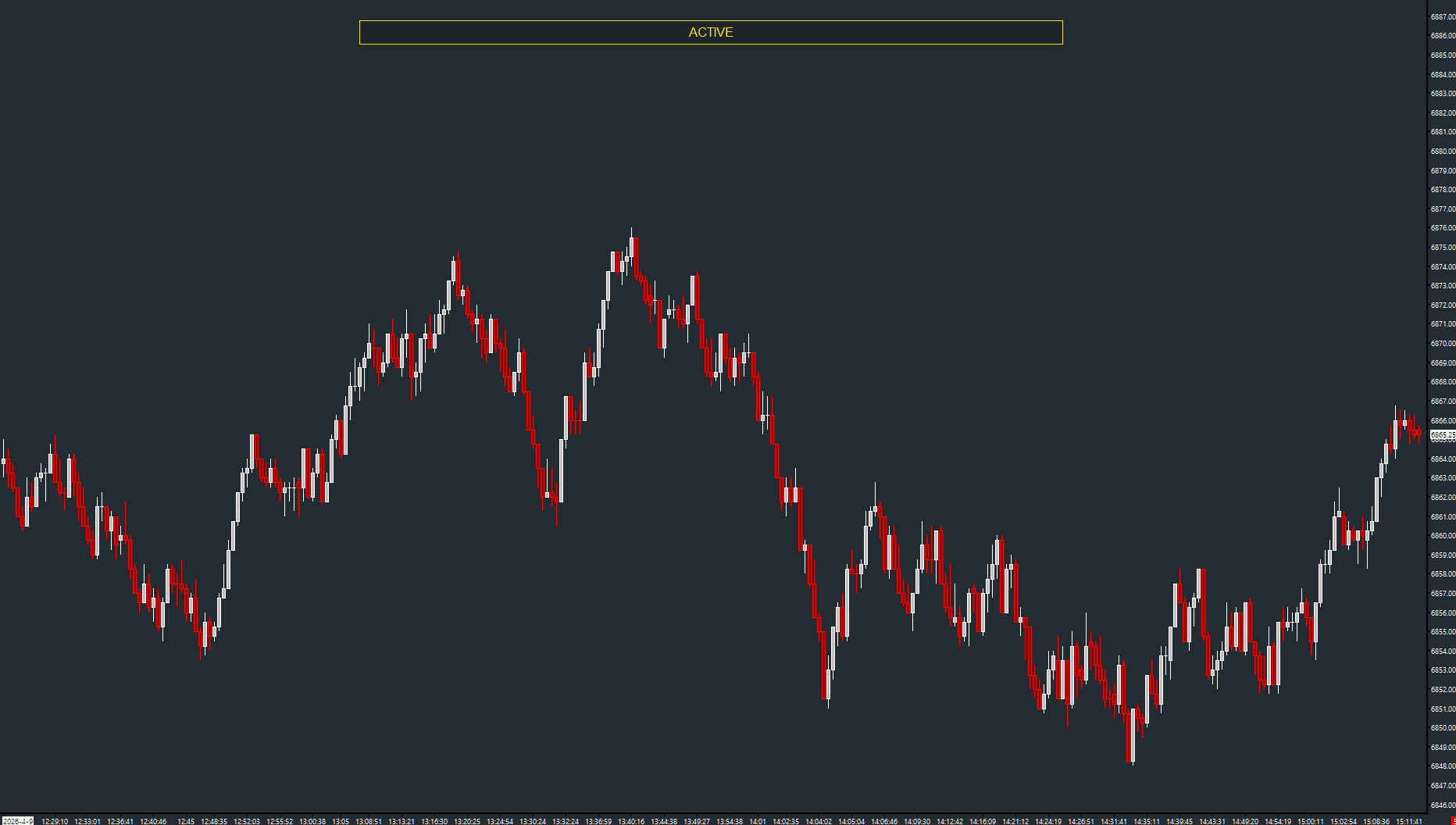
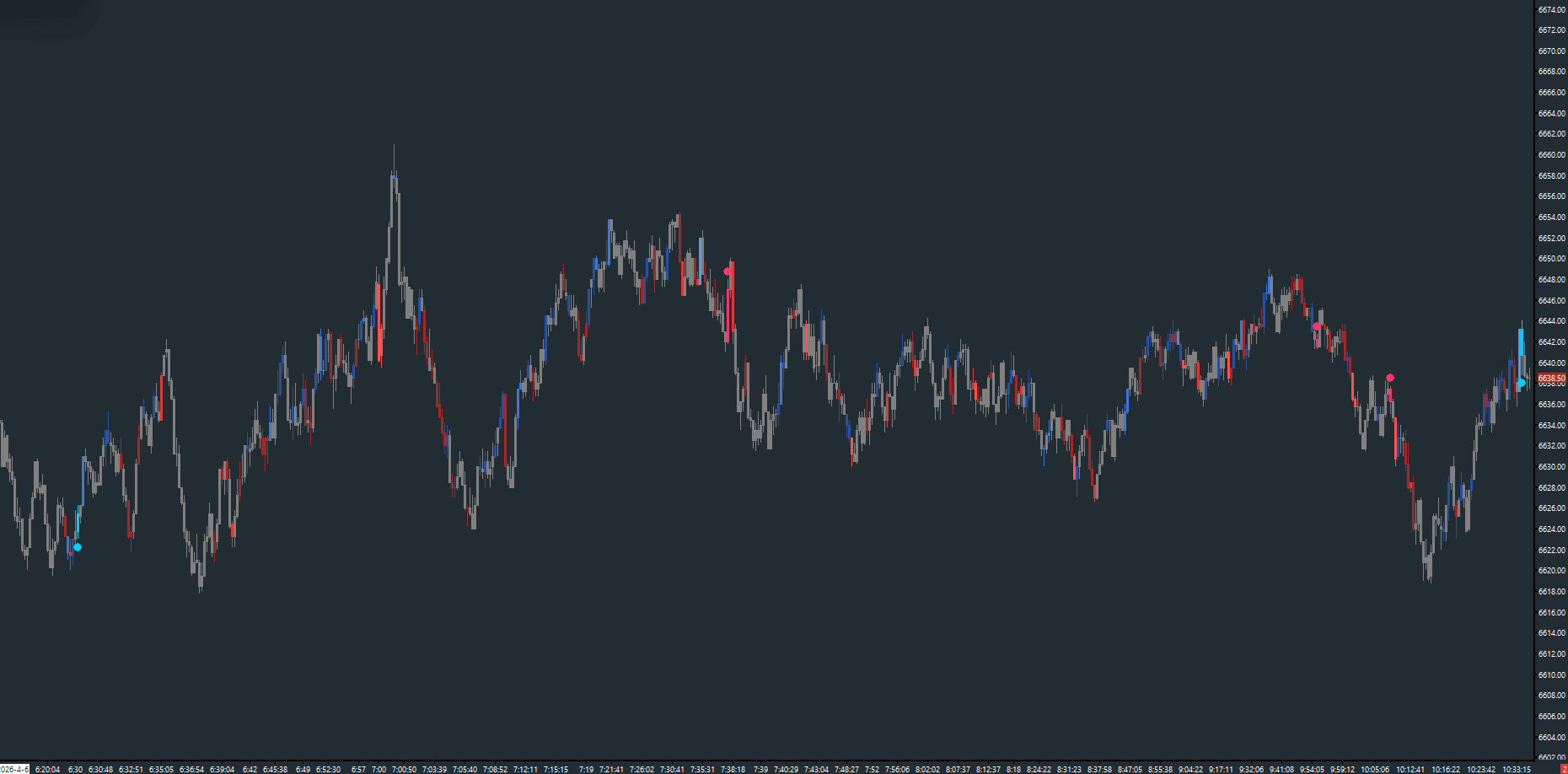
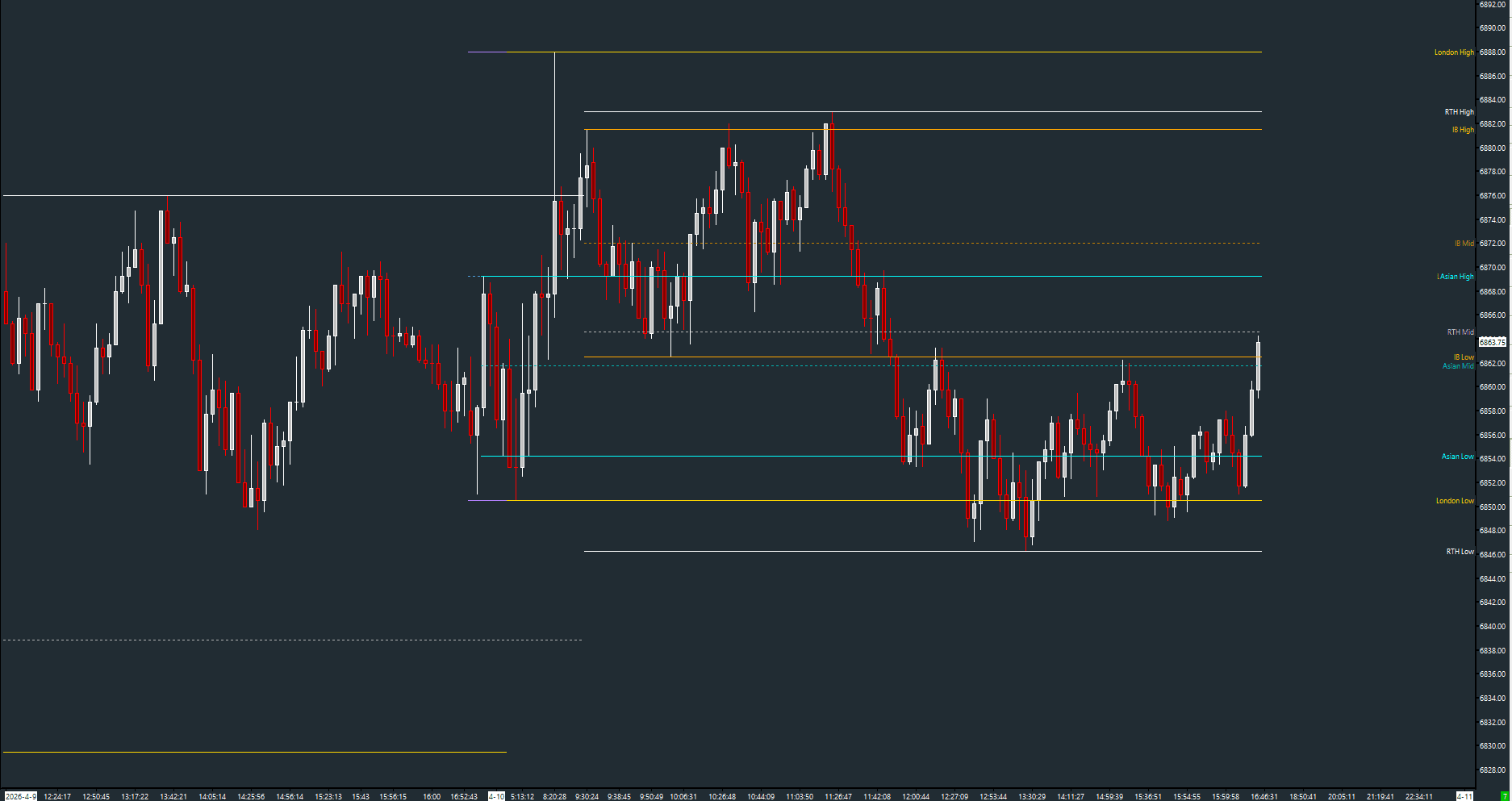
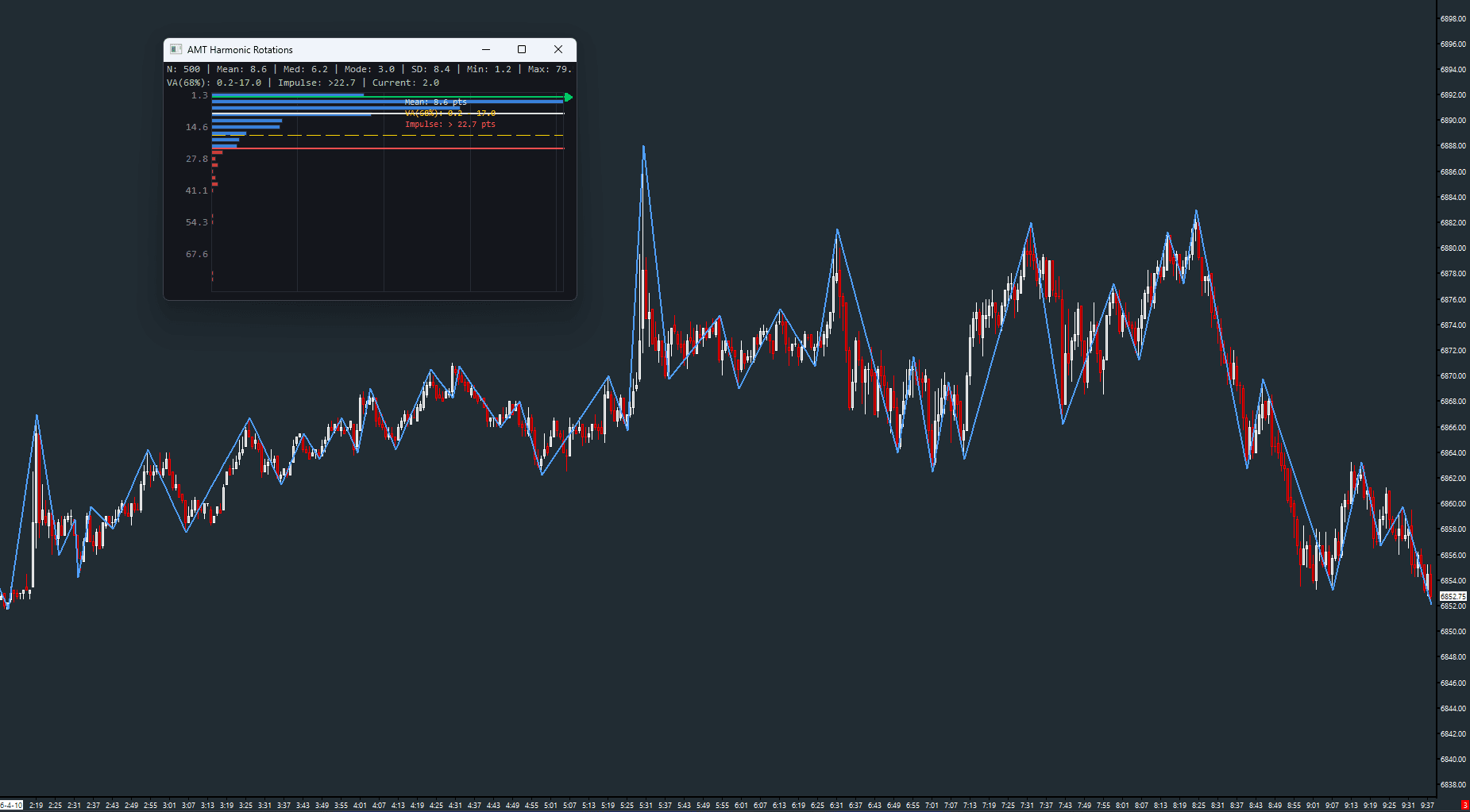
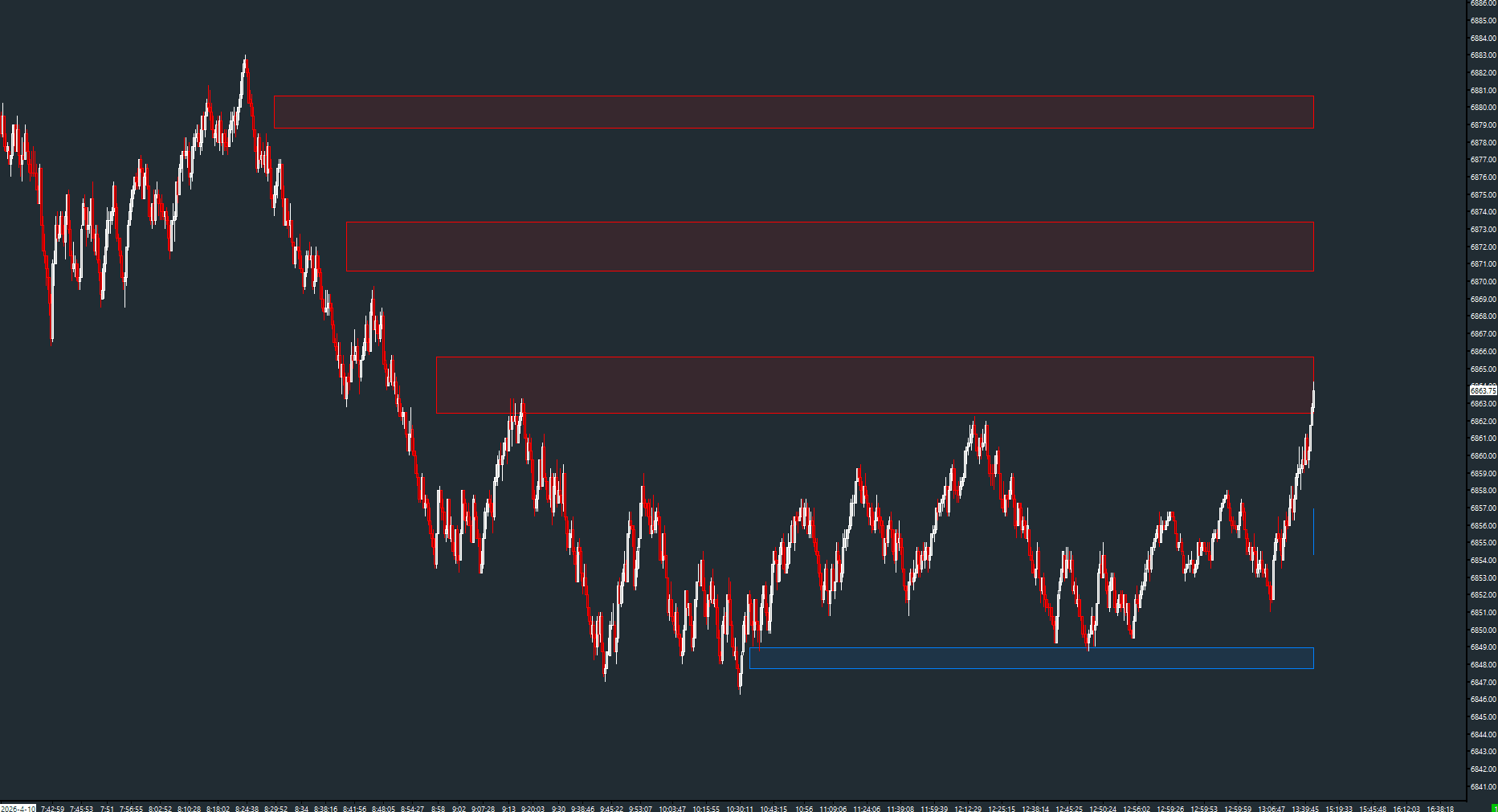
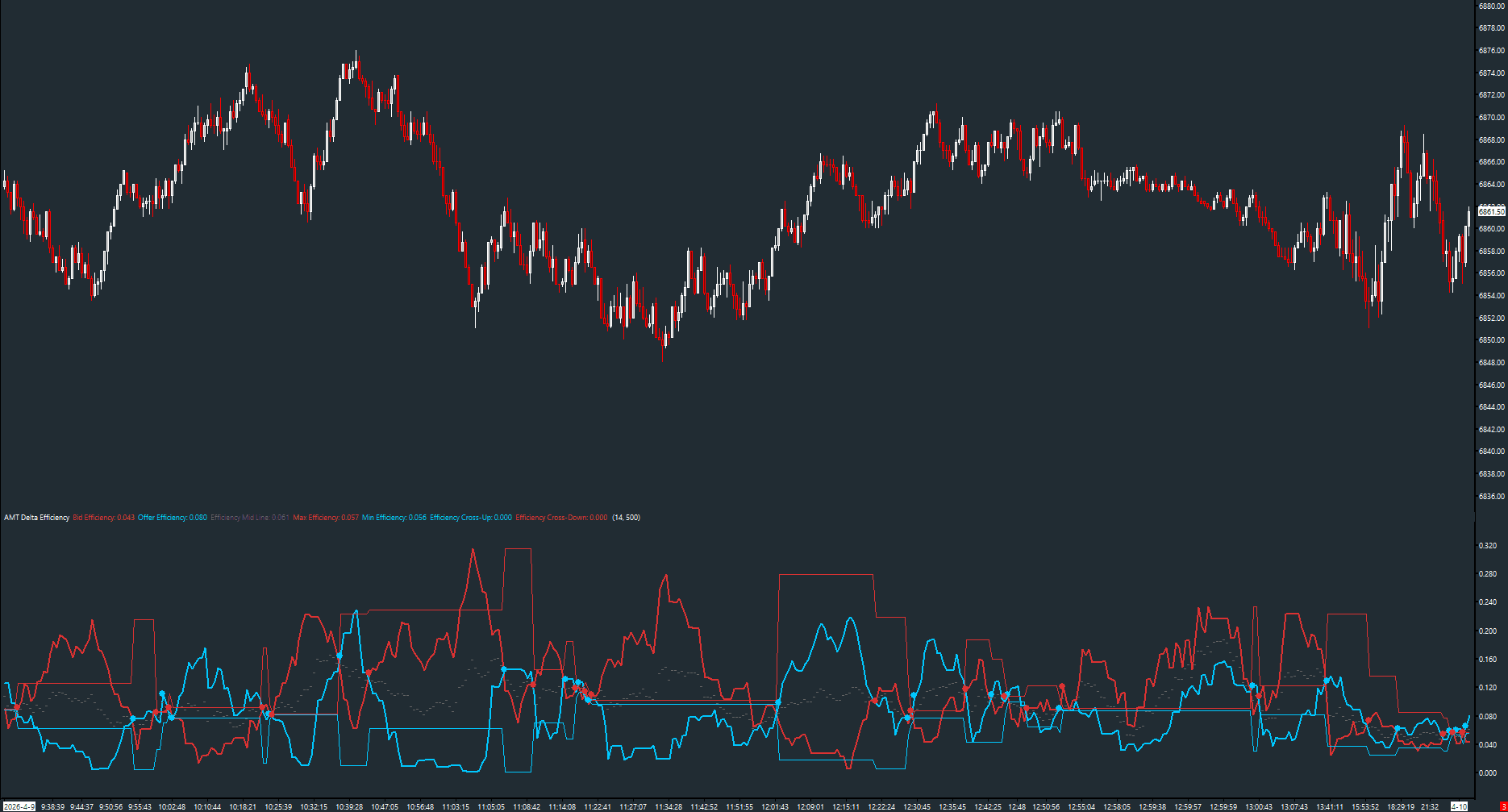
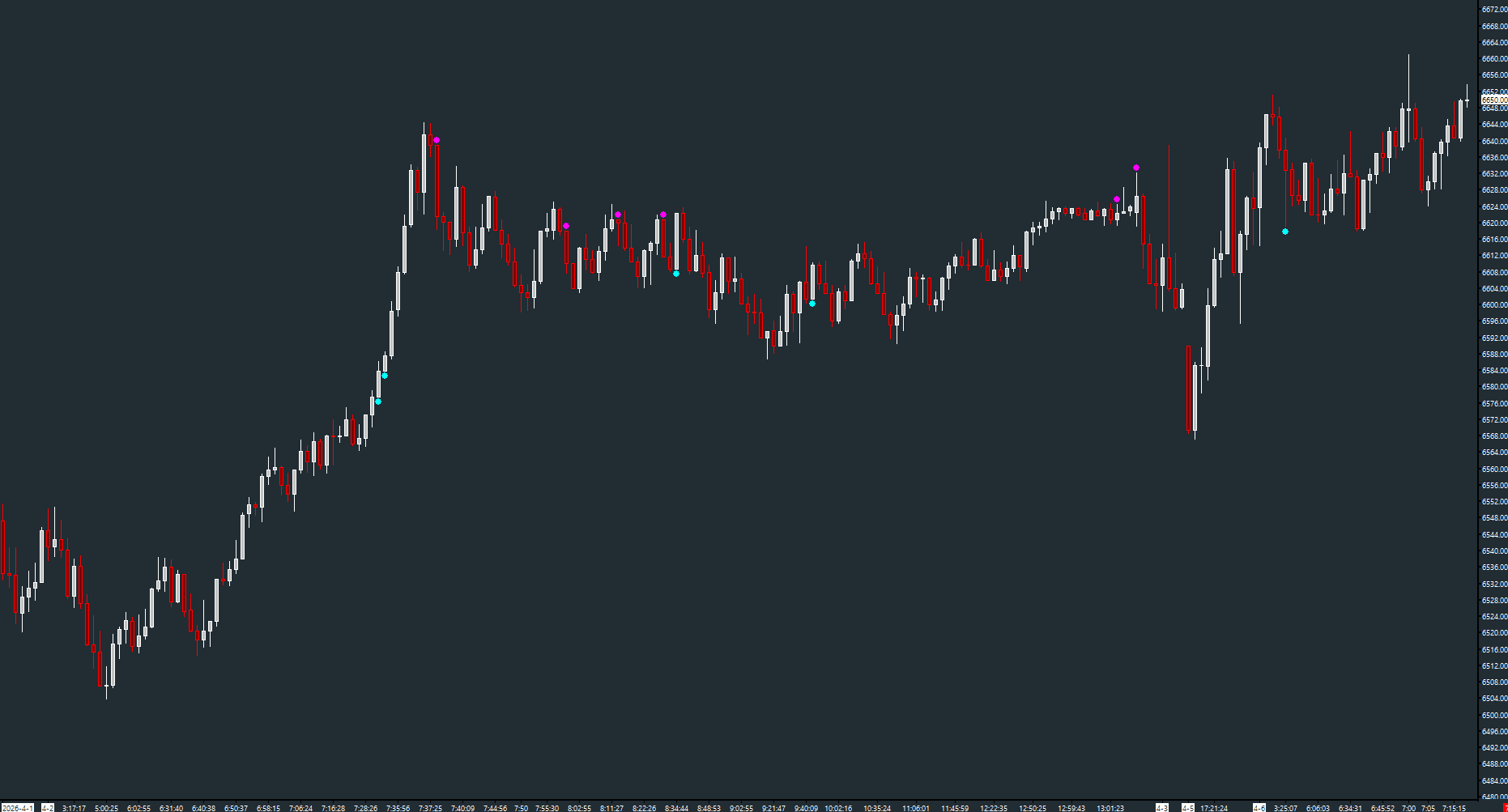
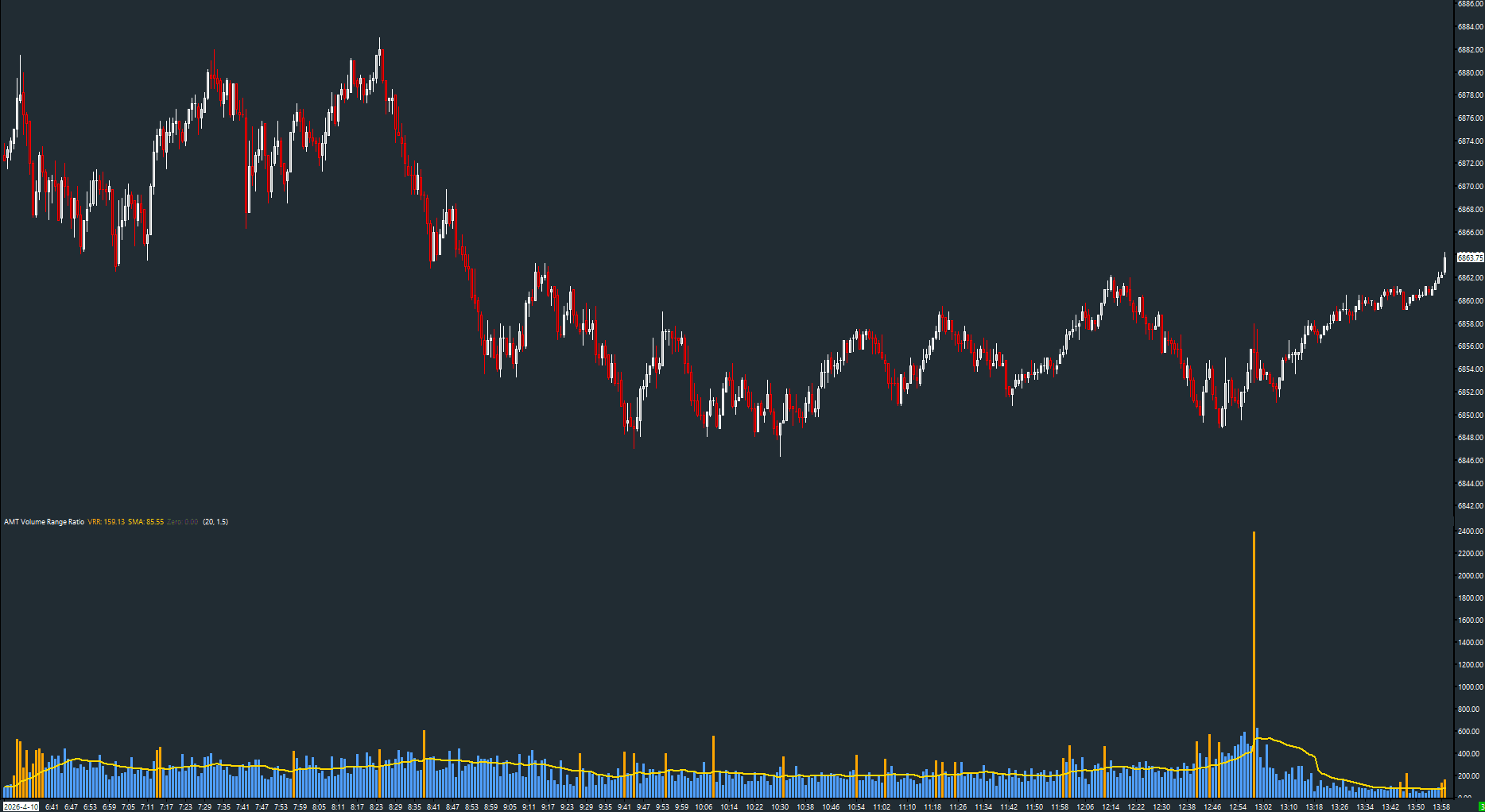
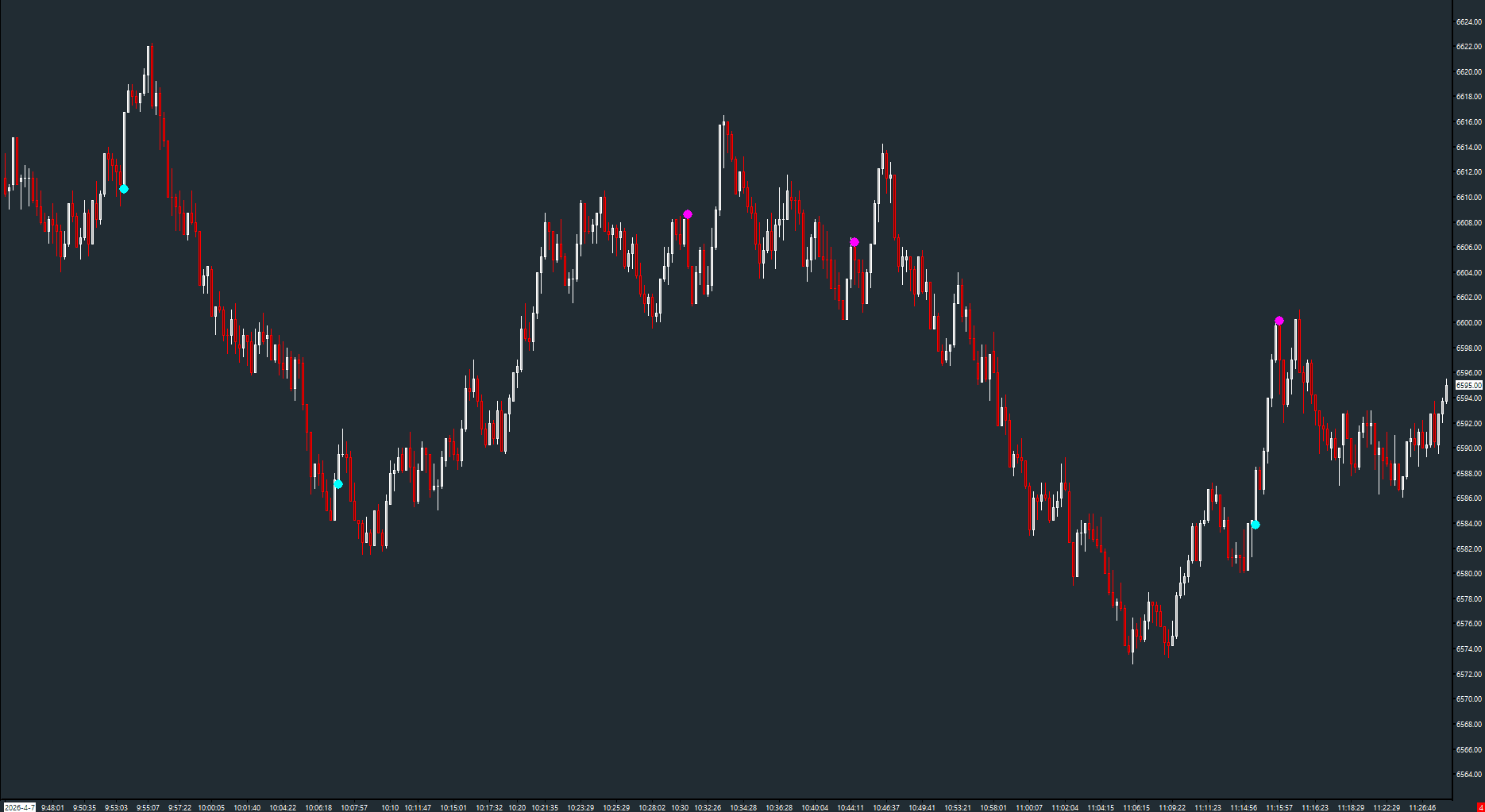
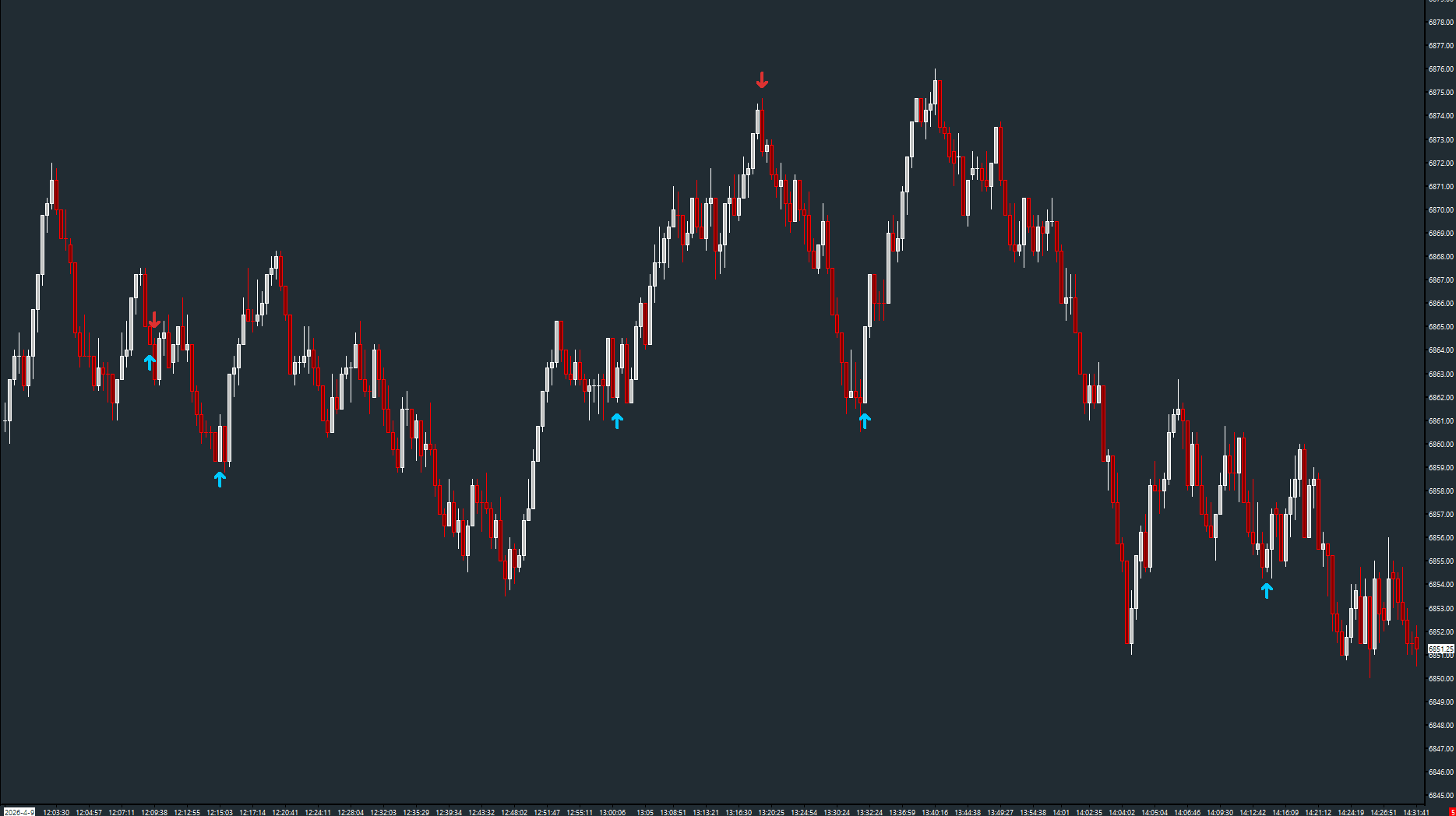
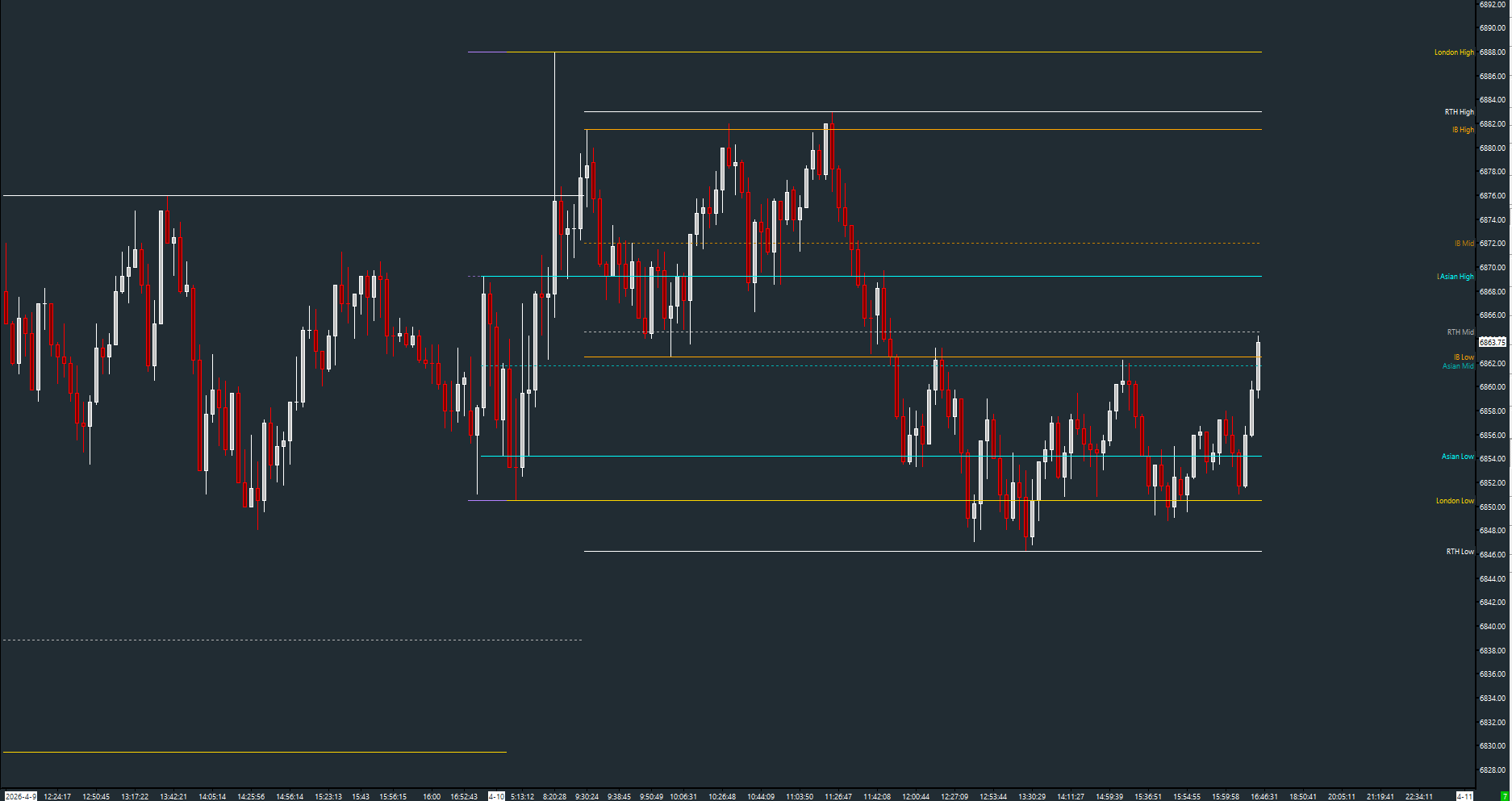
Choose the job you need help with. These are three examples from the free collection—not a required trading setup.

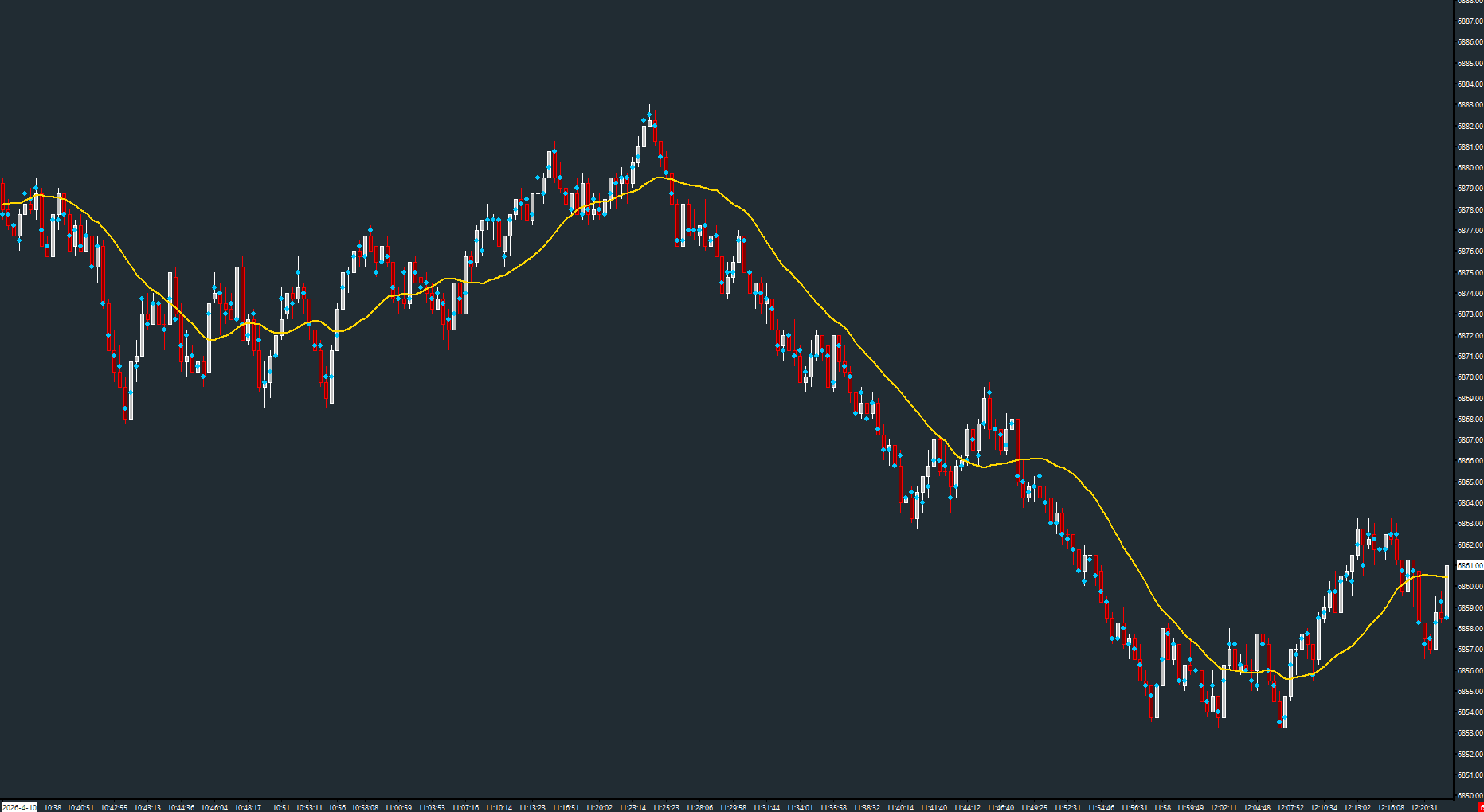
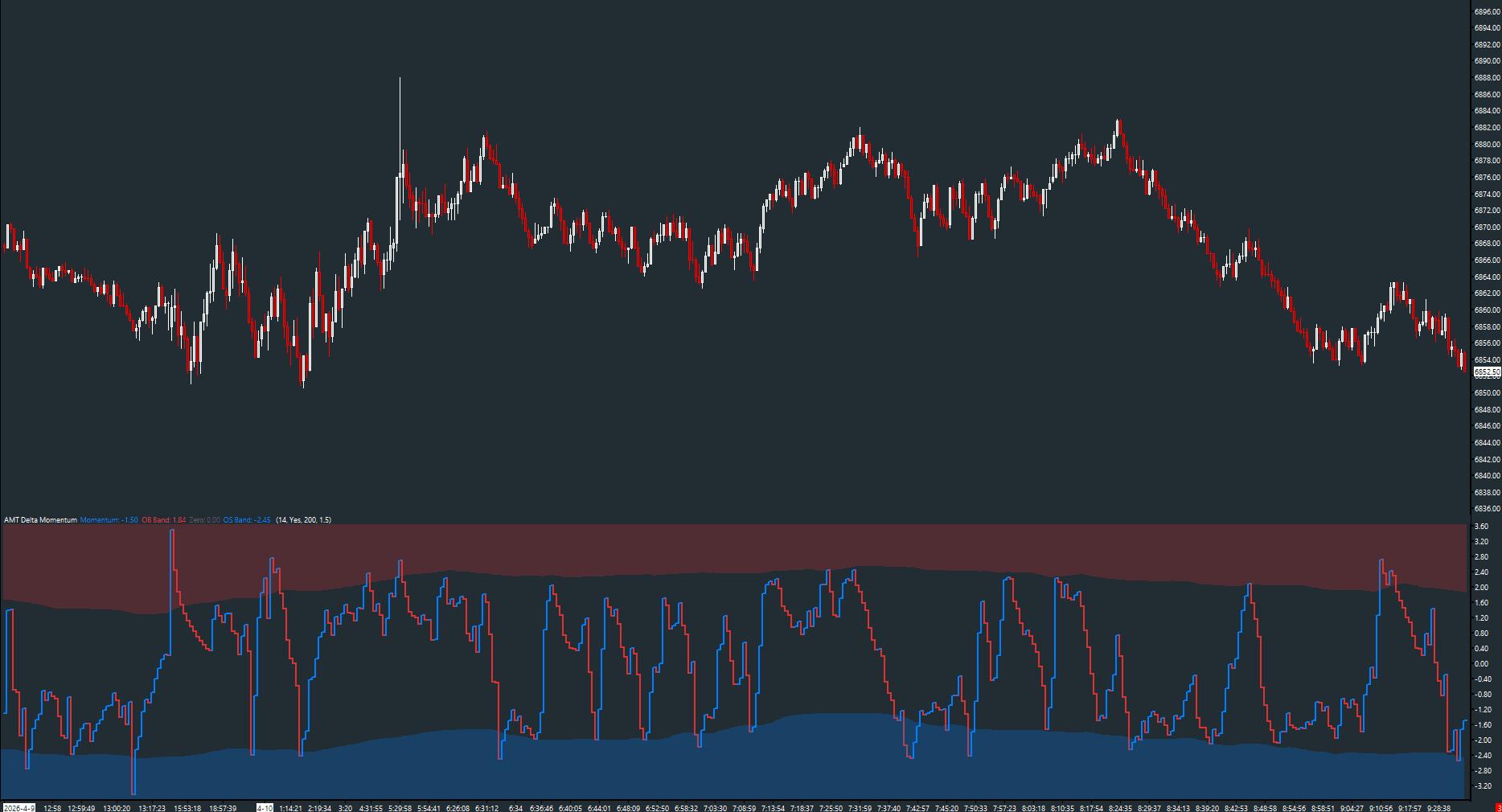
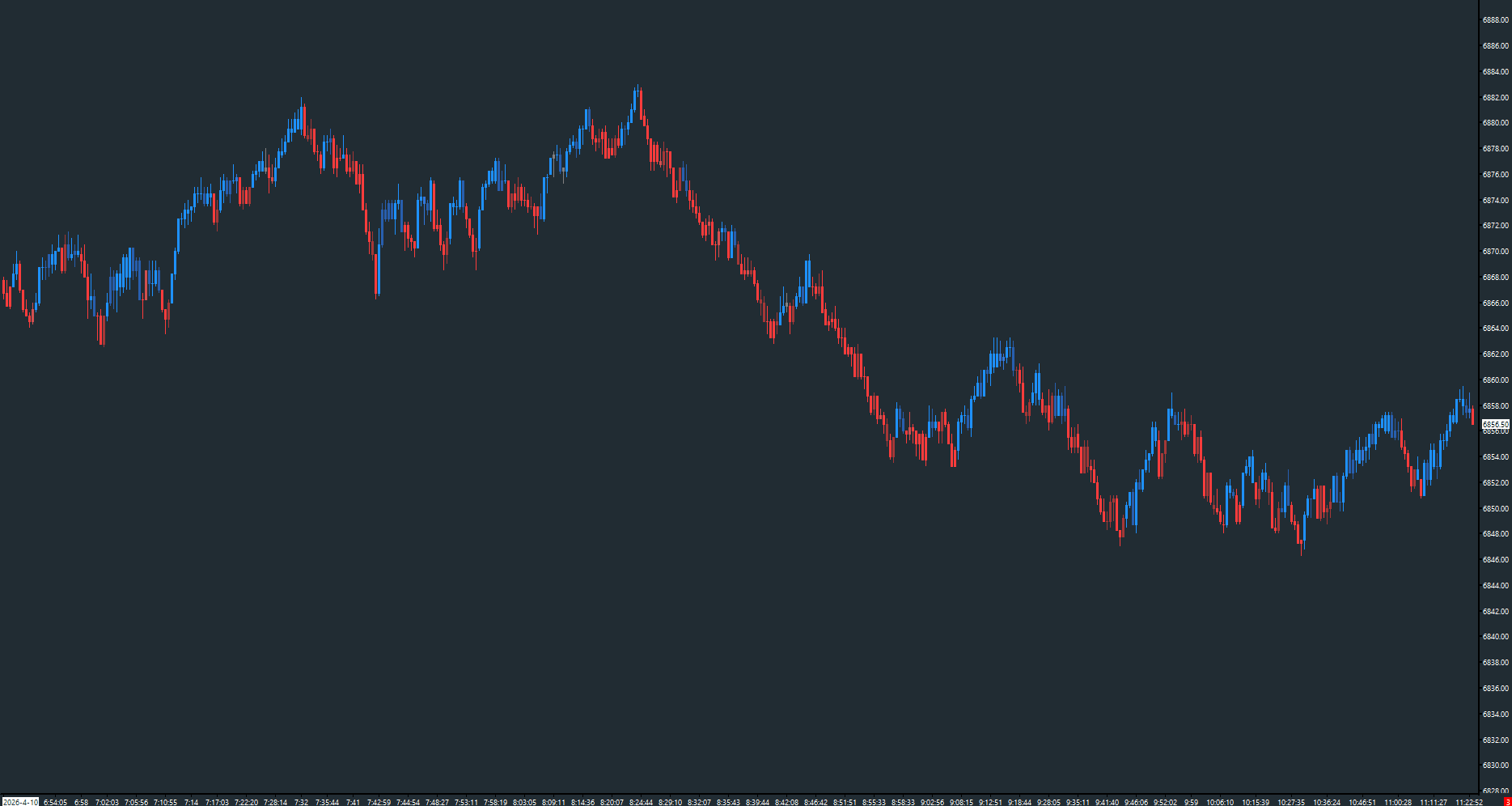
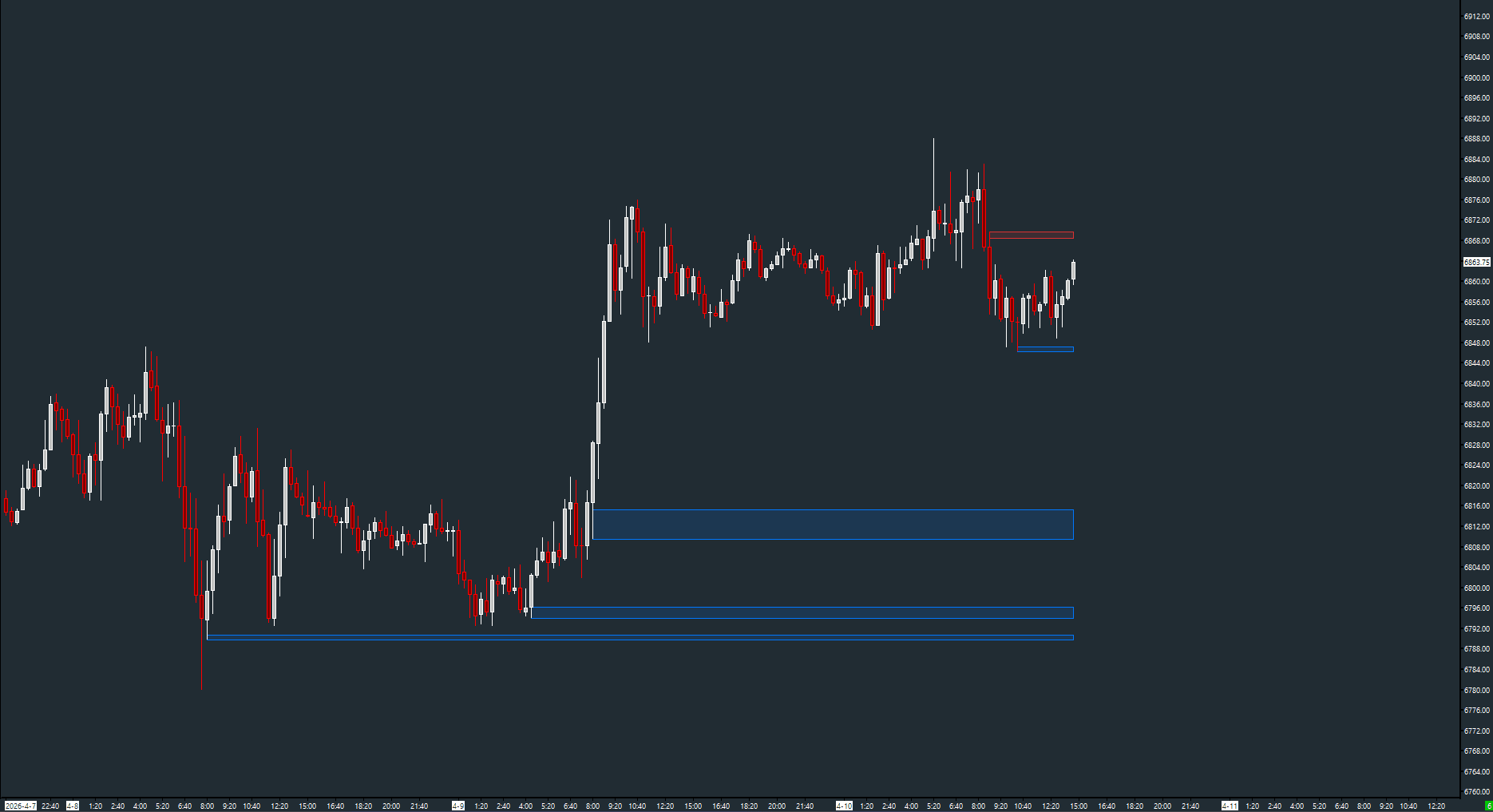
Actual study screenshots. Select an image to view full size. Examples demonstrate displays, not trading results.

Activate the free toolkitBrowse all 18 studies →

Find your study

18 of 18 studies

Get free access

100% free. No AMT Gold membership. No credit card.

Your Sierra Chart username activates the studies on your account. Your email receives setup instructions.

Sierra Chart and applicable market-data fees are separate.

From signup to your first study

  1. Enter your email and the exact Sierra Chart account name you use to sign in. The account name is needed to authorize your free studies.
  2. After activation, restart Sierra Chart while signed into that account.
  3. Open a chart, select Analysis → Studies → Add Custom Study, and look for AMT - Toolkit.
  4. Add a study, then open its documentation in the study list above for settings and data requirements.

Nothing appears after restarting? Check the account name you submitted and email info@amtbalance.com for help.

Free Toolkit questions

Are all of these studies really free?

Yes. The studies listed in this Toolkit are 100% free to activate. No AMT Gold membership or credit card is required. Your Sierra Chart subscription and applicable market-data fees are separate.

Why do you need my Sierra Chart username?

Your exact Sierra Chart account name is needed to authorize the studies for that account. Use the account you sign into Sierra Chart with—not a brokerage login. Your email is used to send setup instructions; do not submit your password.

What chart data do I need?

Requirements vary by study. Order-flow tools may need bid/ask volume or volume-at-price data, while session tools depend on your chart's session times and timezone. Check the linked study documentation for requirements and settings before use.

What happens after activation?

Restart Sierra Chart while signed into the account you registered. Open Analysis → Studies → Add Custom Study and look for AMT - Toolkit. If the studies are missing, check your account name and contact info@amtbalance.com.

How is the free Toolkit different from Gold?

The Toolkit is a standalone collection of free studies and utilities. Gold provides access to the paid AMT study suite, including AMT Balance. You do not need to upgrade to continue using the free Toolkit.