AMT GOLD / orderflow
FREE TOOLKIT VERSIONTry the free study ↗AMT Auction Delta Flow
Did the auction fail, reject, or continue?
Read the guide →SIERRA CHART / STUDY LIBRARY
Start with Balance + Zone Map to read price location. Add optional Order Flow to review the response, or explore the separate free Toolkit. Every paid Sierra Chart collection is included with Gold.
You do not need the whole suite on one chart. Start with location, then choose the context your process needs.
Build your reference map with Balance + Zone Map before examining the response.
Explore collection →ORDER FLOWReview recorded events, tests, and outcomes with supported Order Flow event studies.
Explore collection →TECHNICAL TOOLSChoose a focused tool for trend, momentum, structure, or the session.
Explore collection →ENTRY OPTIMIZERReview historical signal observations across entry assumptions and holding periods.
Explore collection →Prefer to start with free studies? Explore the separate free Toolkit →
Balance horizons and companion displays are listed individually so you can find them by name.
Your first chartbook. Learn the levels, then add tools as you need them.
Set up my chartbook →Sierra Chart · Gold required77 of 77 study entries
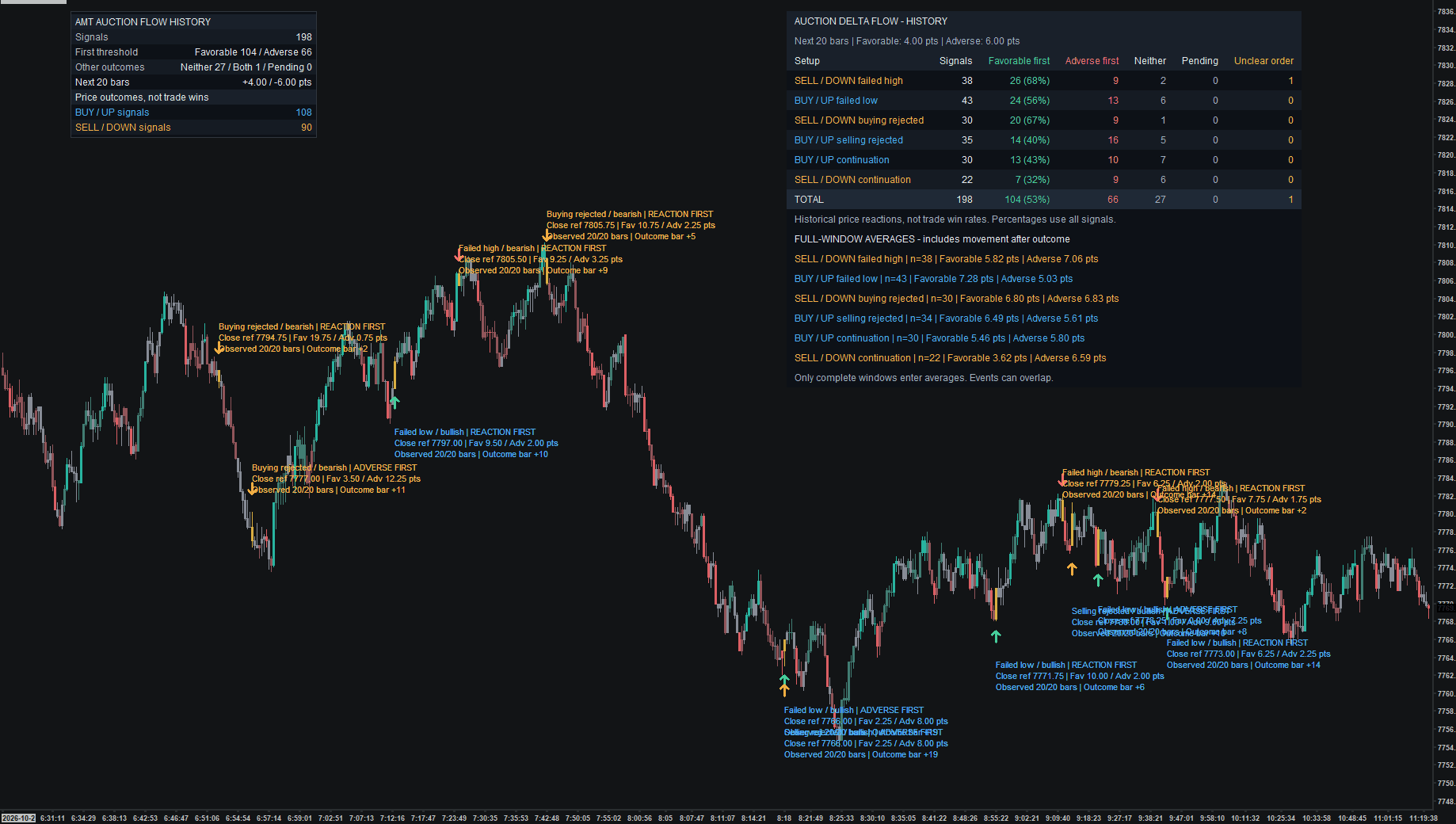
Did the auction fail, reject, or continue?
Read the guide →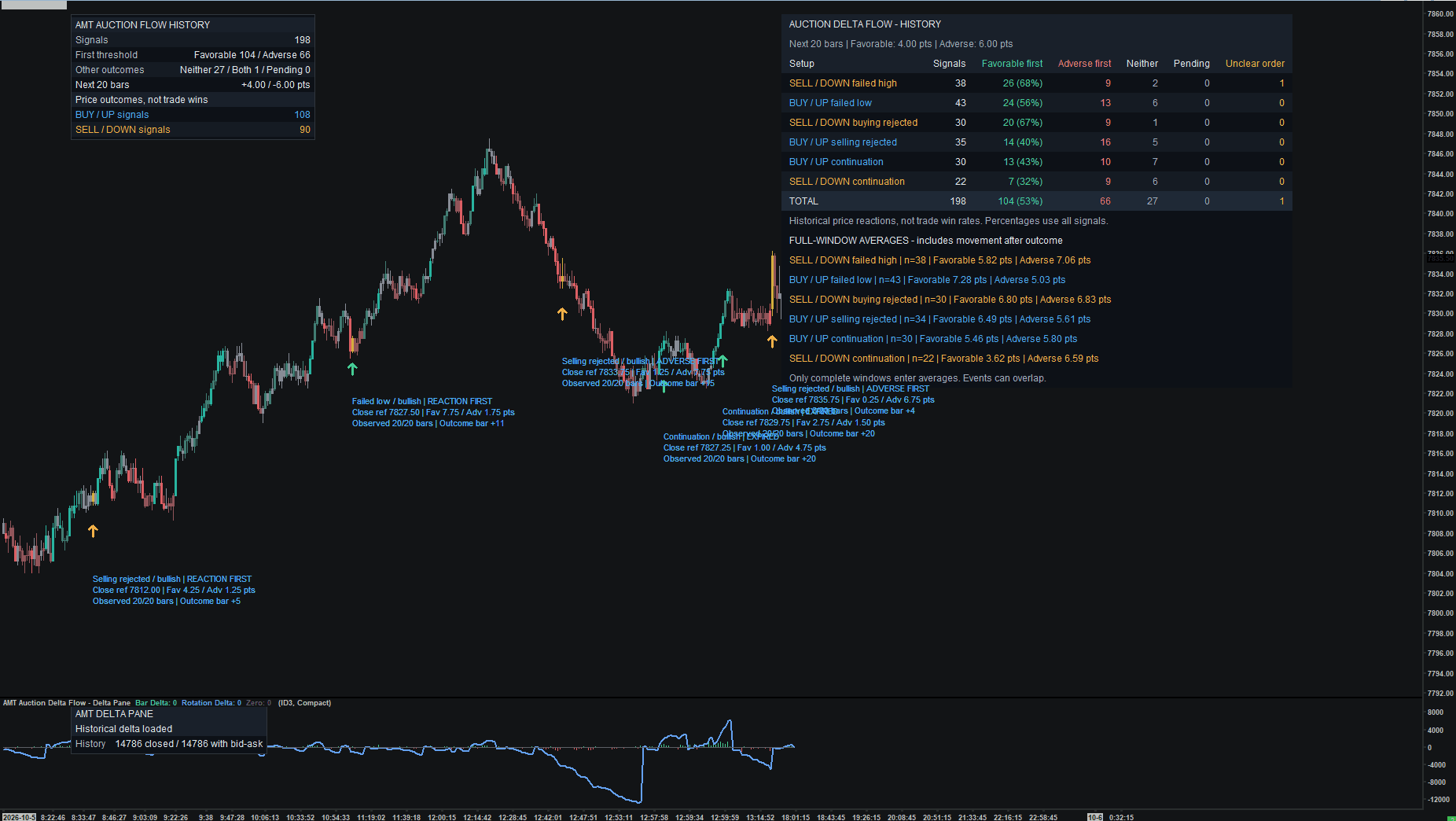
How does rotation delta compare with price?
Read the guide →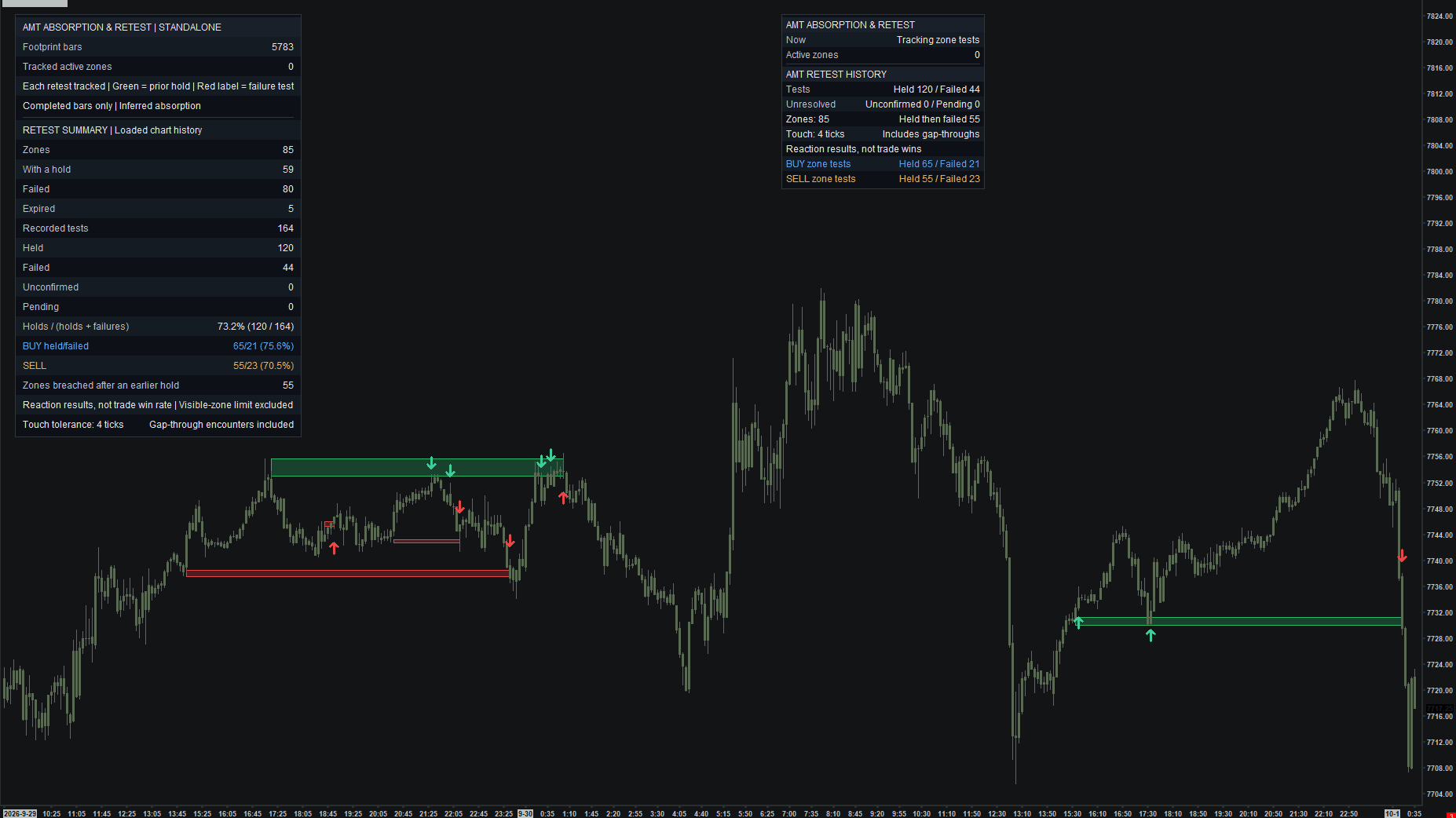
Did the first absorption retest hold?
Read the guide →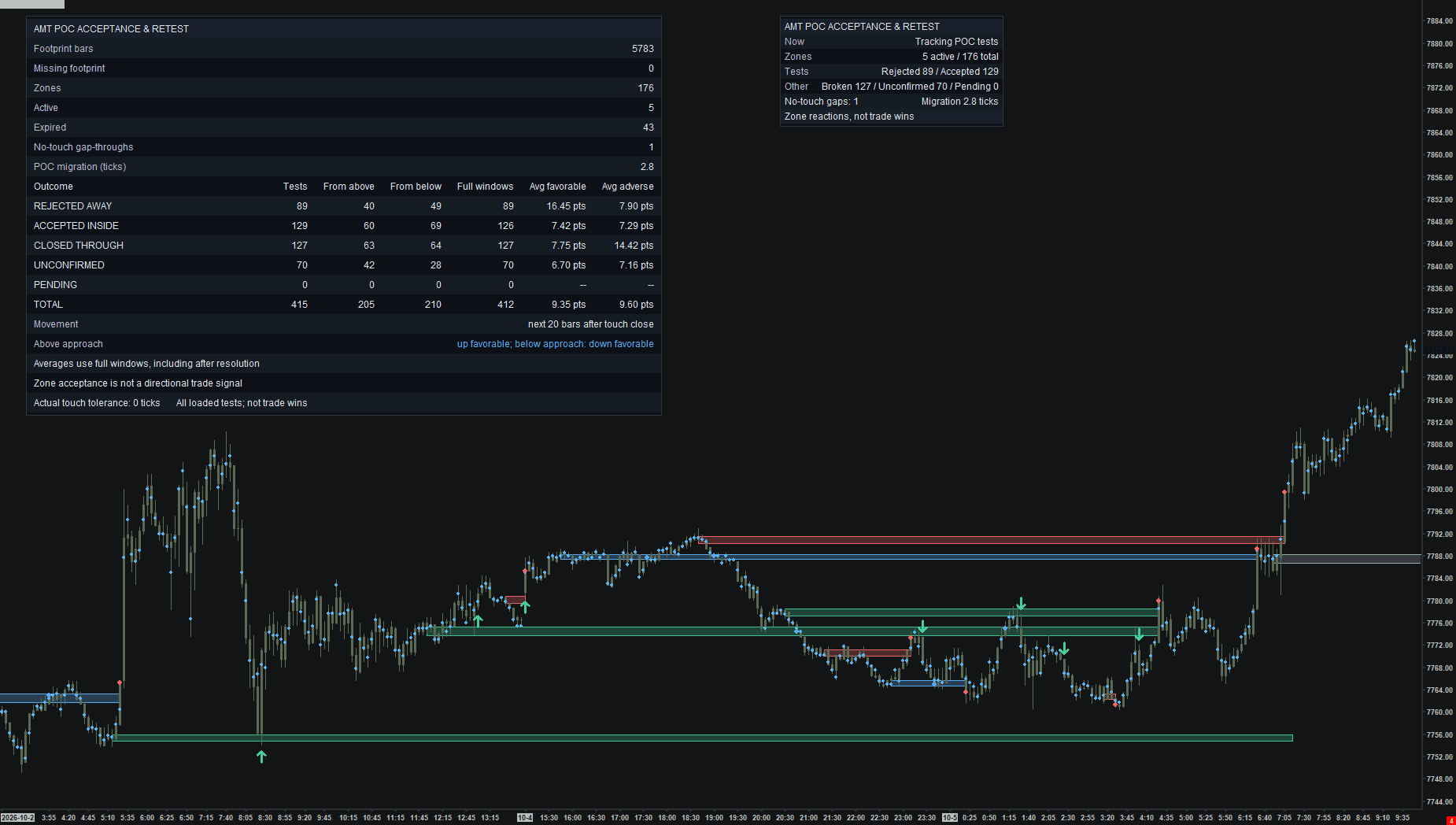
Was the POC area accepted or rejected?
Read the guide →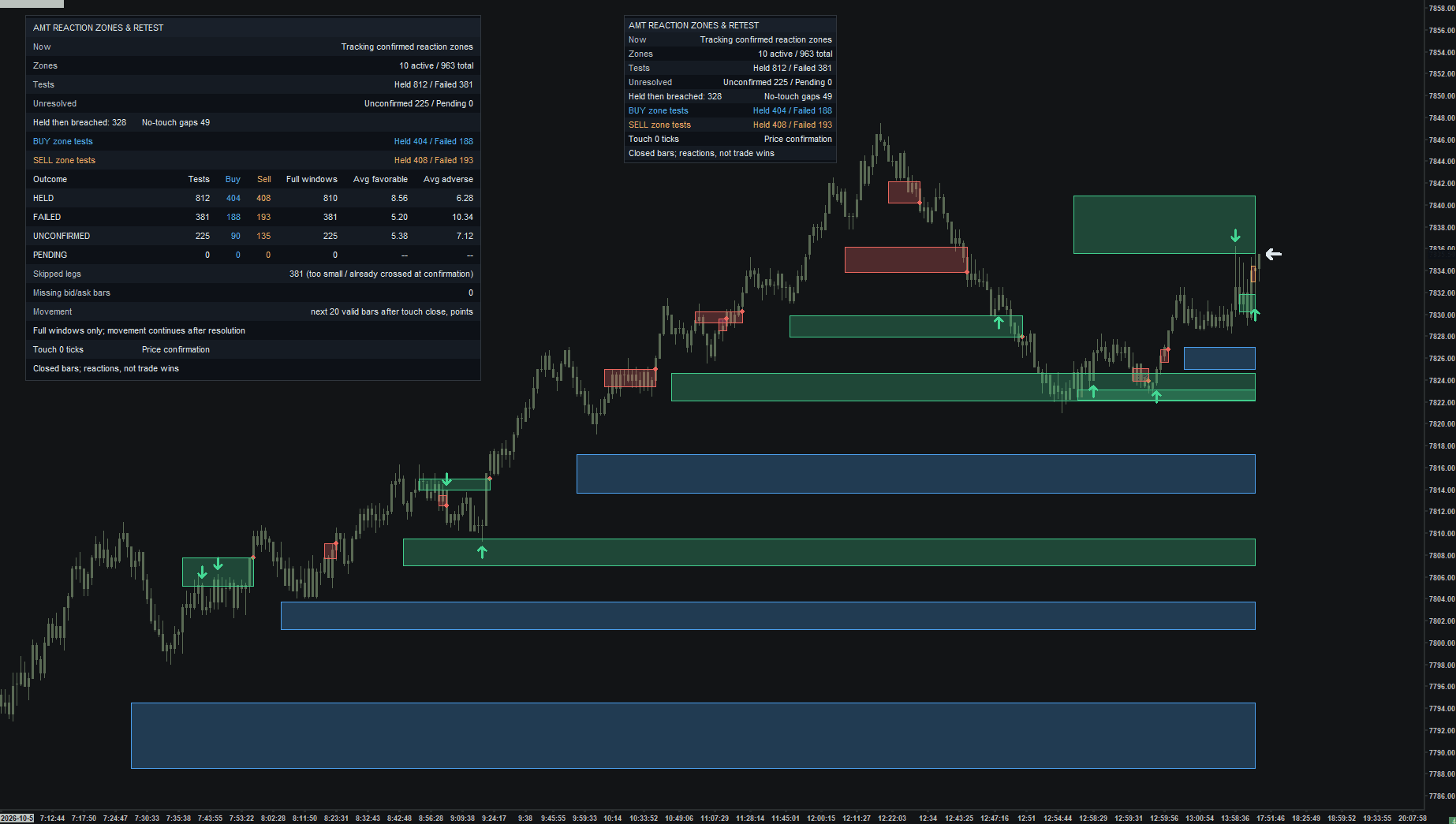
Did the retracement zone hold on return?
Read the guide →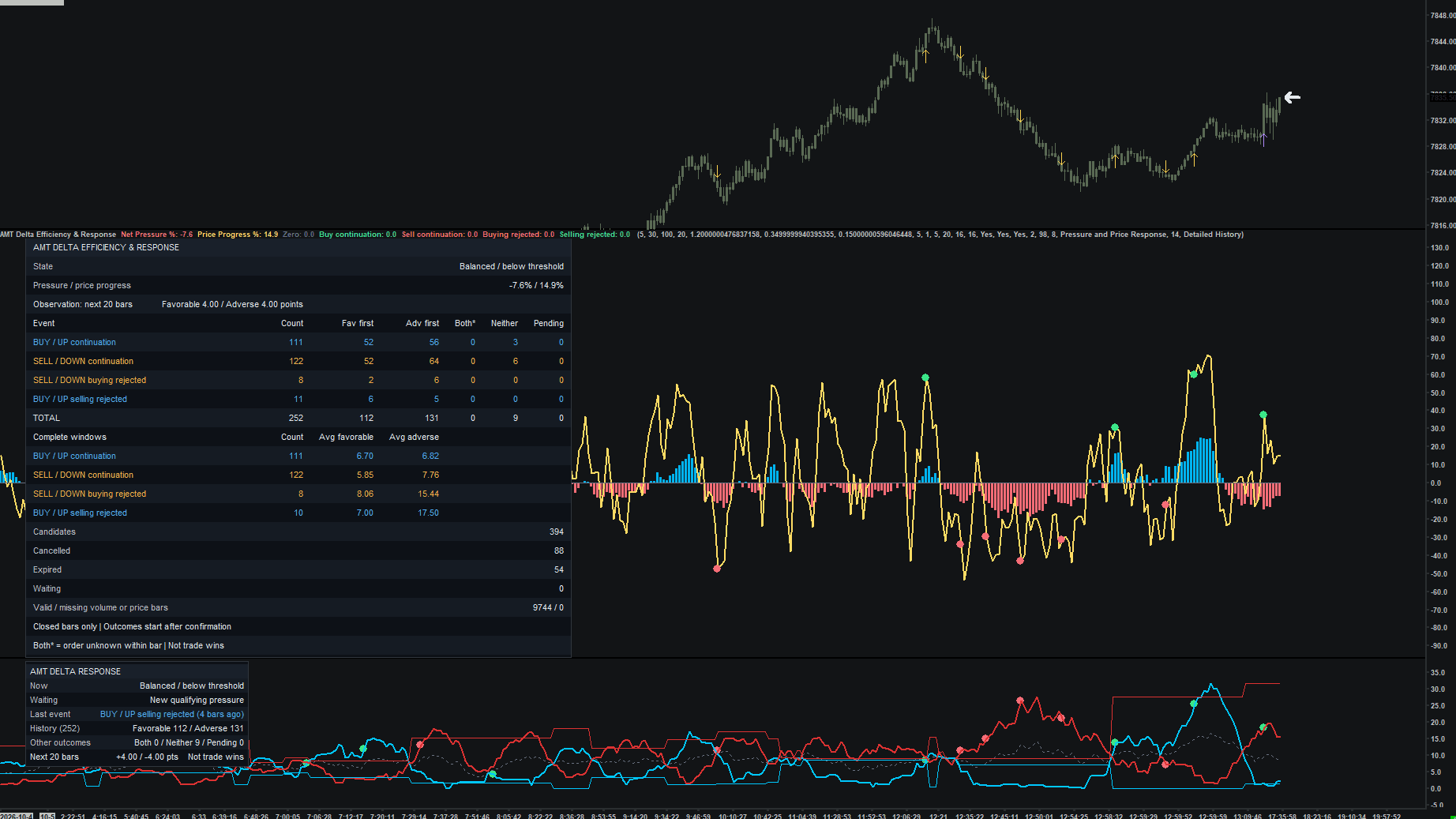
Did aggressive pressure produce price progress?
Read the guide →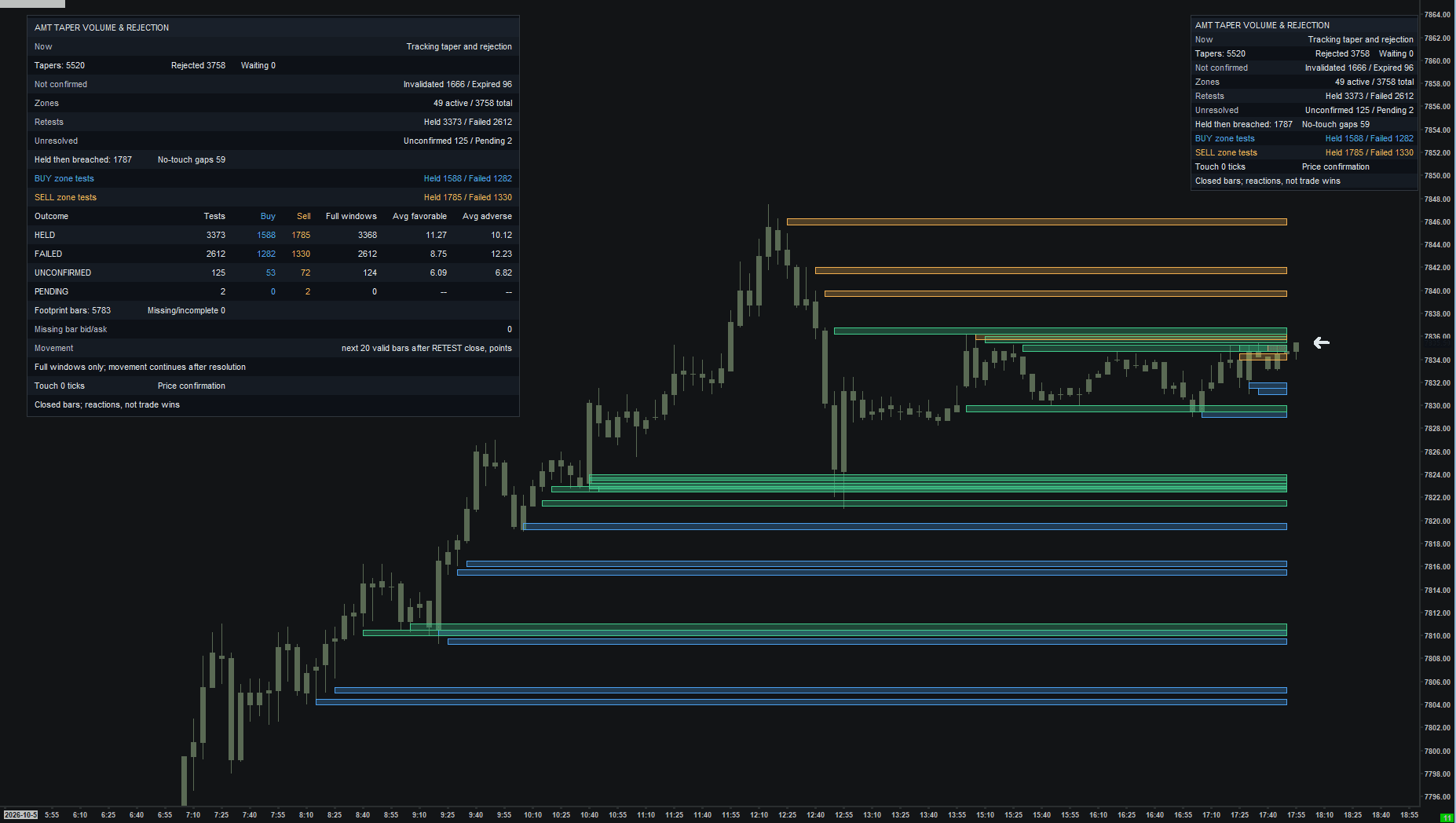
Did the taper lead to rejection and a hold?
Read the guide →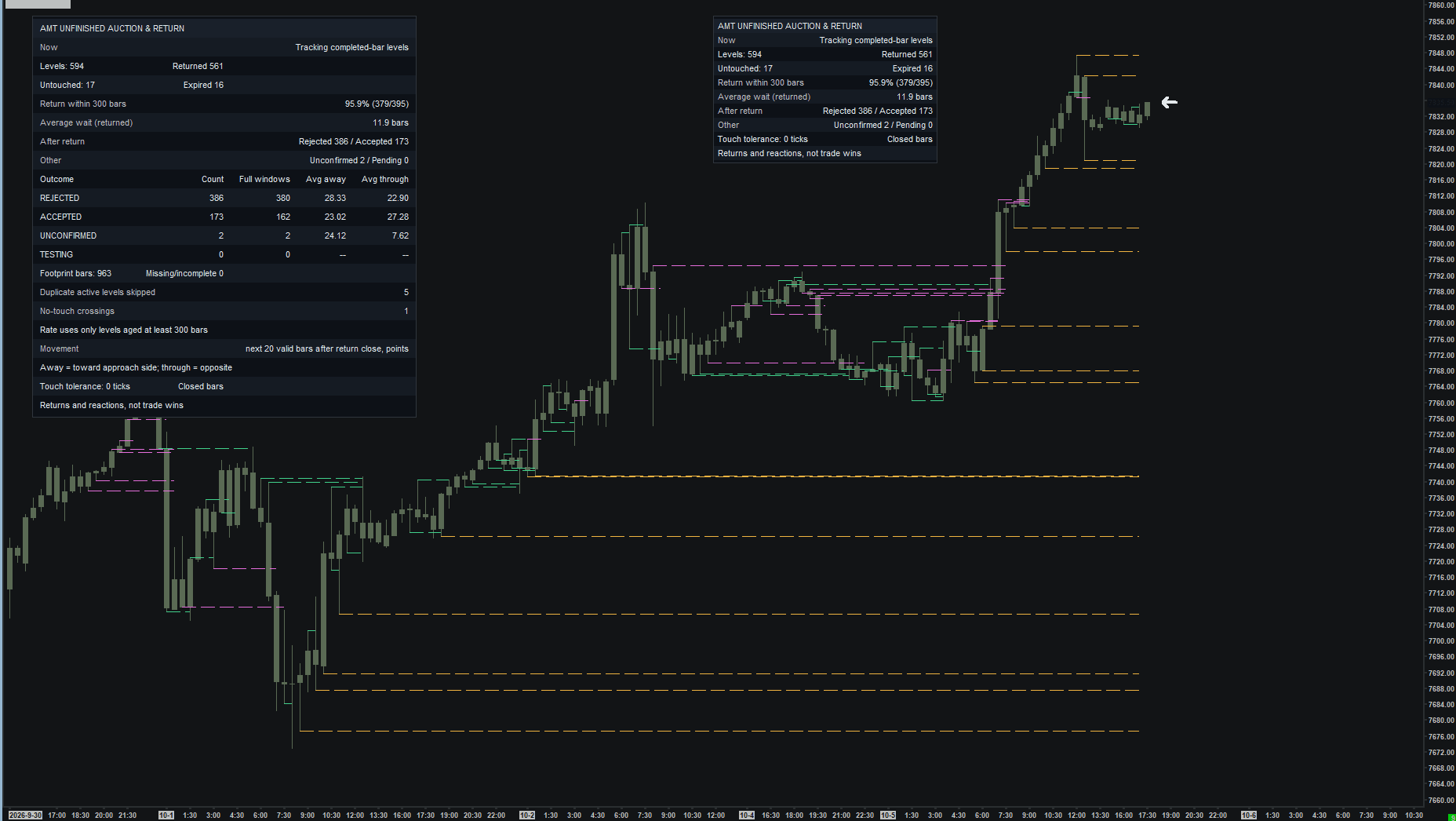
Did price return to the unfinished extreme?
Read the guide →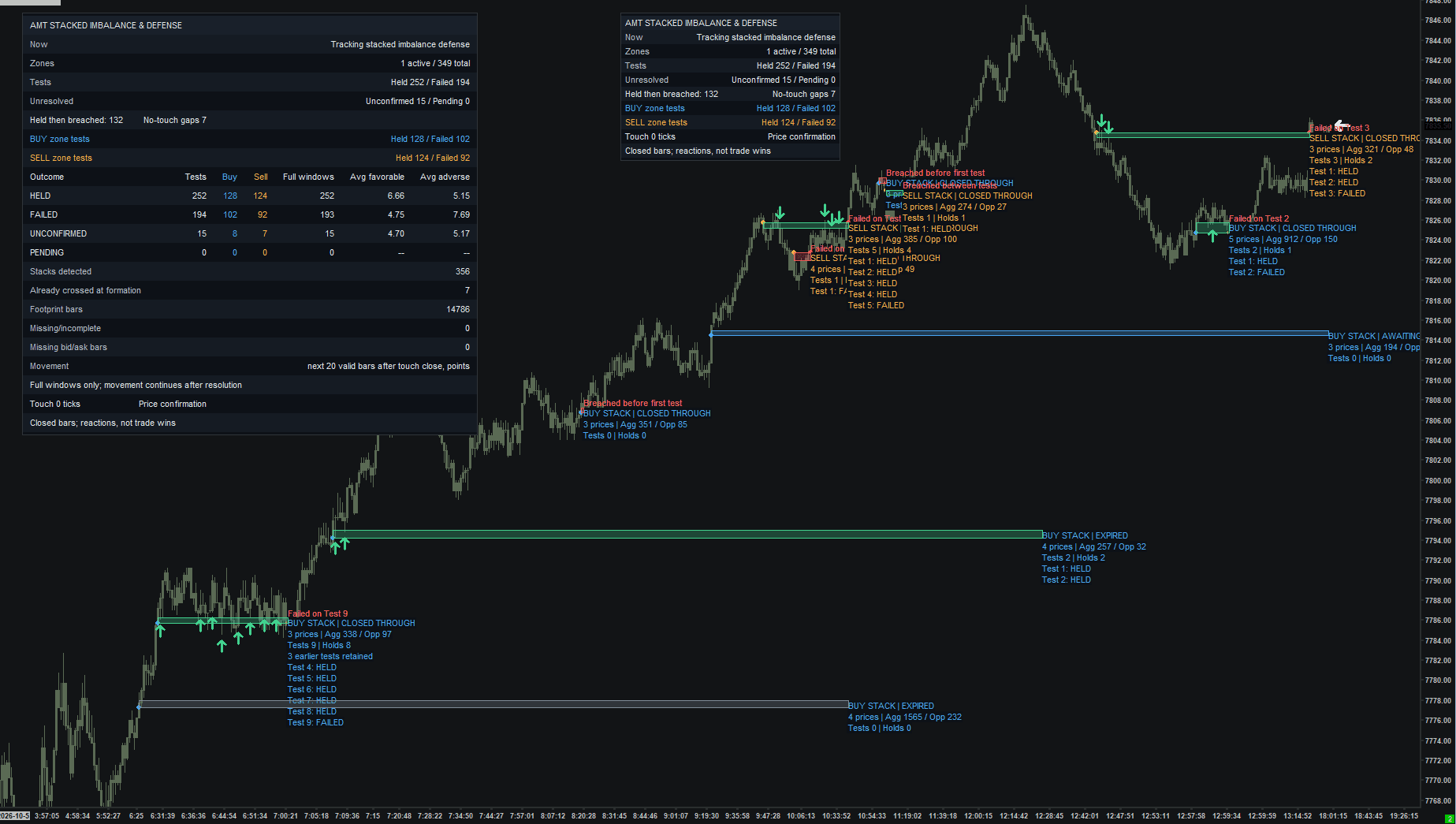
Was the imbalance zone defended?
Read the guide →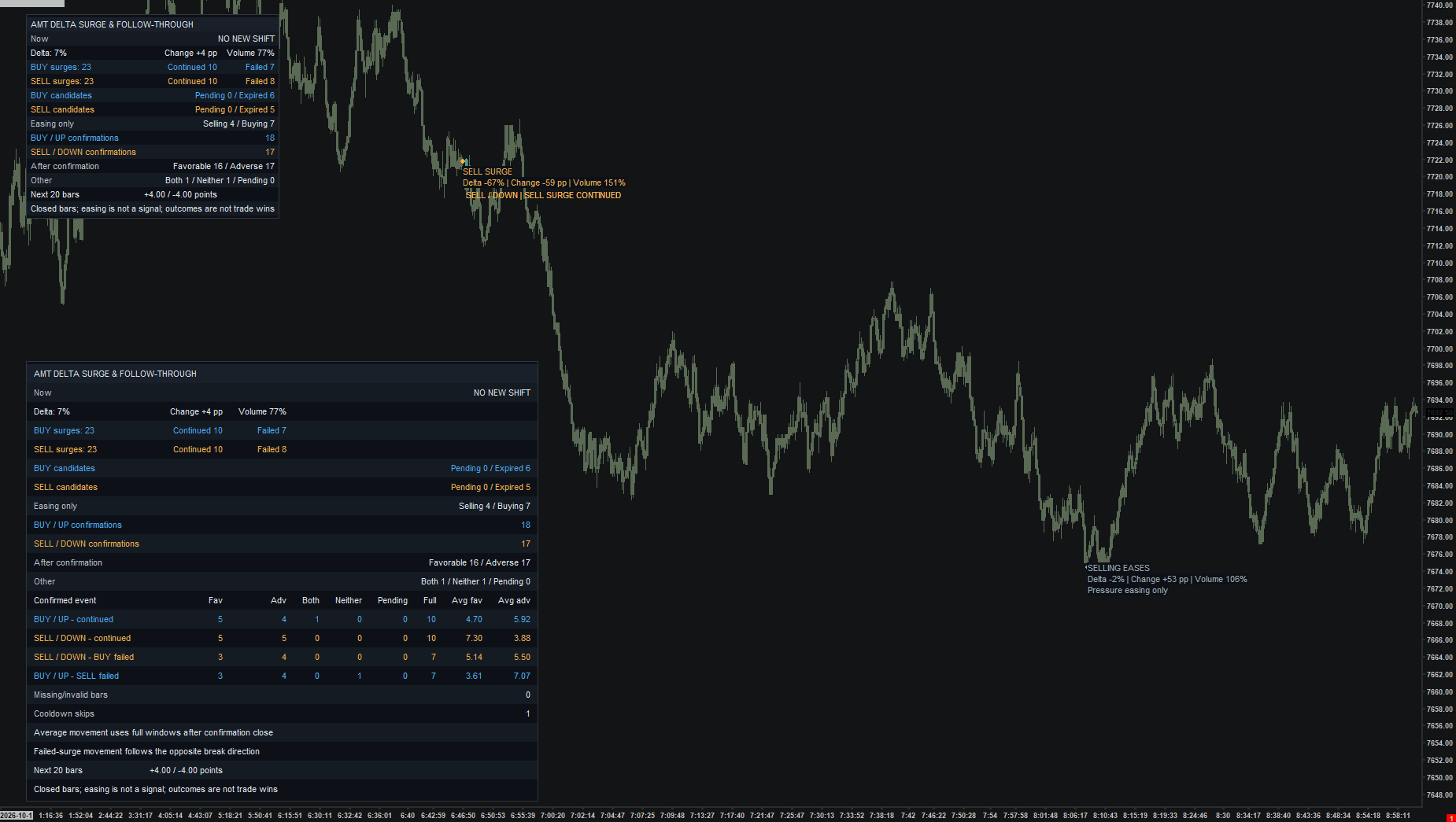
Did the delta surge continue or fail?
Read the guide →Where did trading activity accelerate?
Read the guide →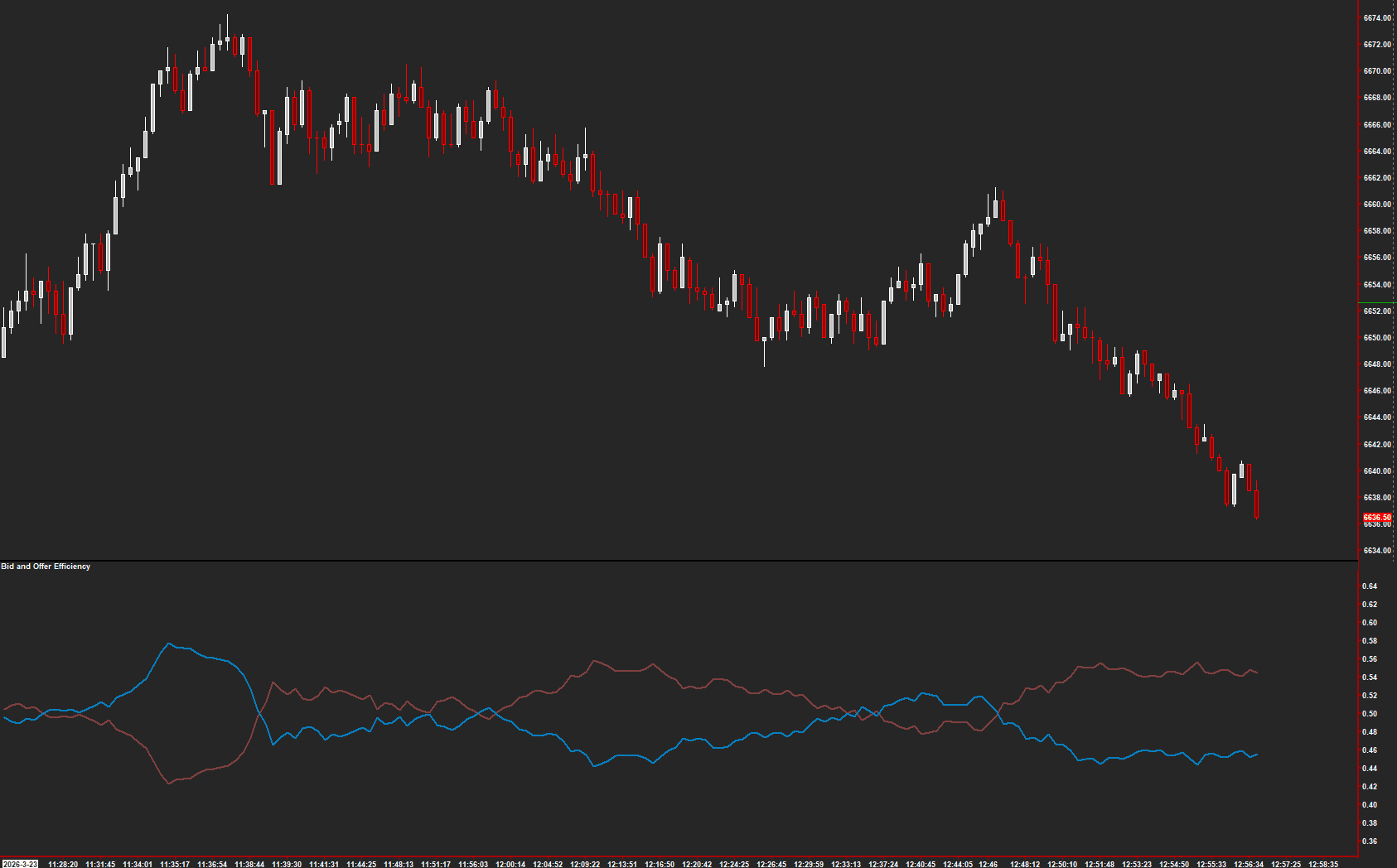
Which side accounts for more traded volume?
Read the guide →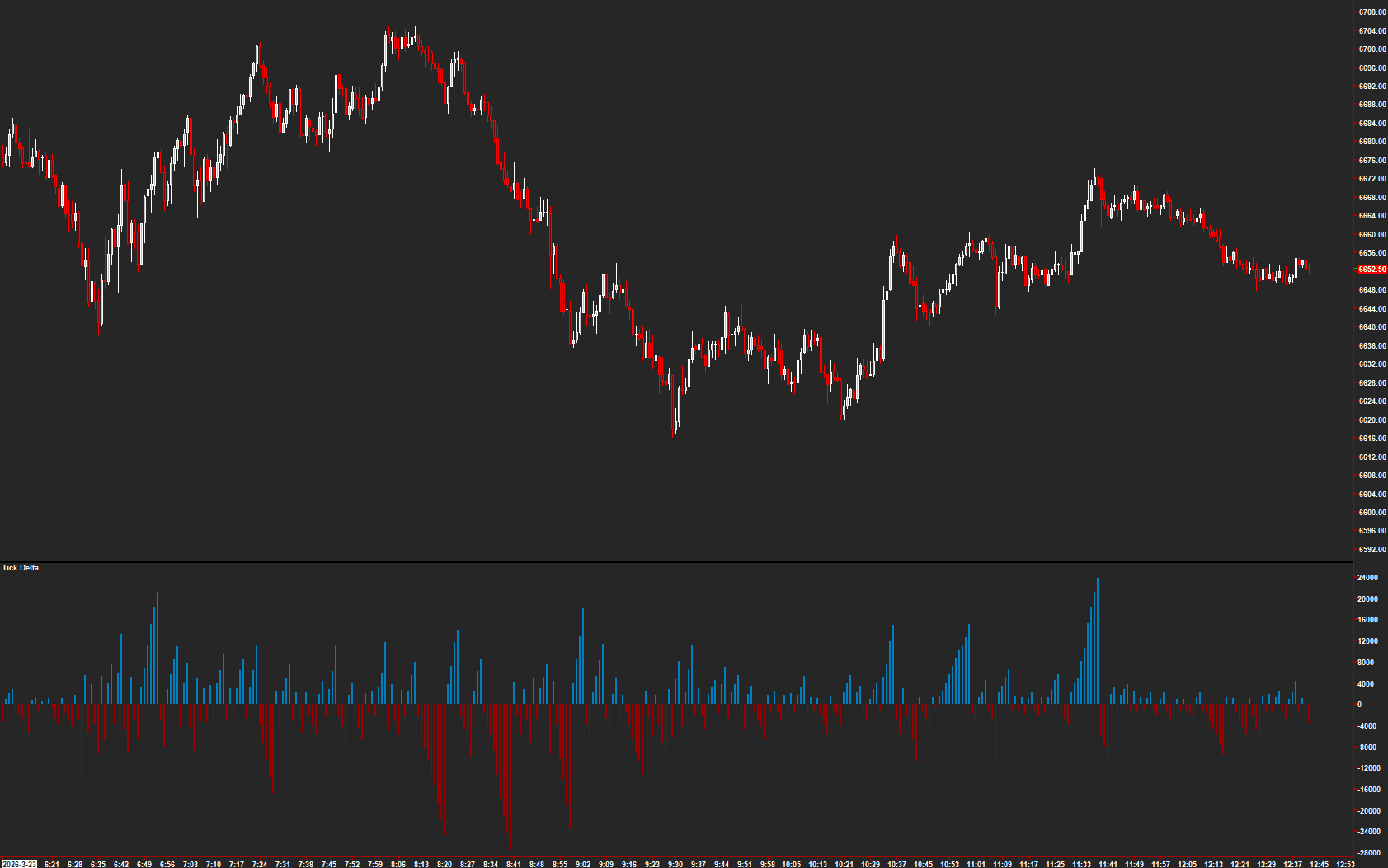
How many trades accumulated in this candle run?
Read the guide →How much delta accumulated before its sign changed?
Read the guide →Where is price relative to volume-weighted references?
Read the guide →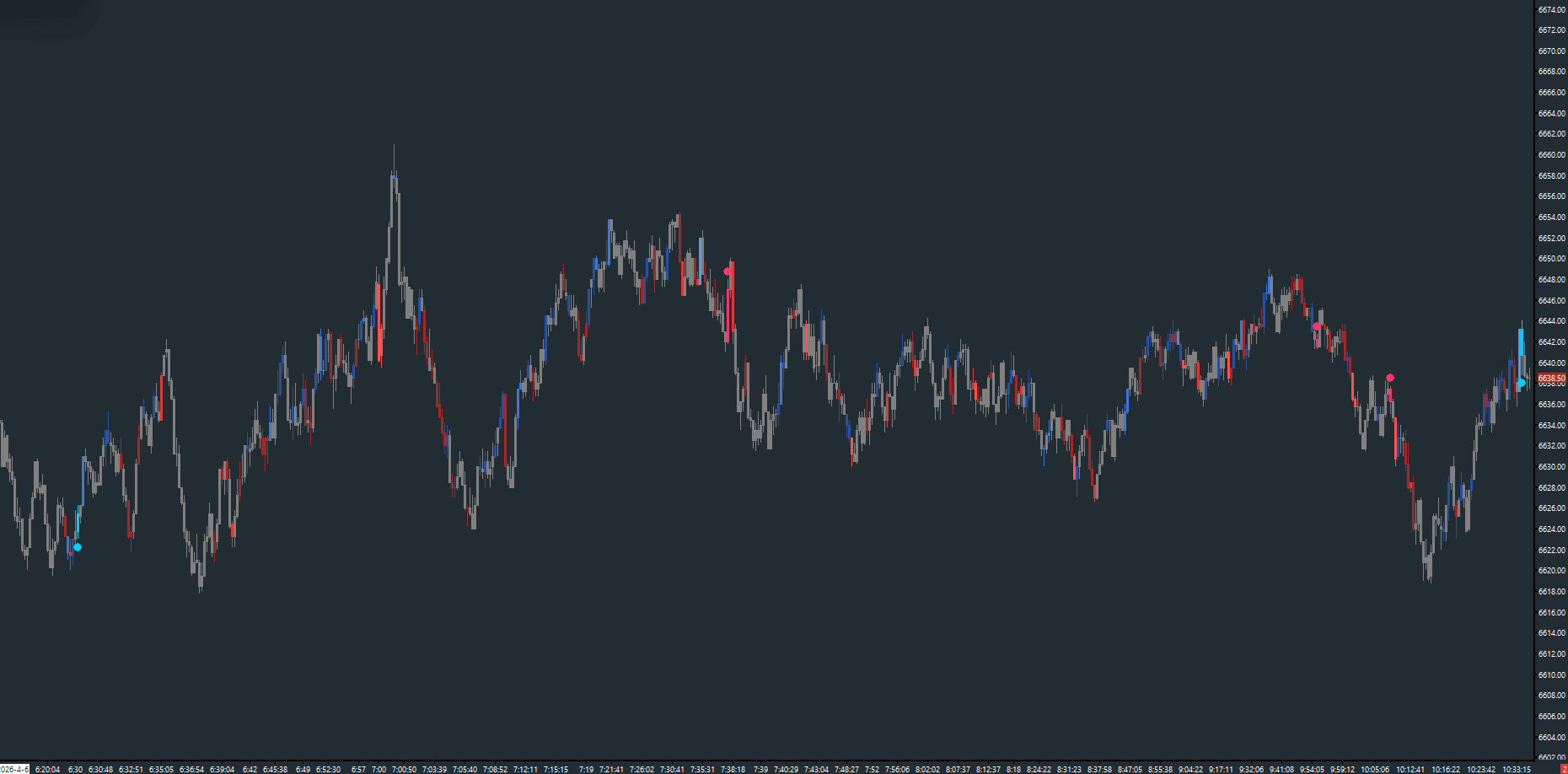
Is recent trading activity speeding up?
Read the guide →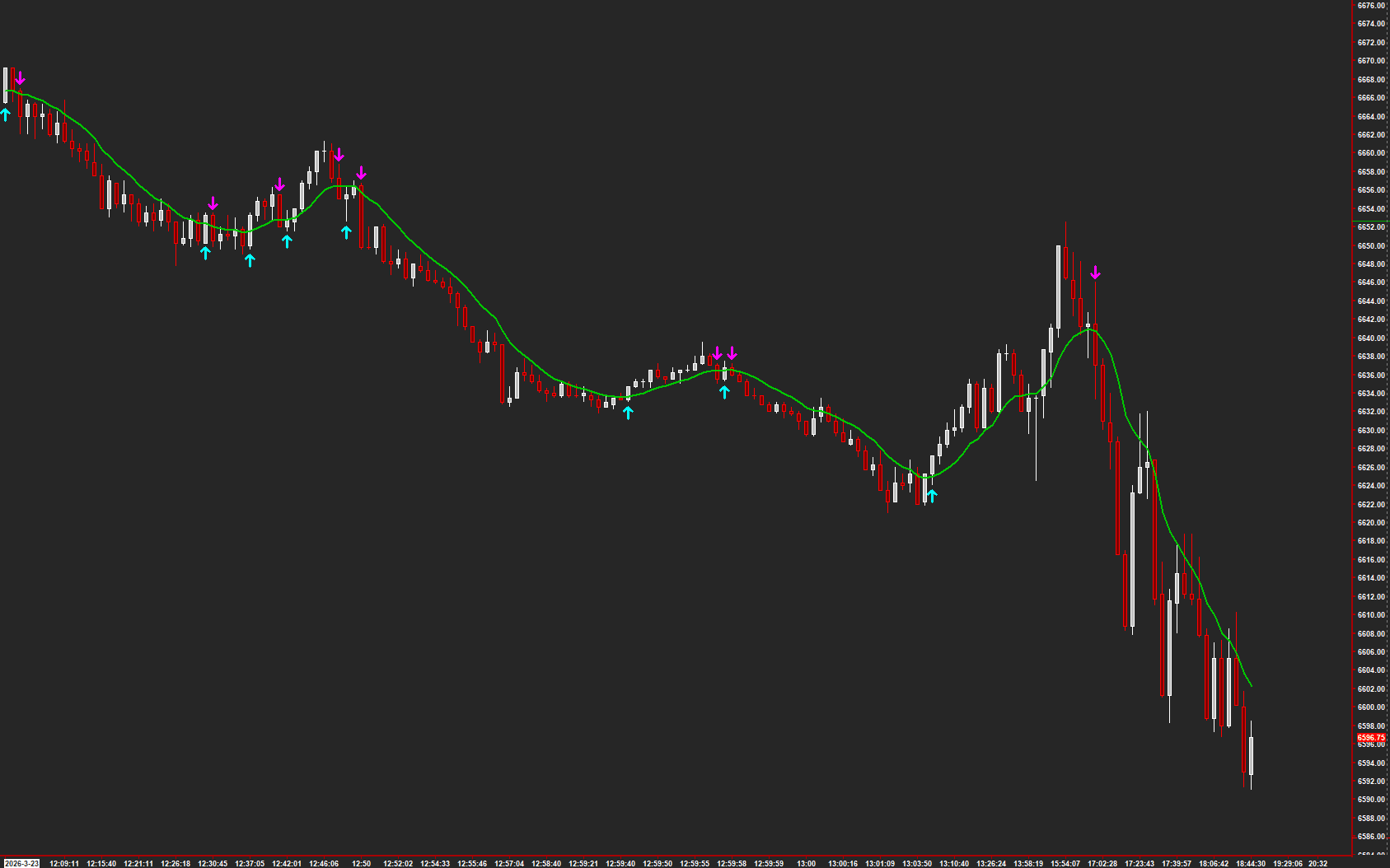
Is volatility-based momentum improving?
Read the guide →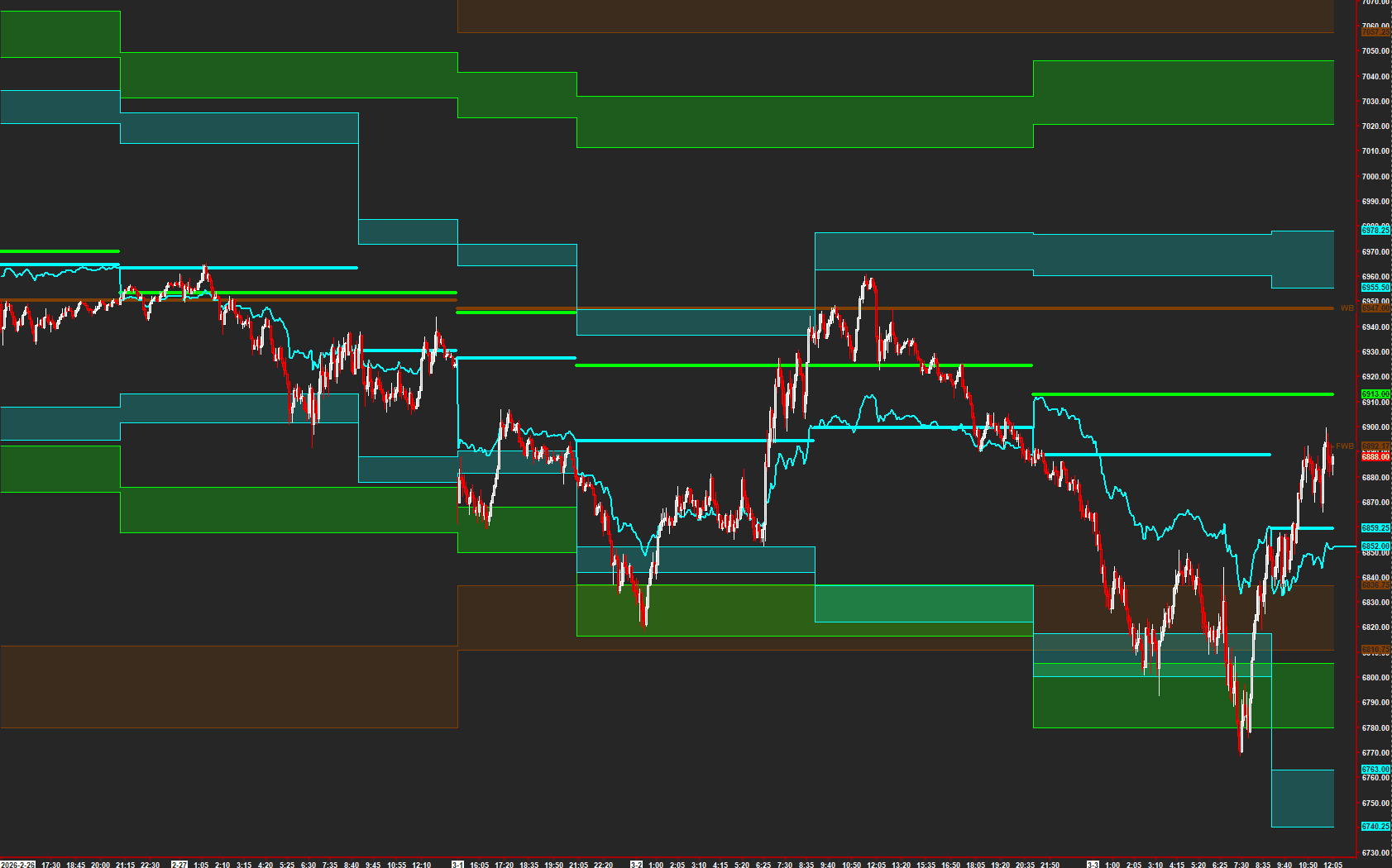
Balance reference levels for this chart horizon.
Explore the collection →Balance reference levels for this chart horizon.
Explore the collection →Balance reference levels for this chart horizon.
Explore the collection →Balance reference levels for this chart horizon.
Explore the collection →Balance reference levels for this chart horizon.
Explore the collection →Balance reference levels for this chart horizon.
Explore the collection →Balance reference levels for this chart horizon.
Explore the collection →Balance reference levels for this chart horizon.
Explore the collection →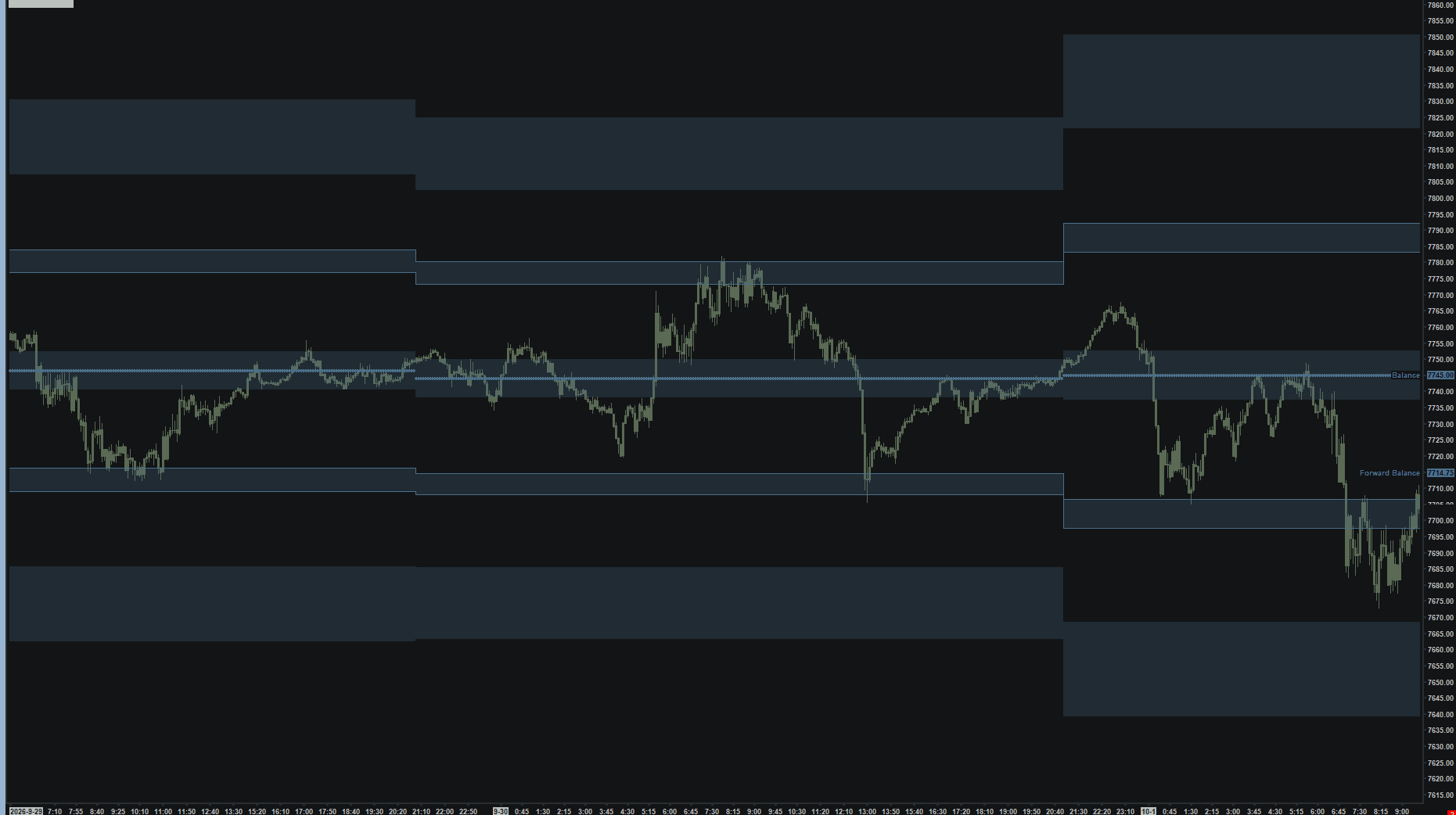
Current and forecast Zone reference levels.
Explore the collection →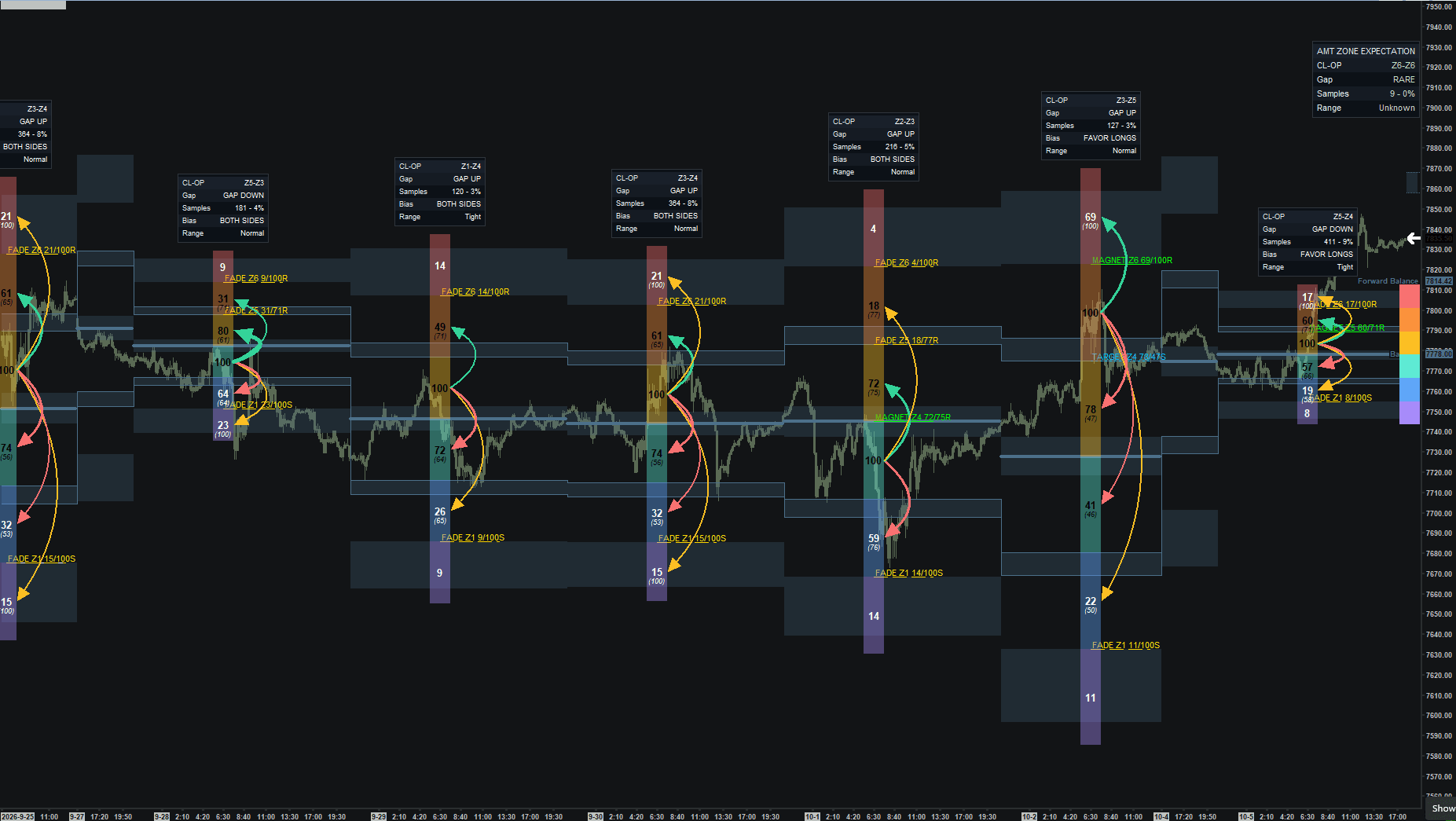
Opening zone context from embedded market statistics.
Explore the collection →Study breaks of the Zone reference map.
Explore the collection →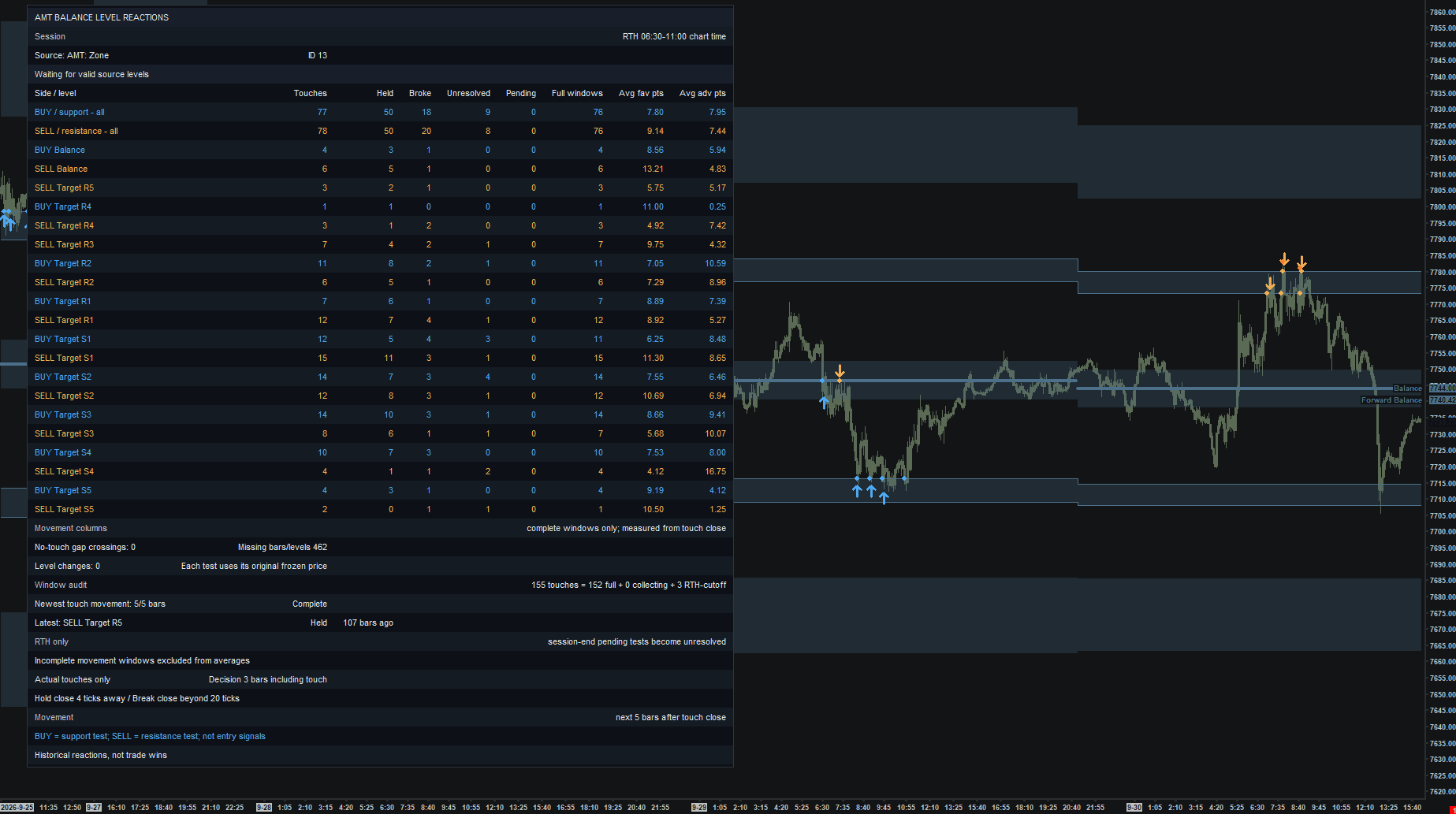
Review actual-touch holds and breaks at Balance levels.
Explore the collection →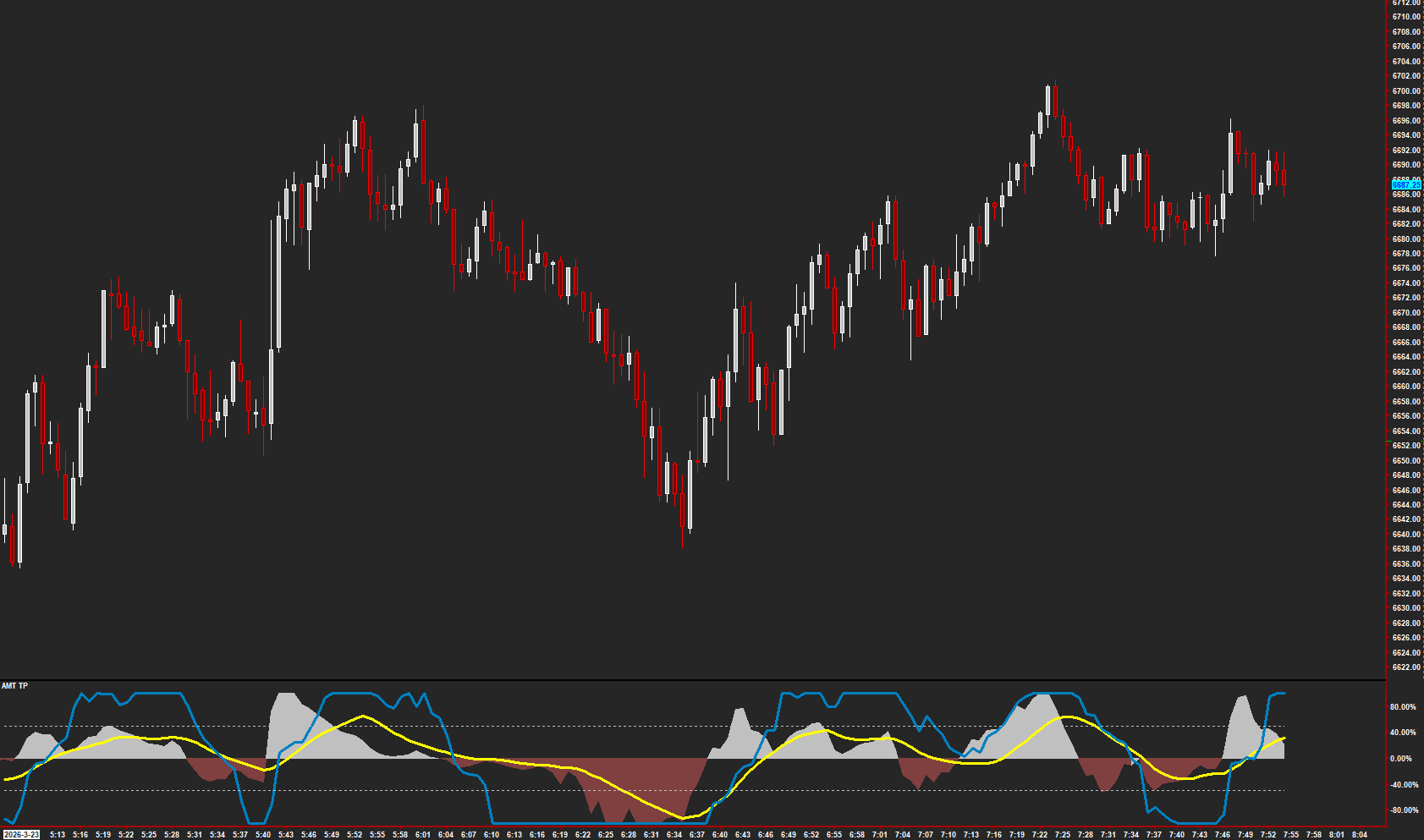
Combine trend and momentum context in the AMT TP display.
Read the guide →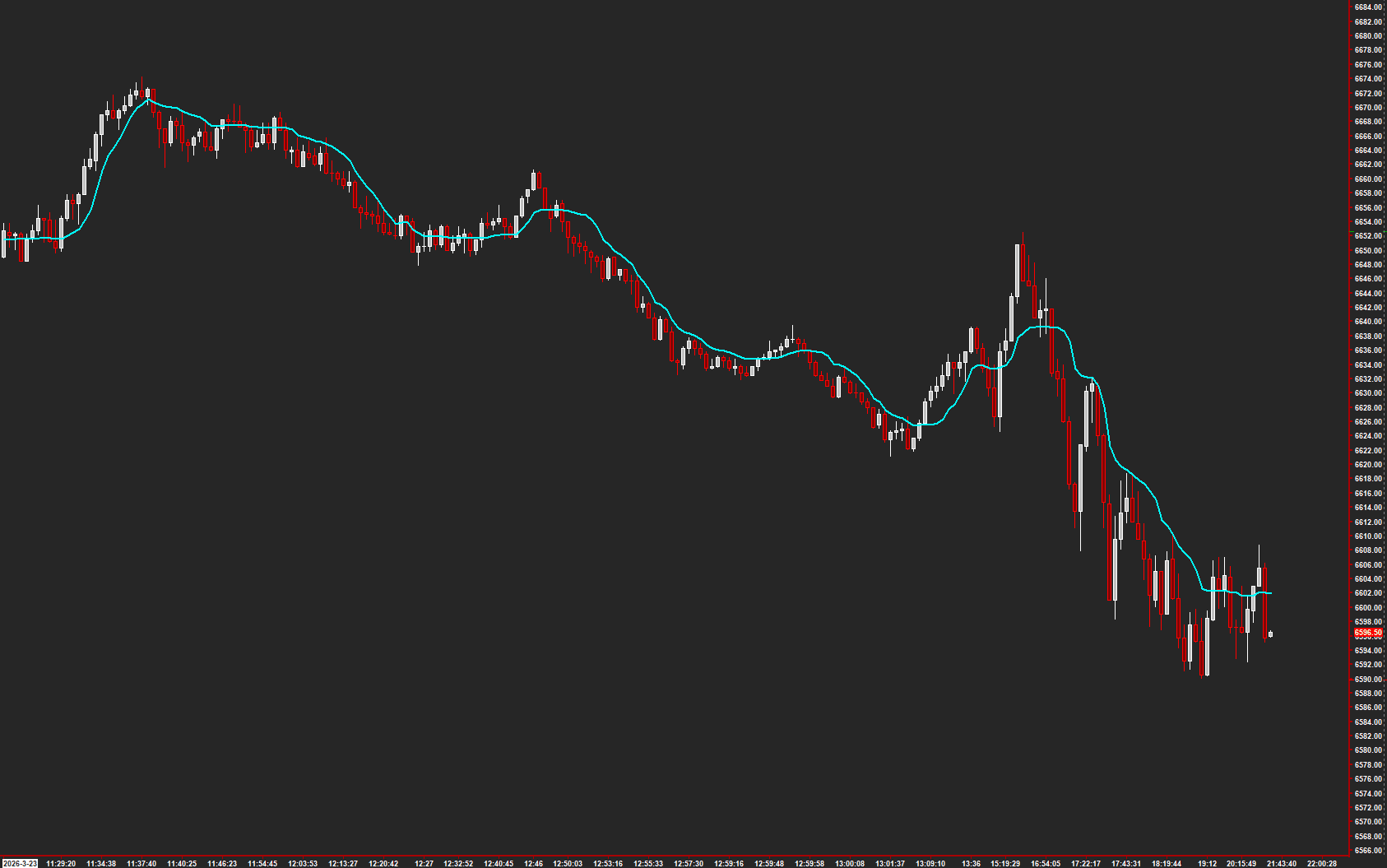
Follow a volatility and exponential moving-average reference.
Read the guide →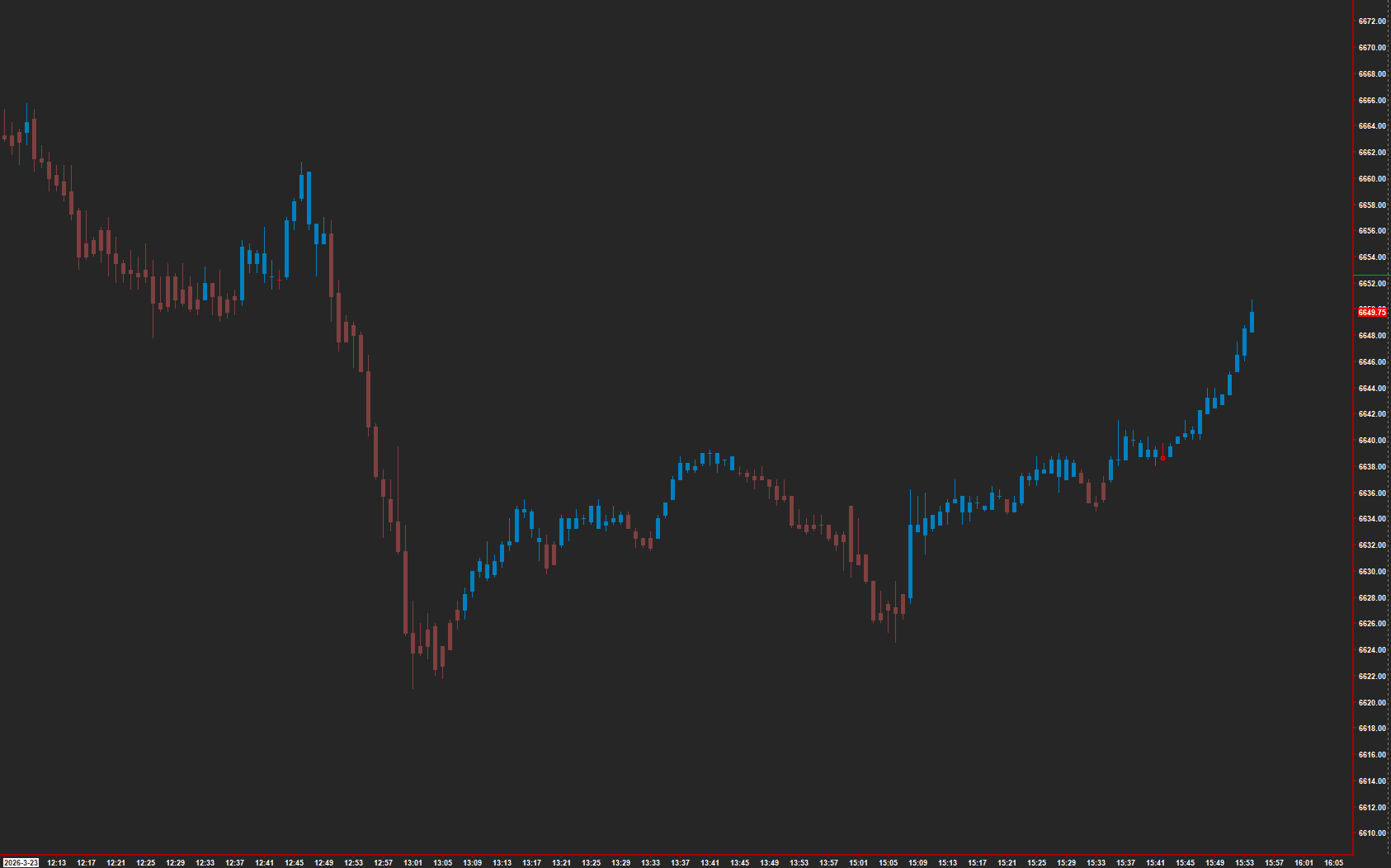
Read the Trend Bender trend display.
Read the guide →Read stochastic-normalized RSI with K/D smoothing and reference bands.
Explore the collection →Add moving-average references to the chart.
Explore the collection →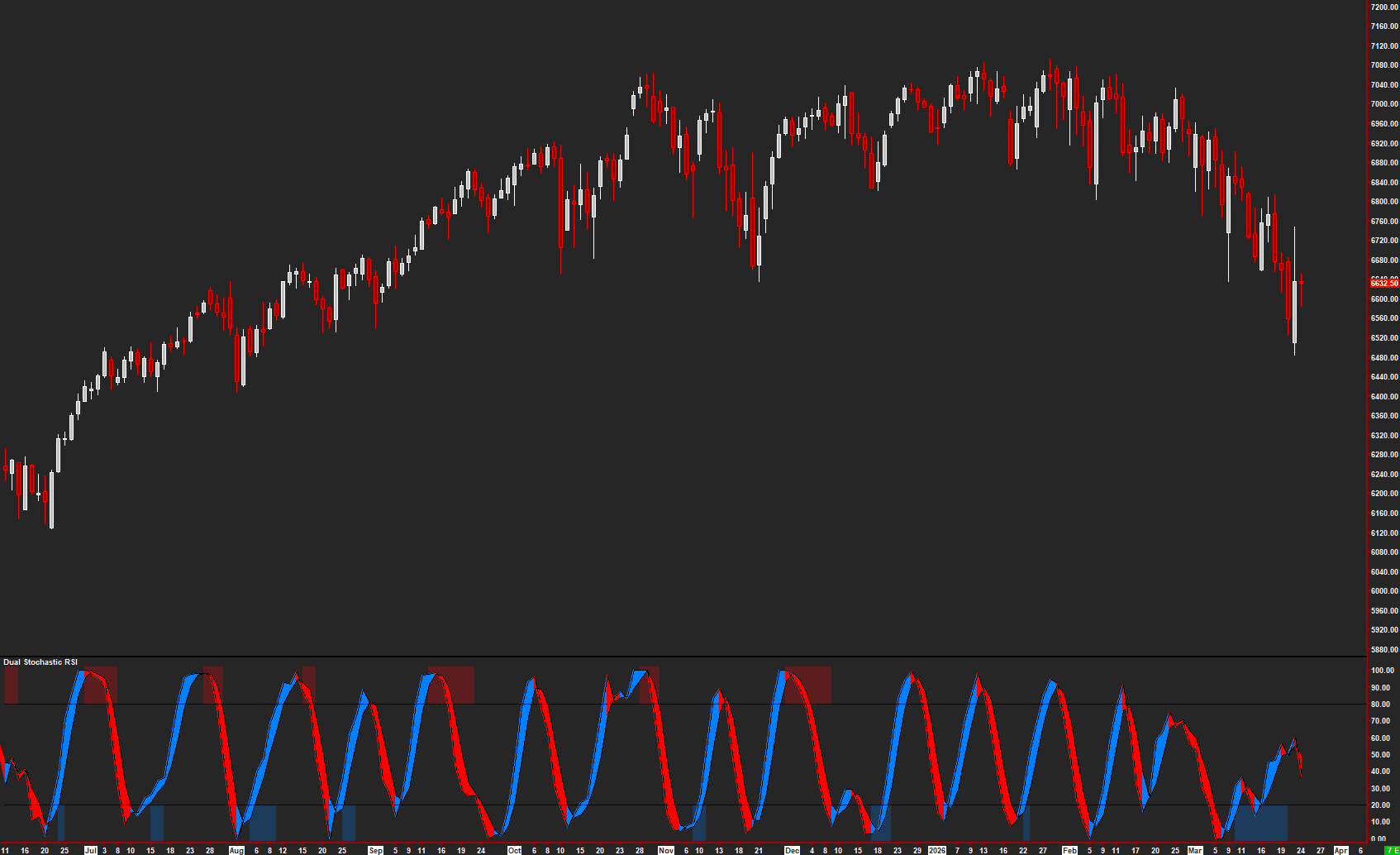
Compare two stochastic RSI readings for momentum context.
Read the guide →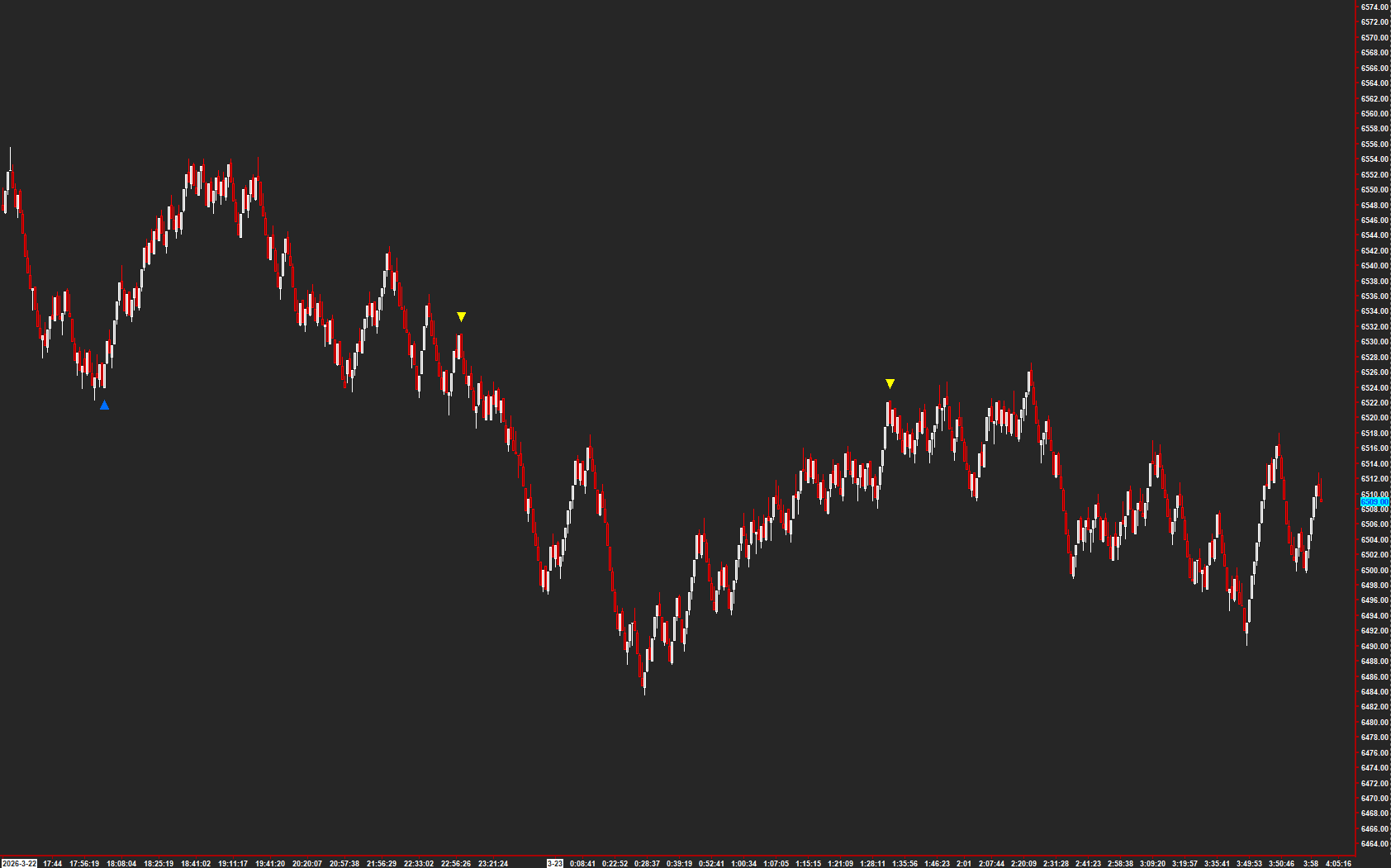
Highlight range-based buy and sell conditions.
Read the guide →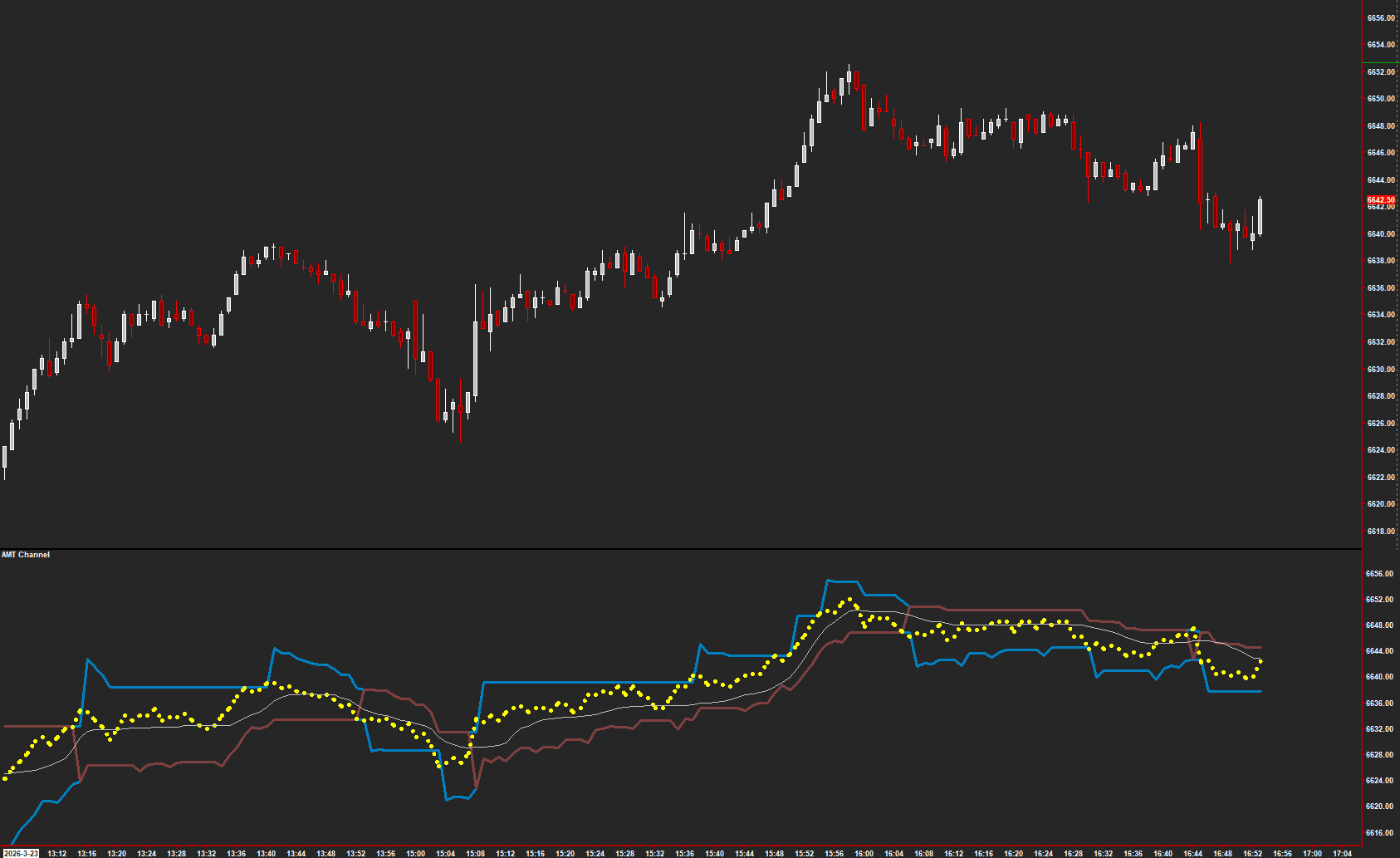
Read price in relation to the AMT Channel.
Read the guide →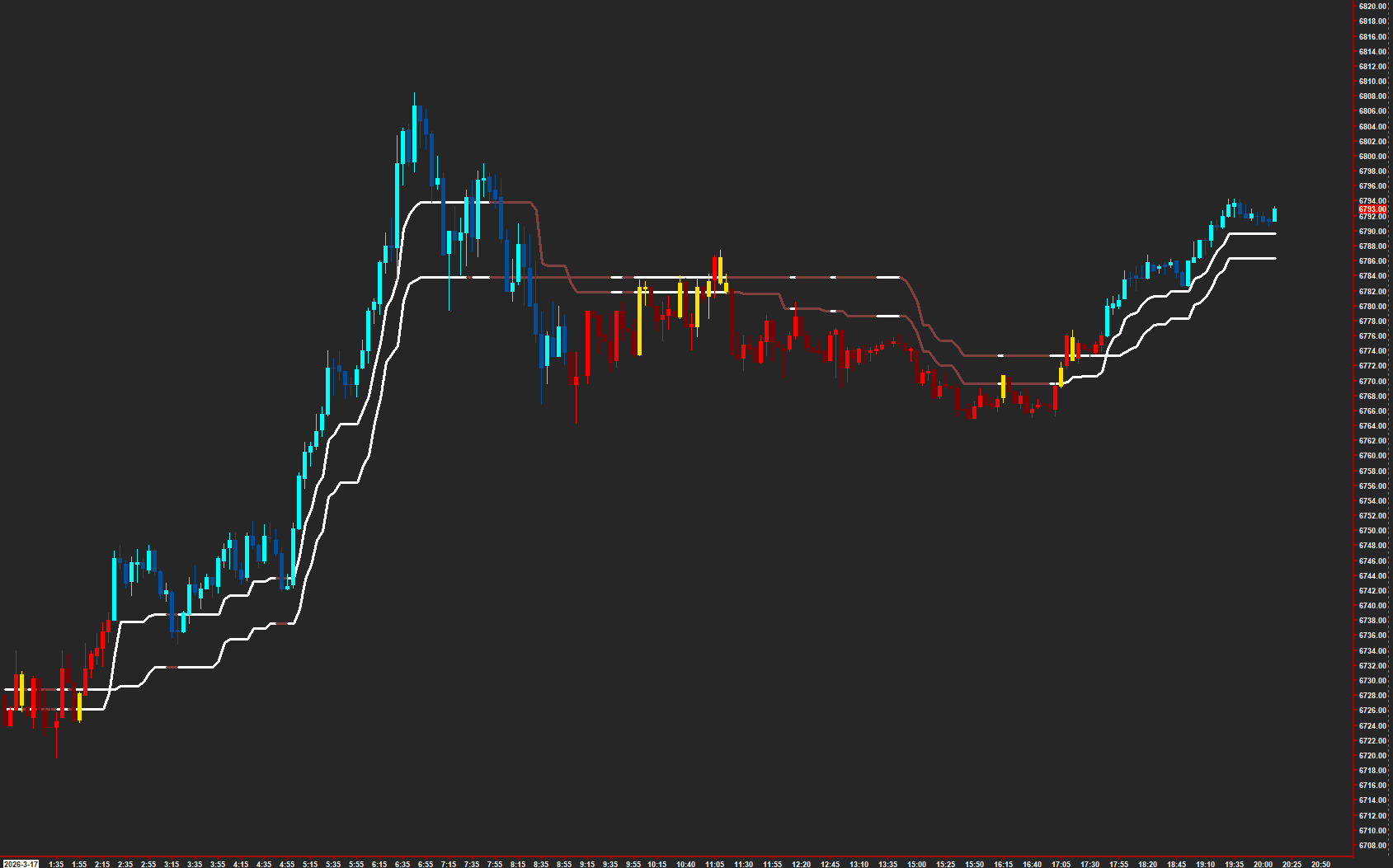
View the Trend Zero trend reference.
Read the guide →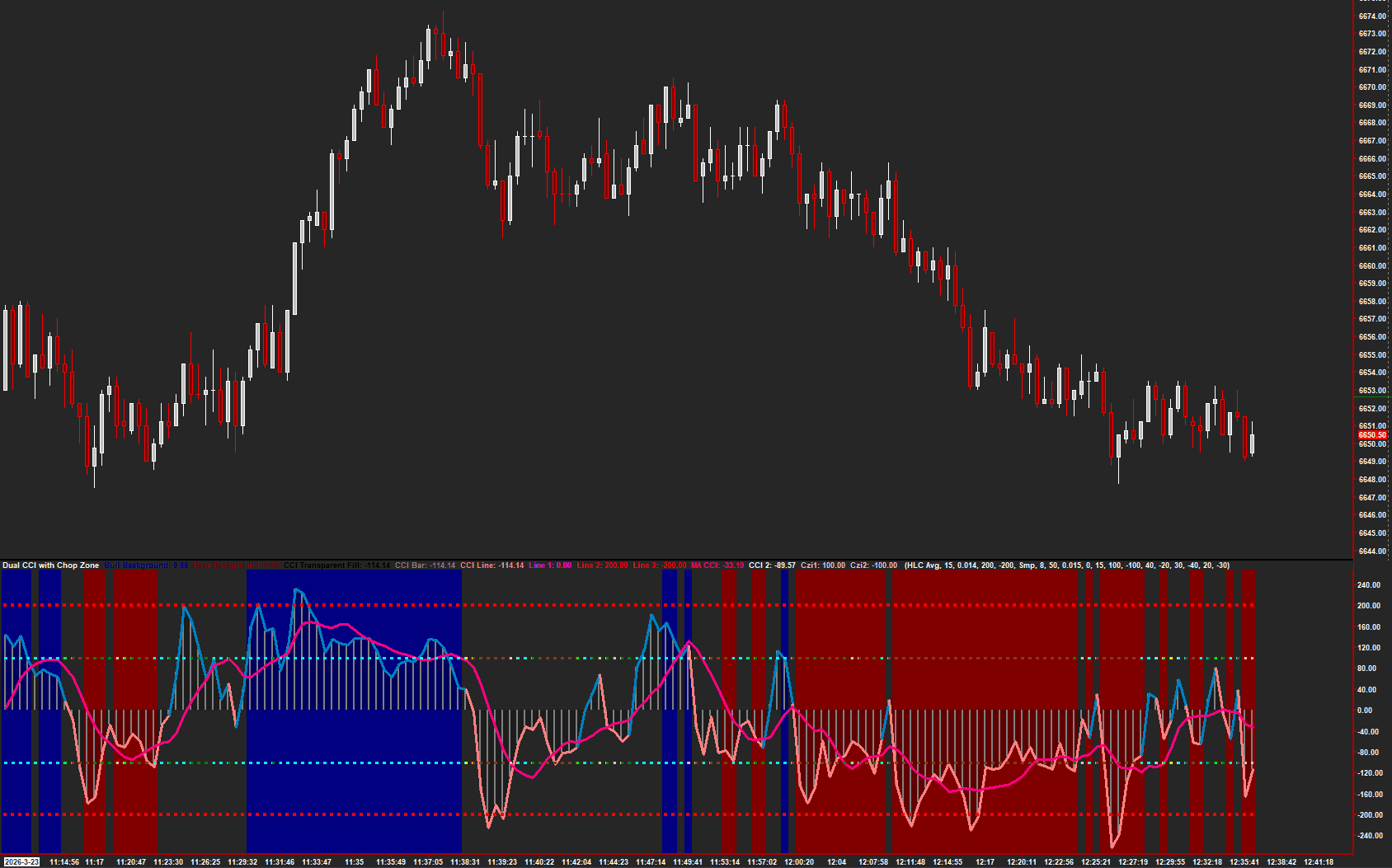
Compare CCI readings with chop-zone context.
Read the guide →Reference the weekly midpoint on the chart.
Explore the collection →Explore reclaim, breakout, breakdown, and mean-reversion signal modes.
Explore the collection →Compare daily range with multi-period average daily range metrics.
Explore the collection →Display range metrics from the source ADR study.
Explore the collection →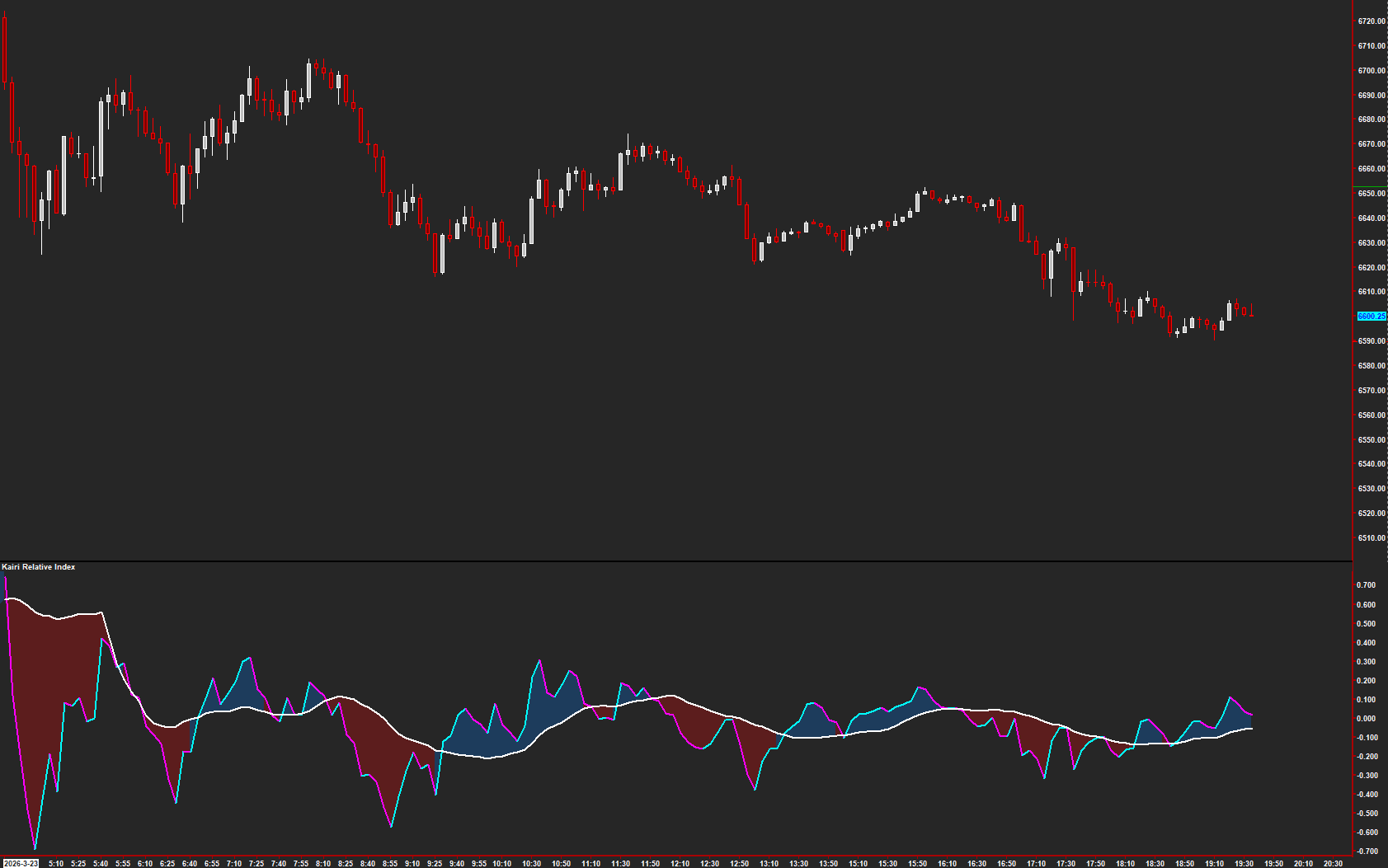
Measure price deviation from its moving-average reference.
Read the guide →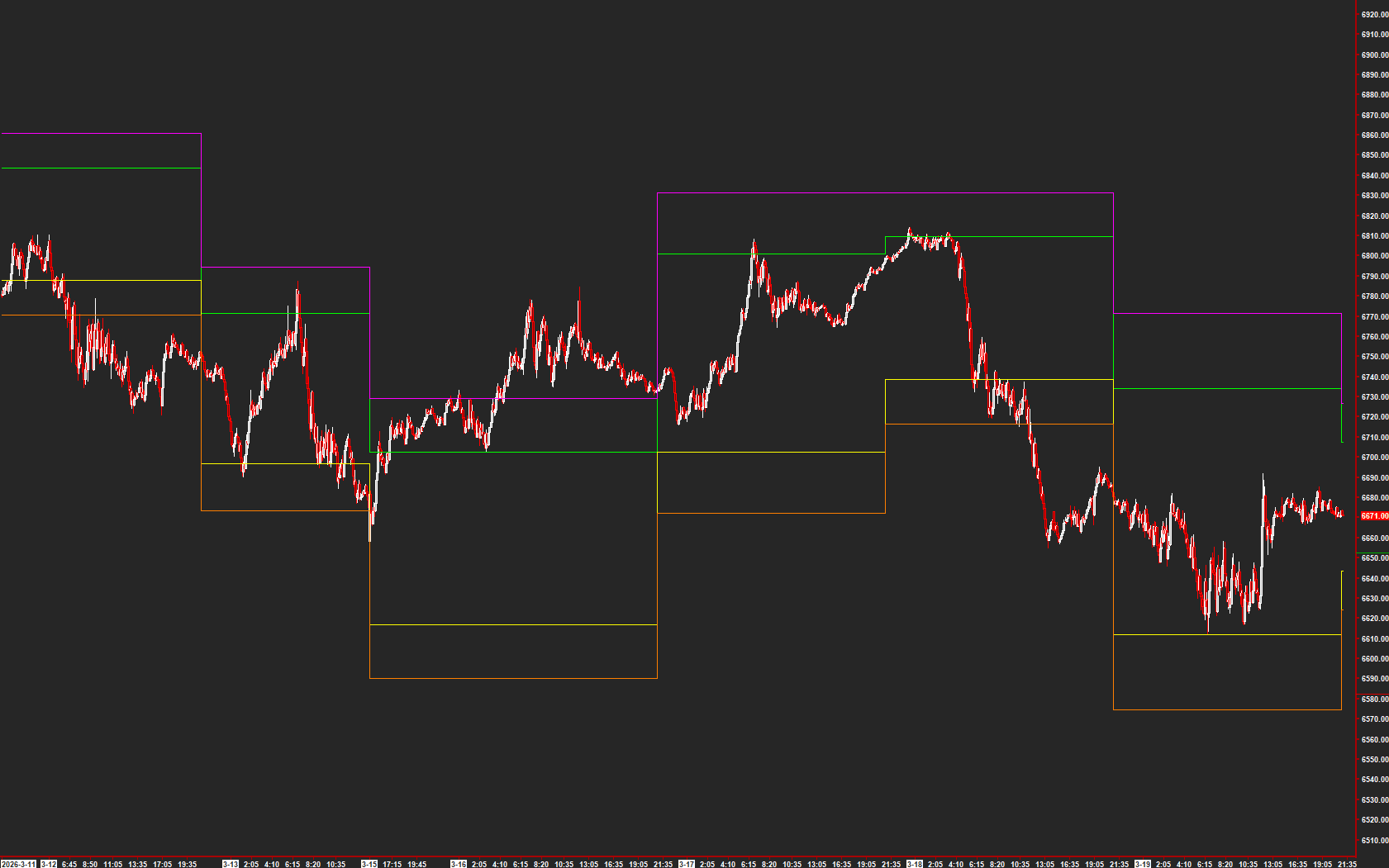
Add DDT reference levels to the chart.
Read the guide →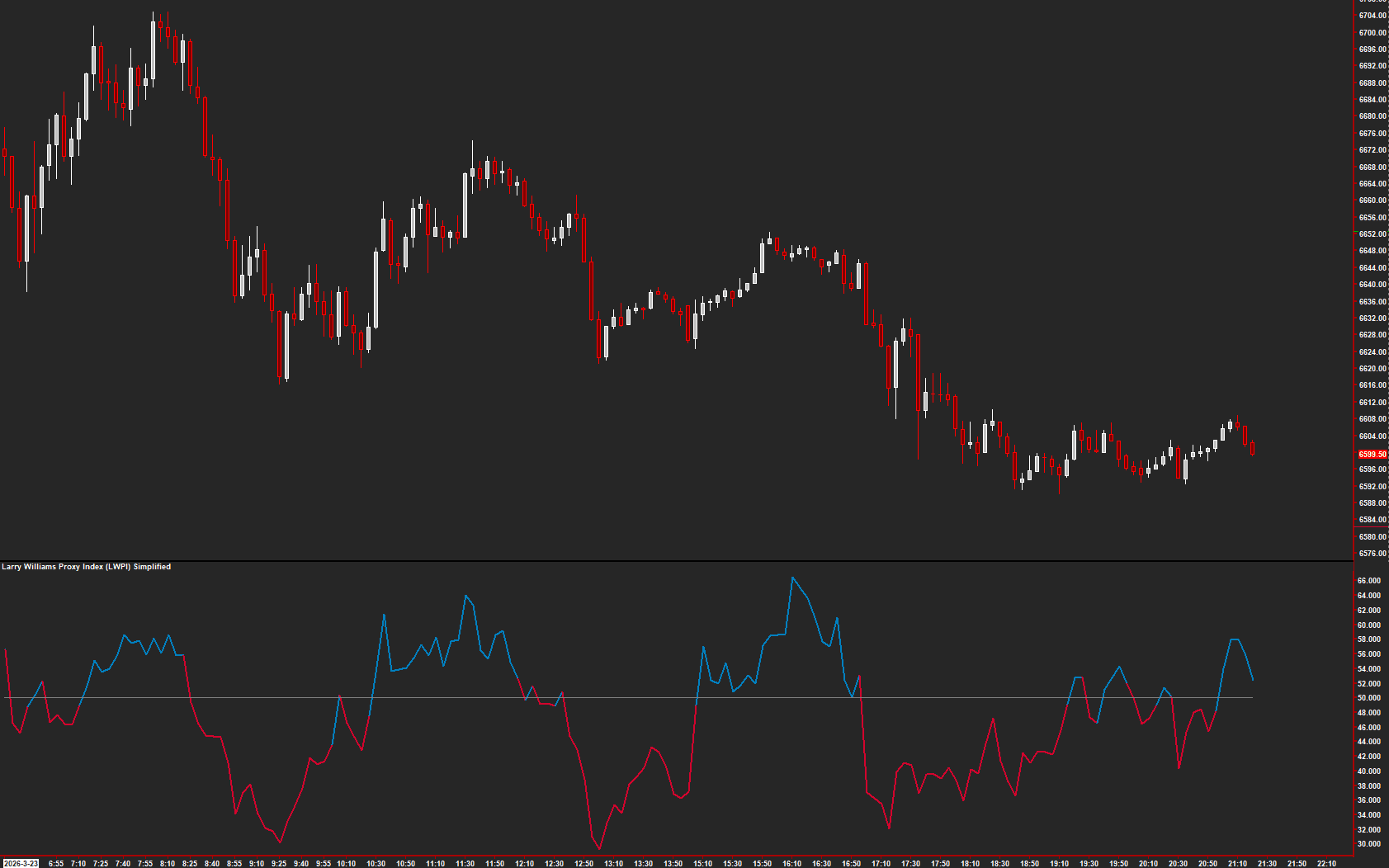
Read the simplified Larry Williams Proxy Index.
Read the guide →Read a TEMA cloud calculated with Heikin-Ashi values.
Explore the collection →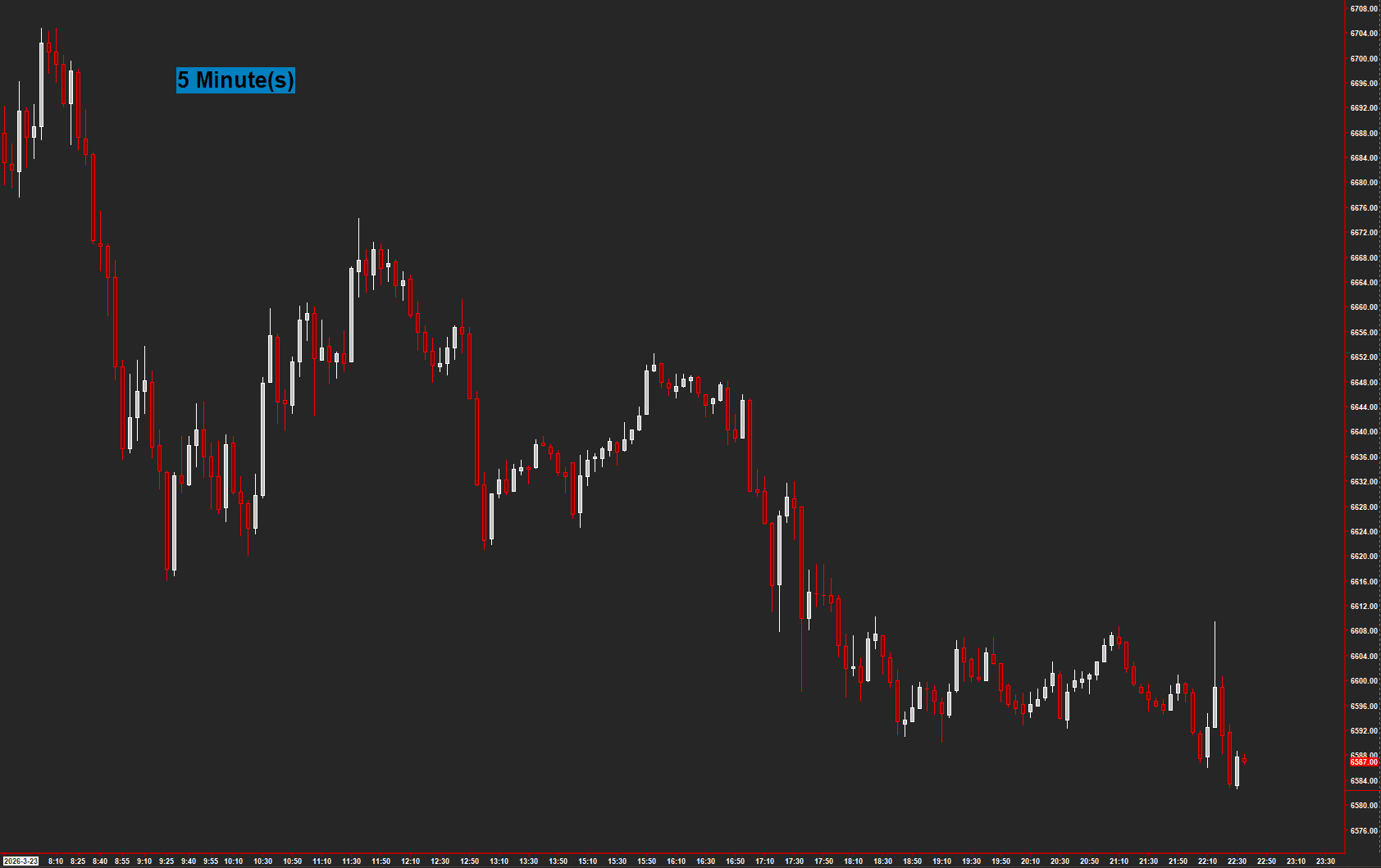
Show the chart type directly on the chart.
Read the guide →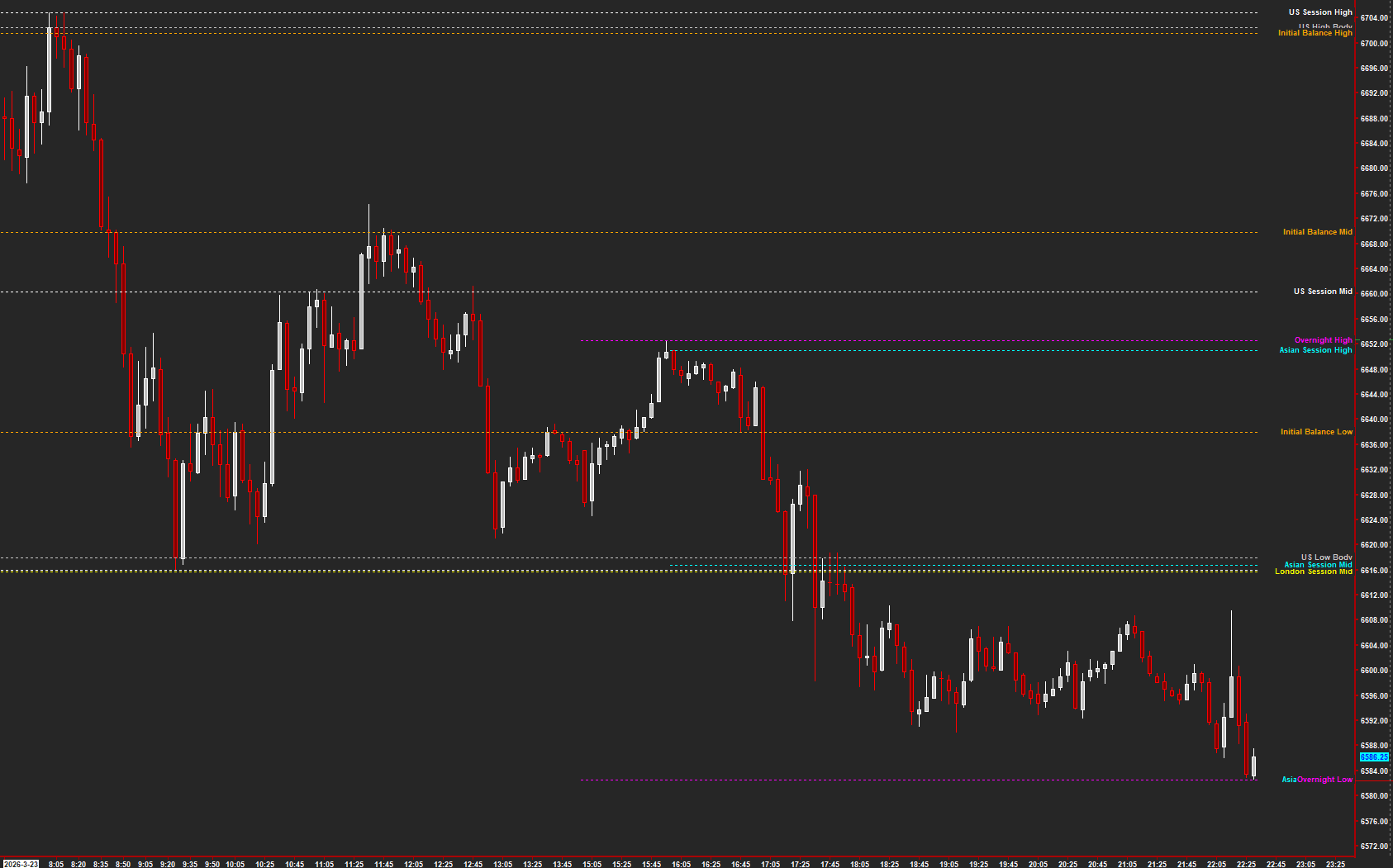
Track session high and low references.
Read the guide →View a fitted polynomial regression channel.
Explore the collection →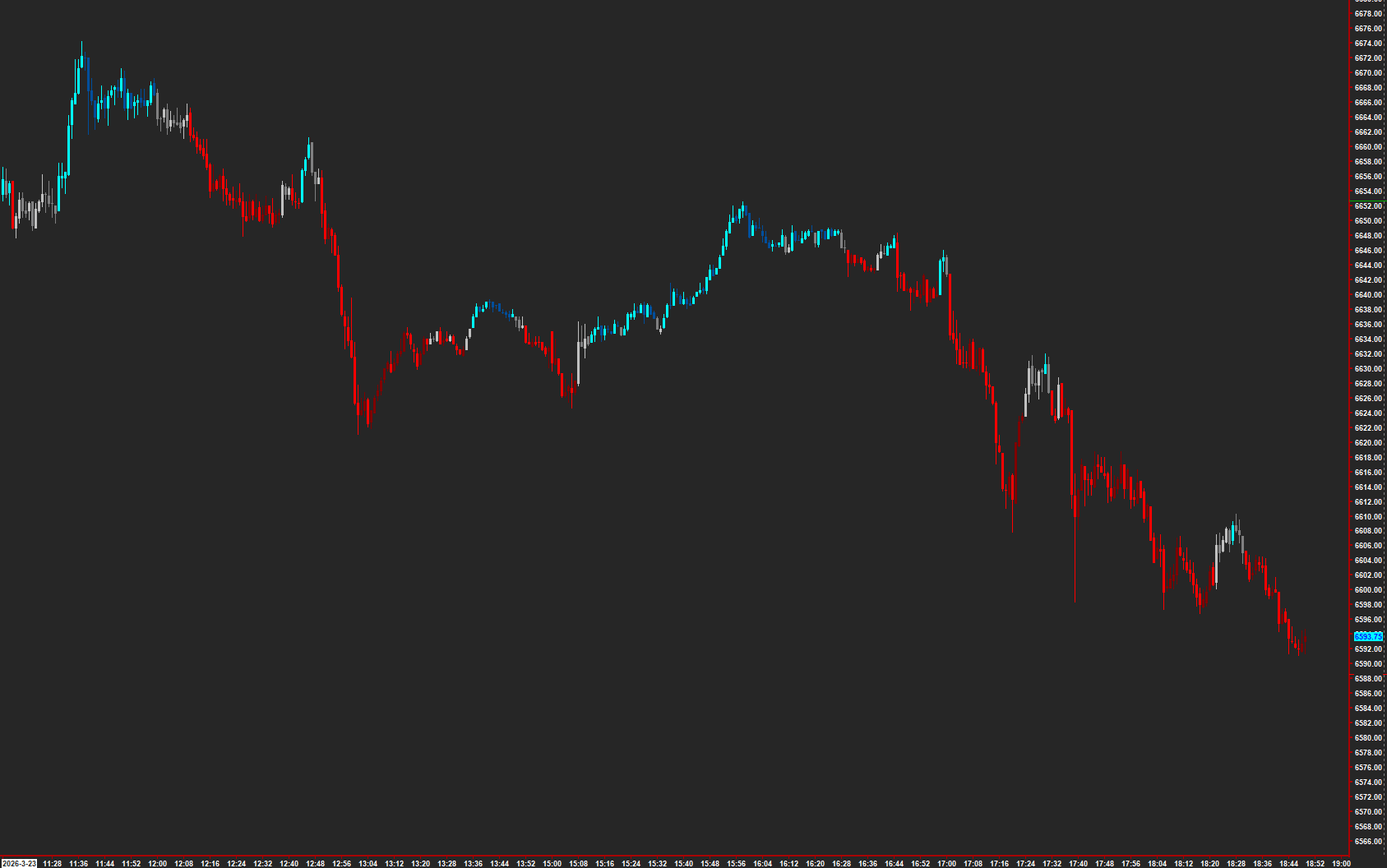
Color bars relative to the 34 EMA wave.
Read the guide →Identify qualifying three-bar reversal patterns.
Read the guide →![AMT | Dual Market Structure [BOS + CHoCH] on Sierra Chart](/_next/image?url=%2Fimages%2Fstudies%2Fmarket-structure-bos-choch.png&w=3840&q=75)
Track dual market structure, breaks of structure, and changes of character.
Read the guide →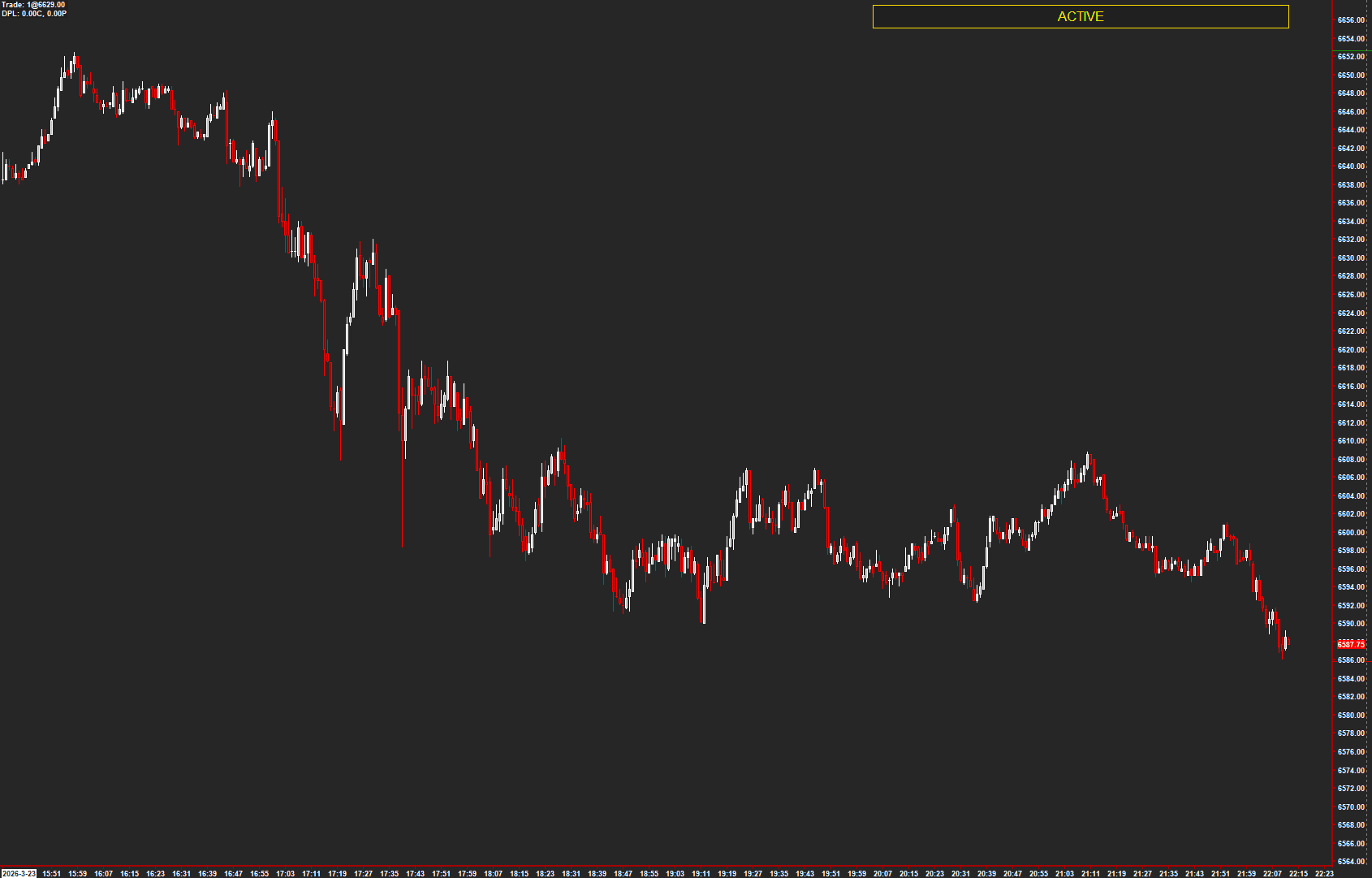
Highlight the active chart for easier workspace navigation.
Read the guide →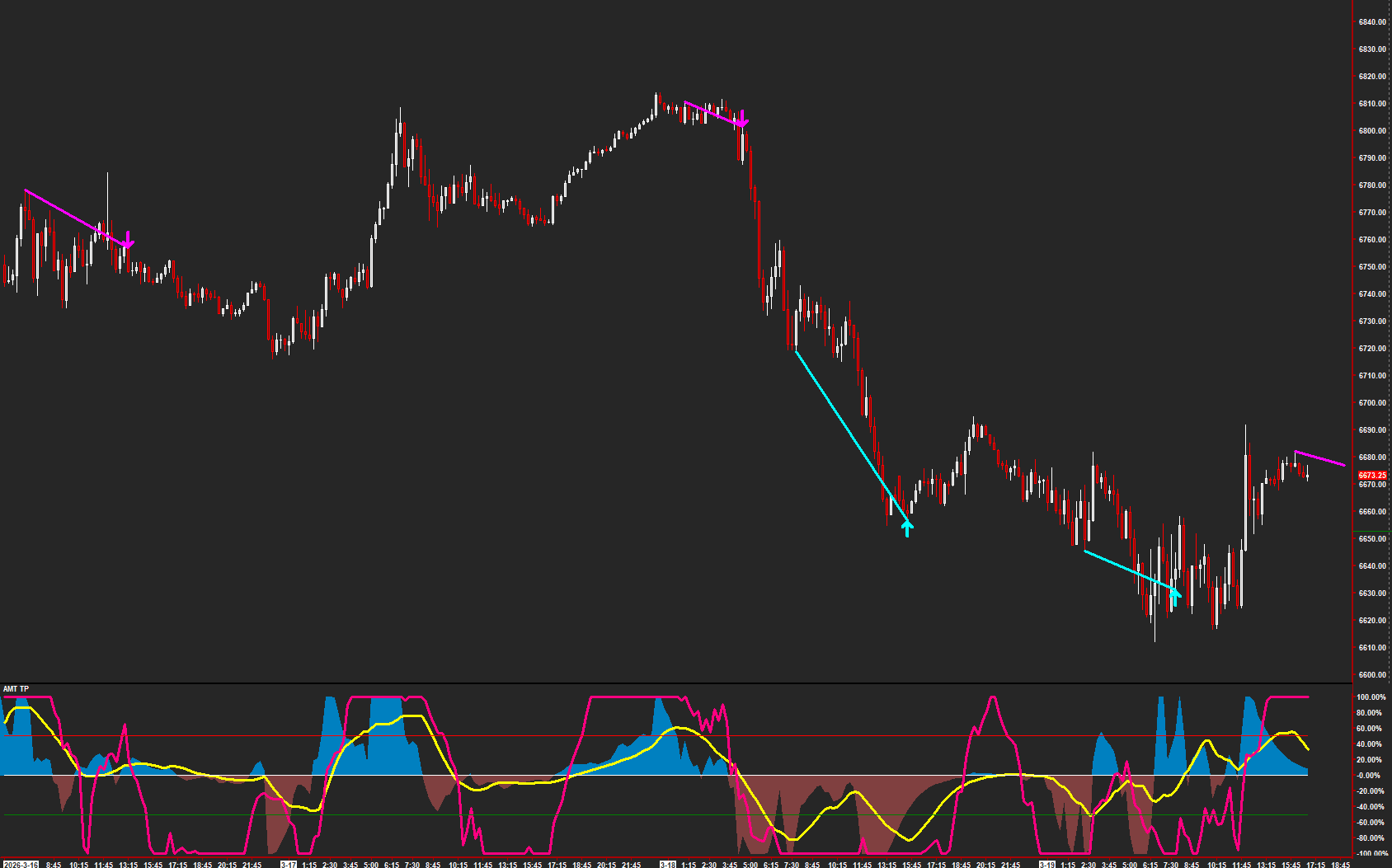
Compare price swings with oscillator swings for divergence.
Read the guide →Explore the alternate price-oscillator divergence implementation.
Explore the collection →Review half-gap fill behavior and historical observations.
Read the guide →Review which initial-balance extreme forms first and the historical context.
Read the guide →Compare historical signal observations across entry timing and holding periods.
Explore the collection →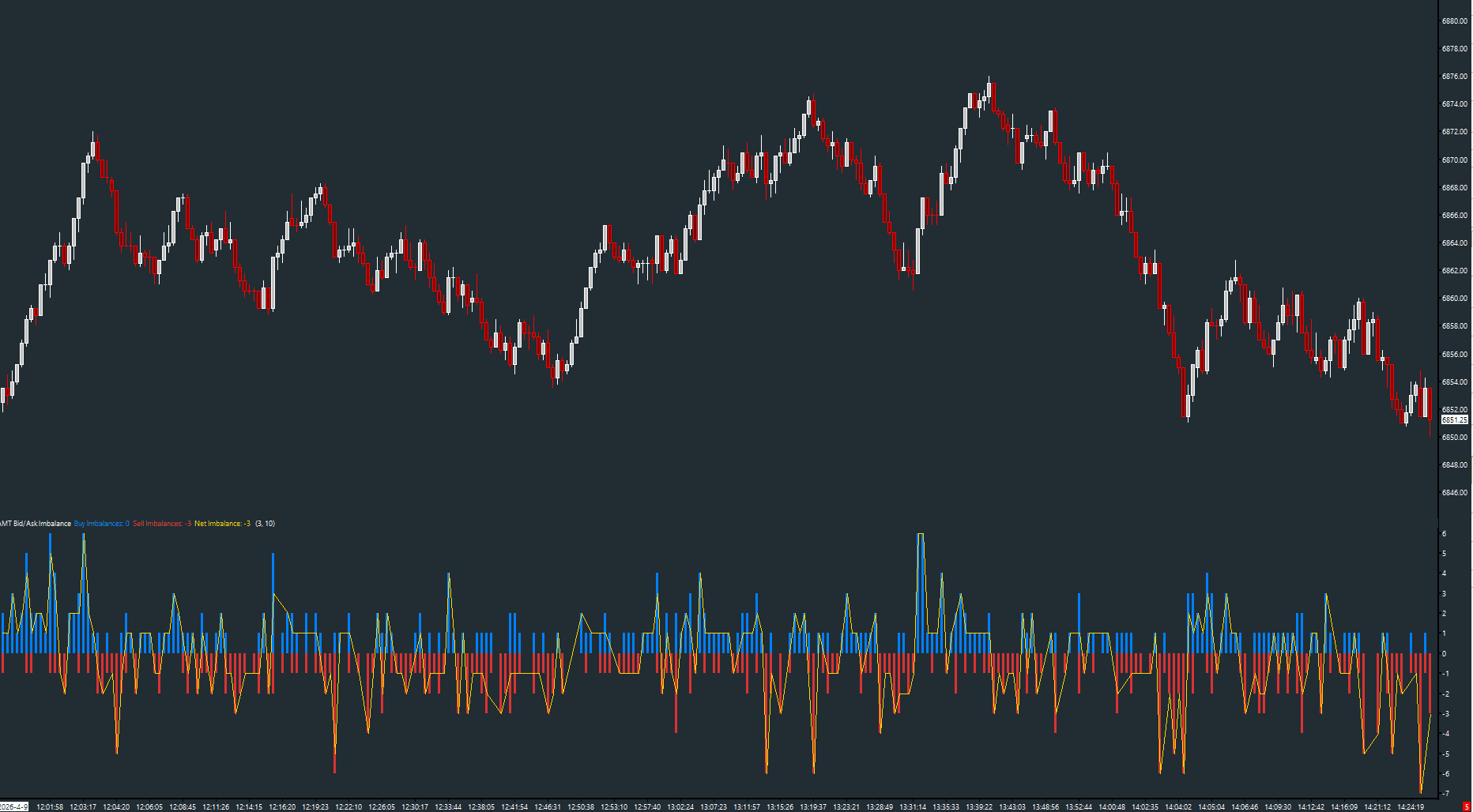
Counts imbalanced price levels per bar from footprint data
Read the guide →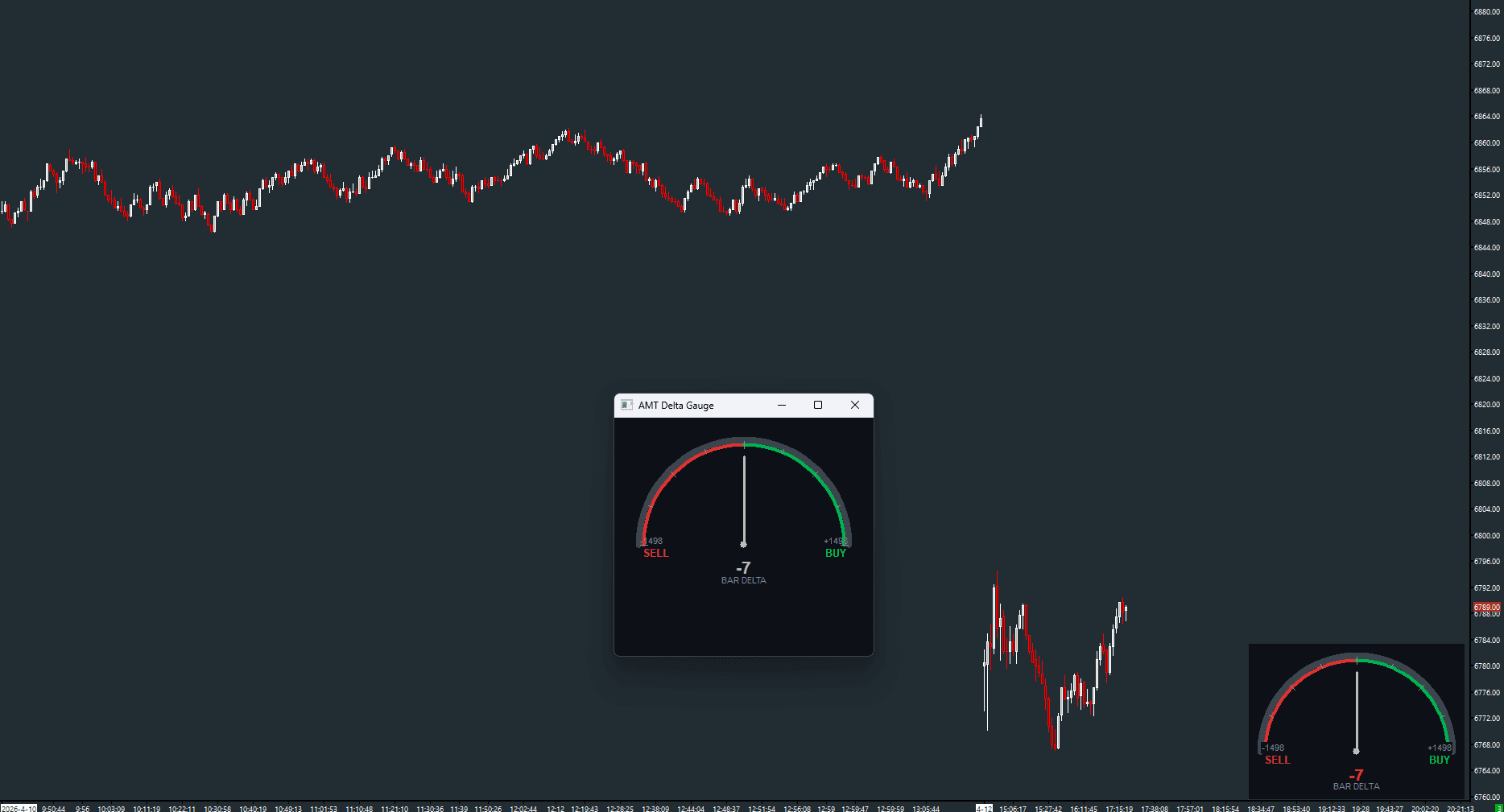
Real-time speedometer gauge for delta momentum
Read the guide →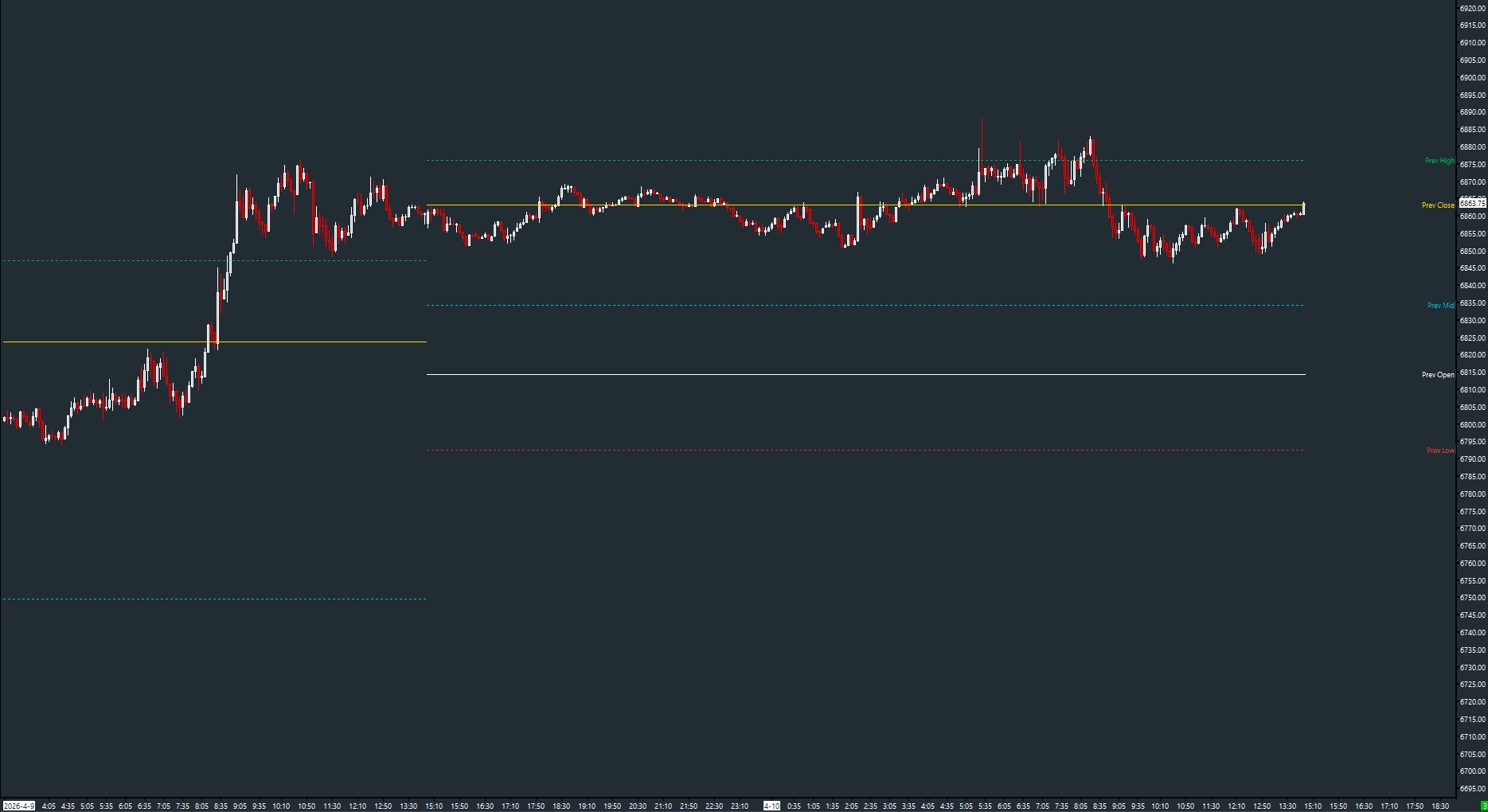
Prior day open, high, low, close, and midpoint as reference levels
Read the guide →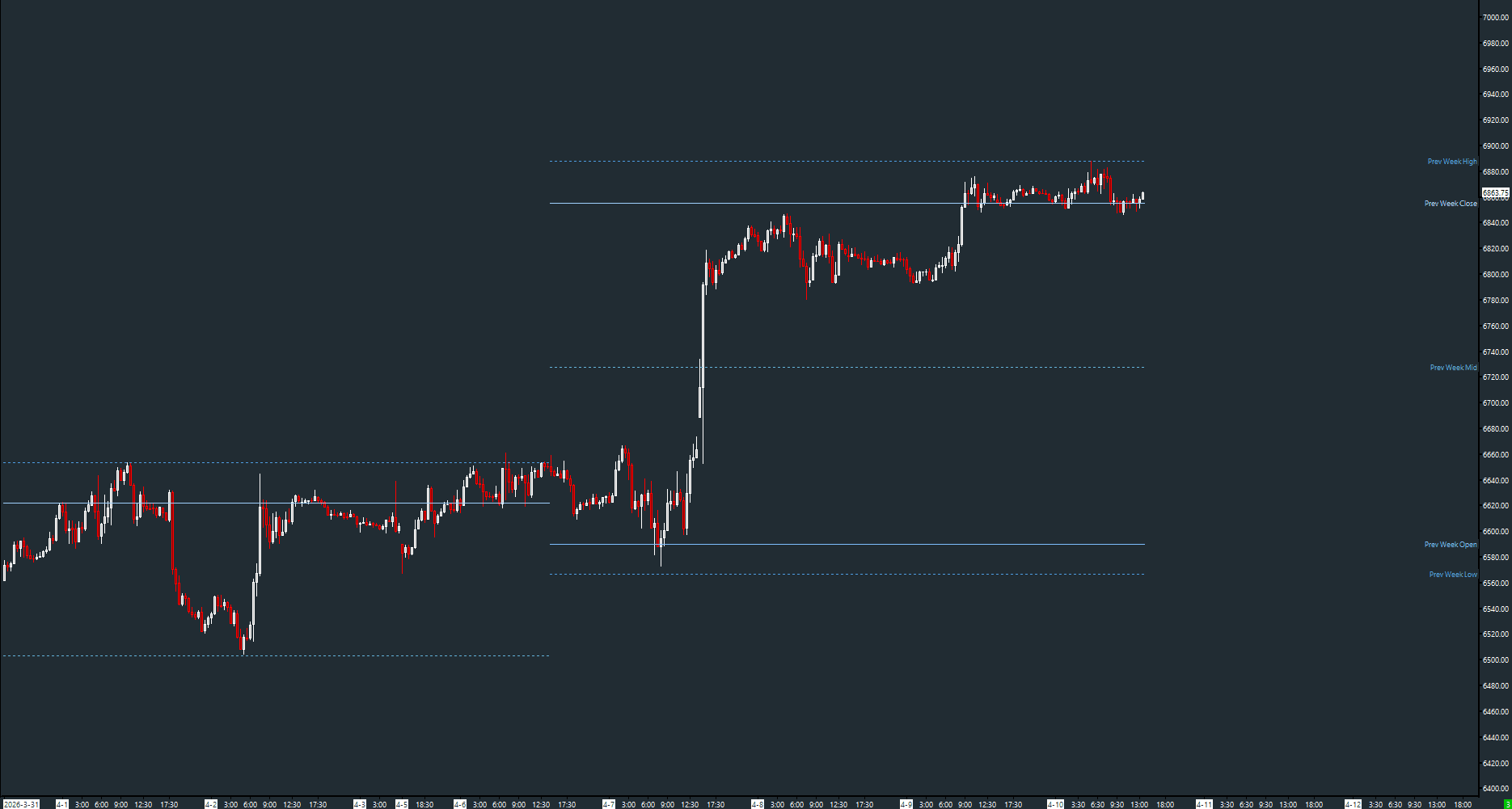
Prior week open, high, low, close, and midpoint as reference levels
Read the guide →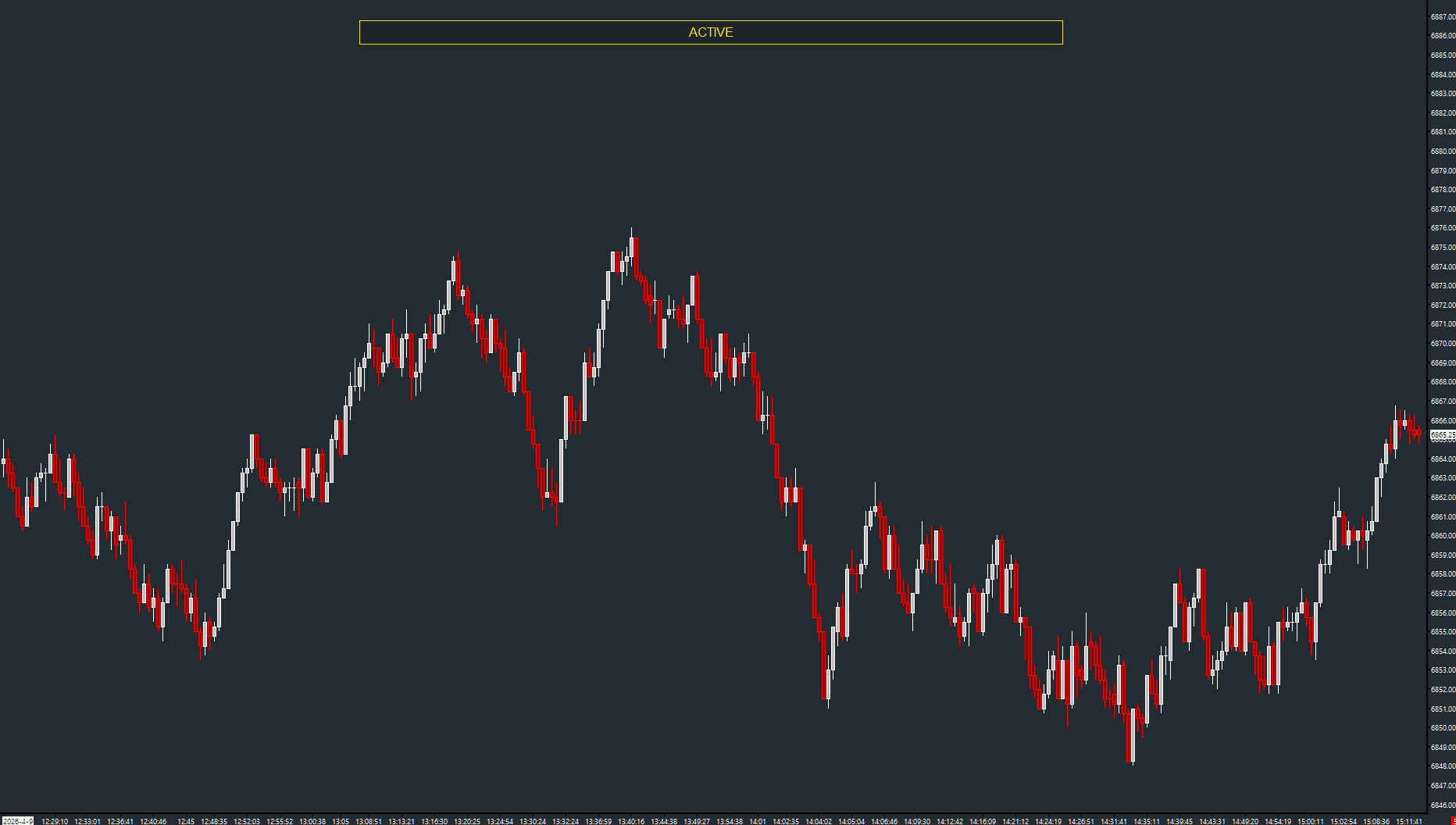
Visual band on the focused chart for multi-chart identification
Read the guide →Trade rate from time and sales with bid/ask split and spike detection
Read the guide →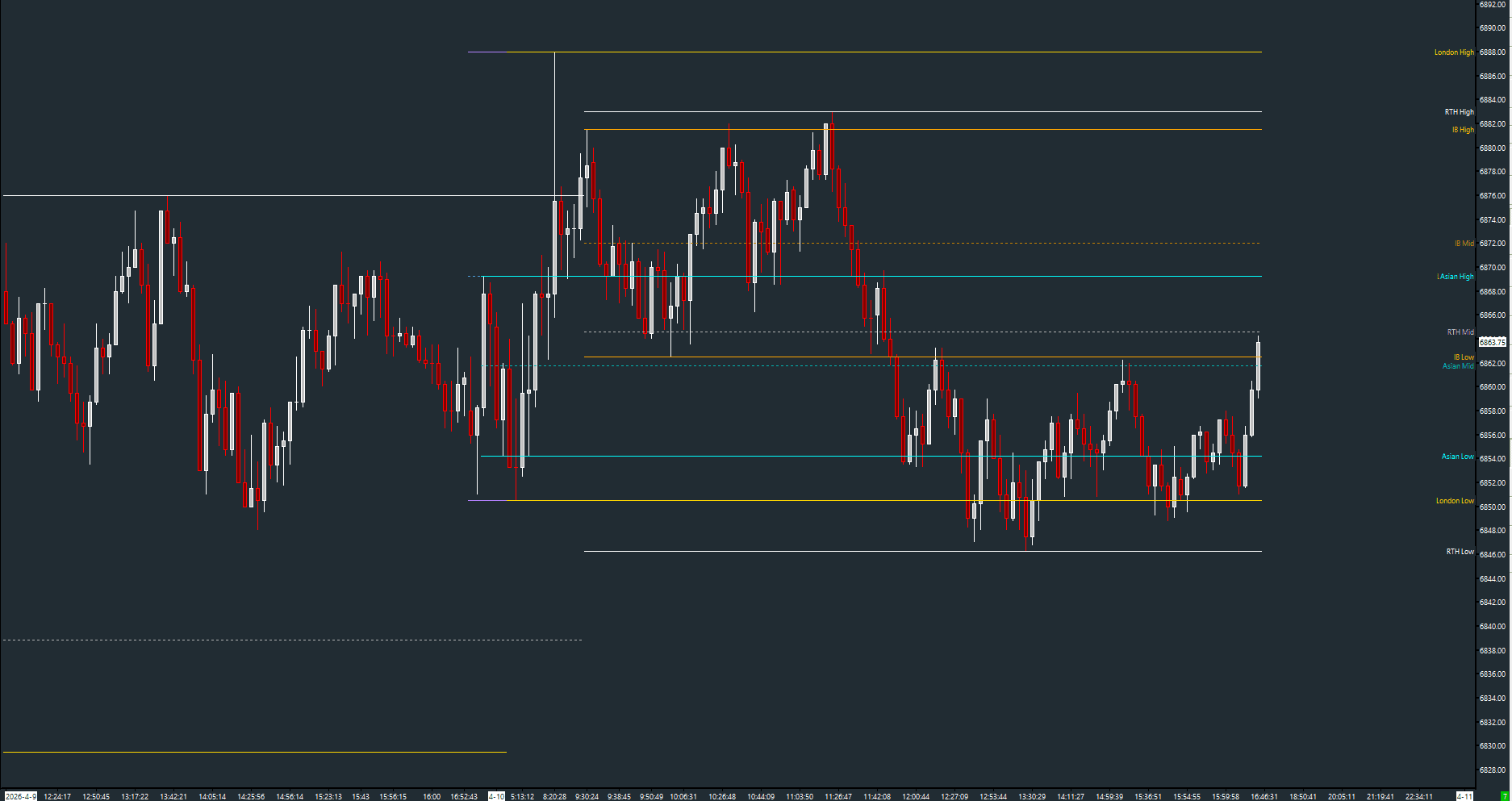
Running session high, low, and midpoint for configurable sessions
Read the guide →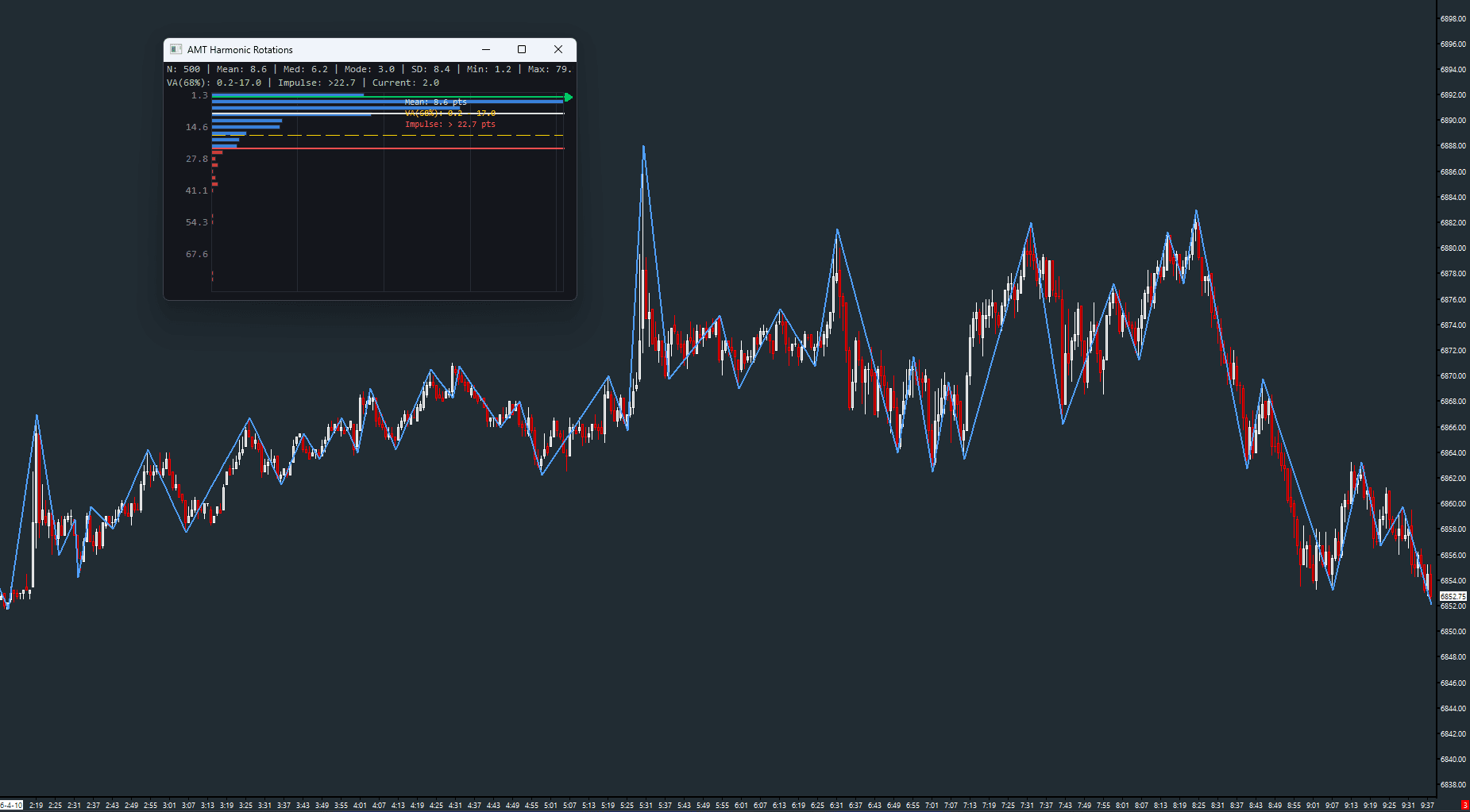
Swing rotation statistics with GDI analytics panel
Read the guide →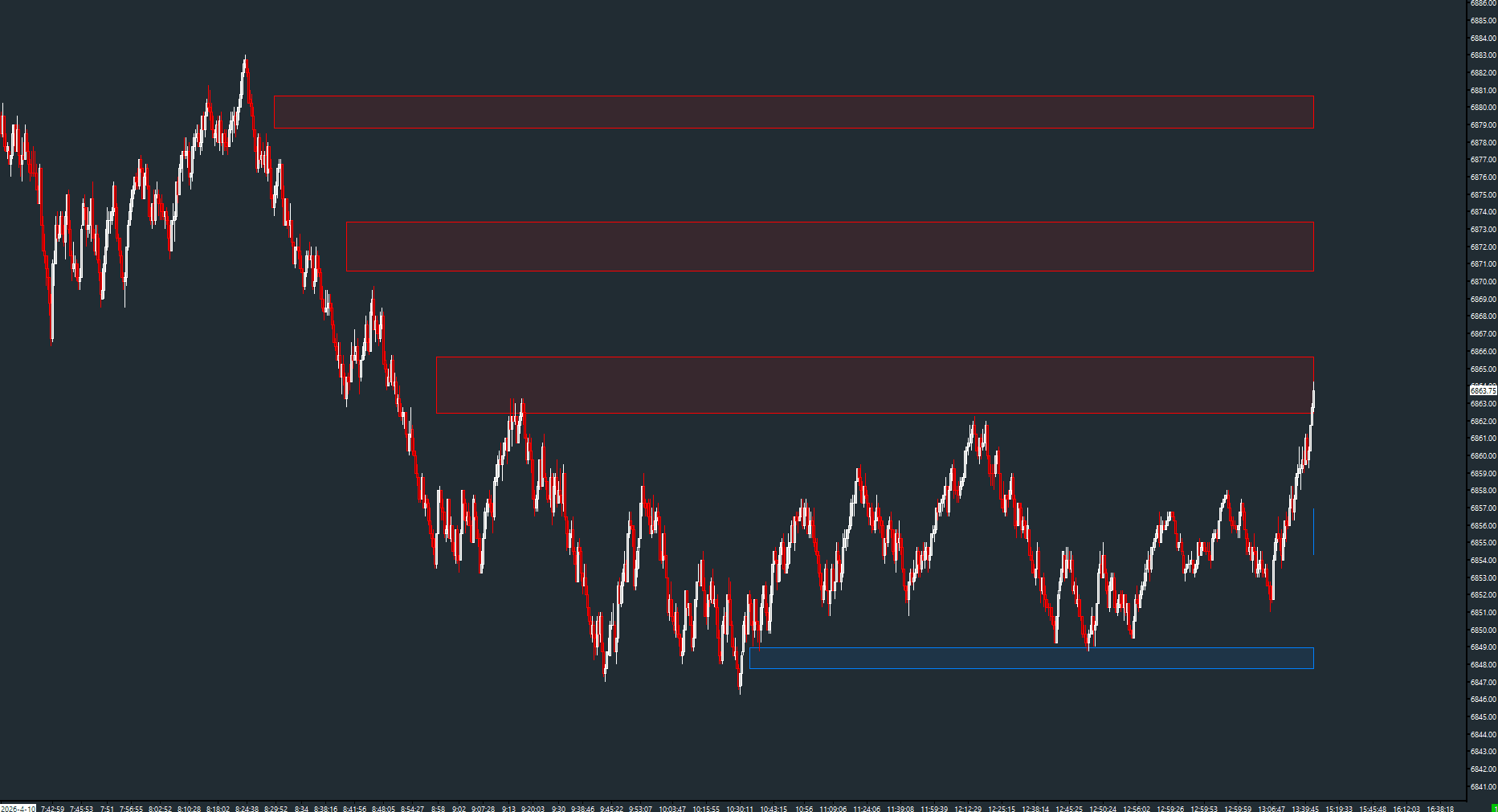
Retracement zones from price rotations with impulsive move filtering
Read the guide →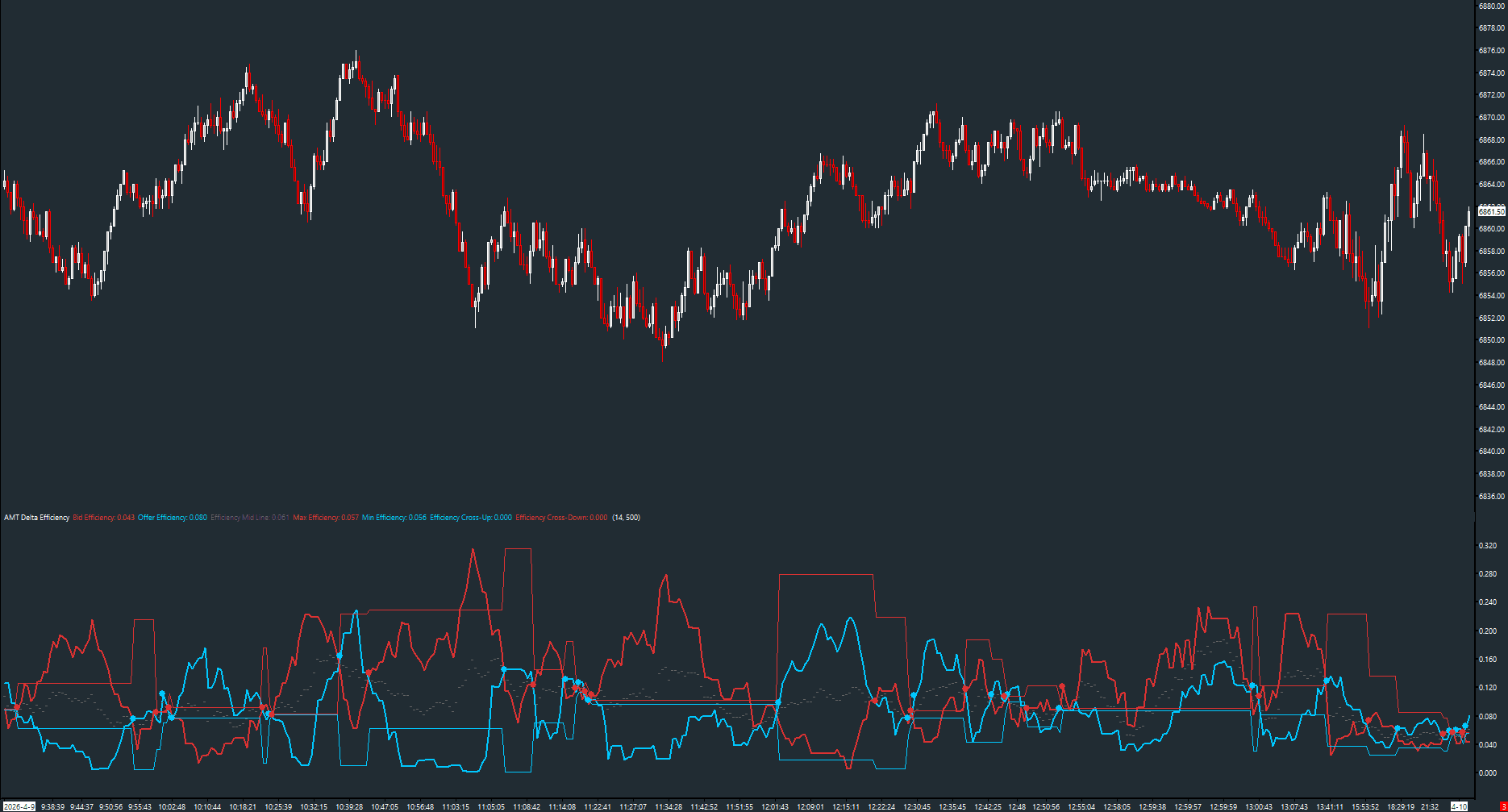
Volume-to-delta conversion efficiency oscillator
Read the guide →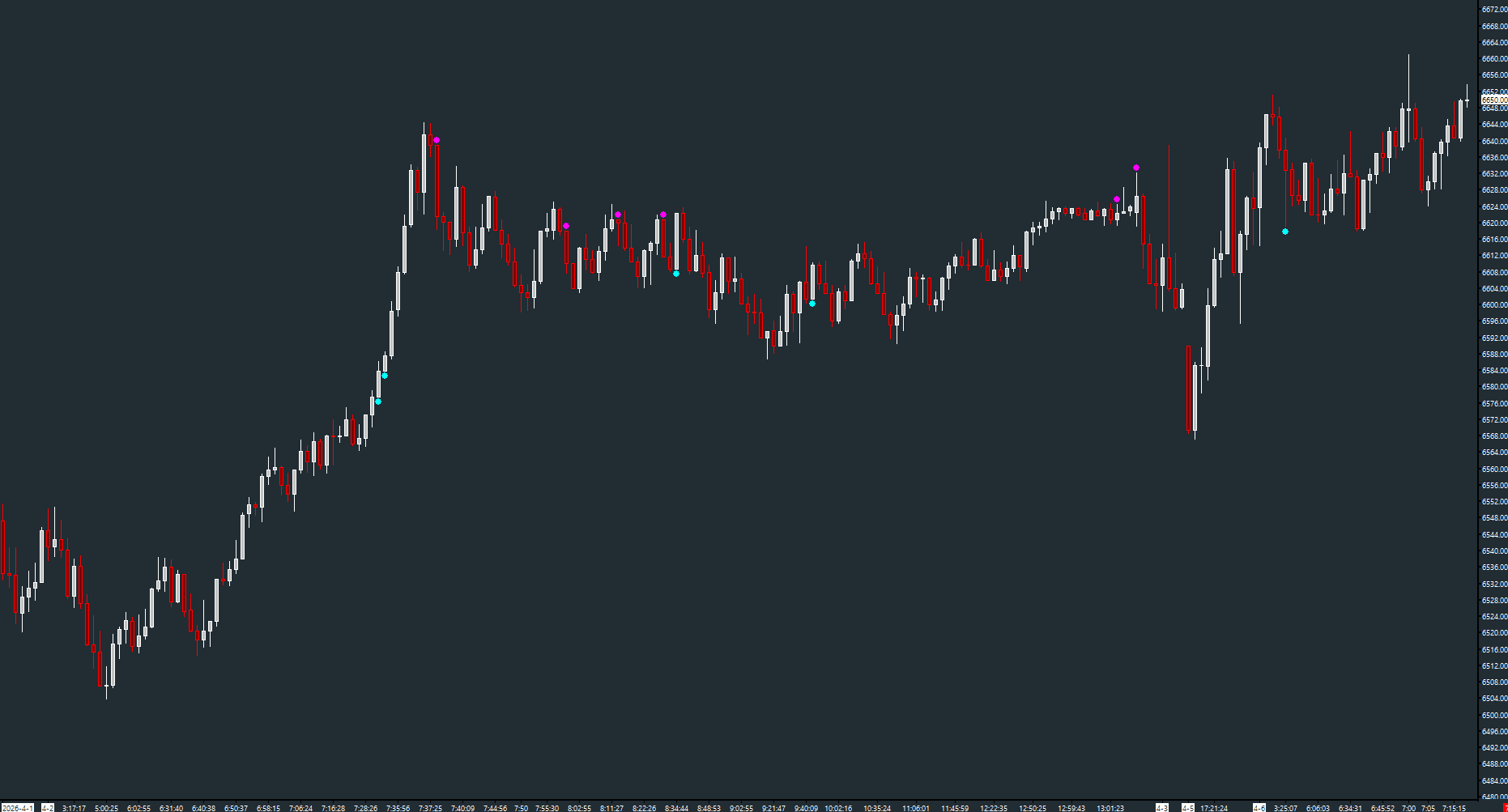
Incomplete price discovery at bar extremes
Read the guide →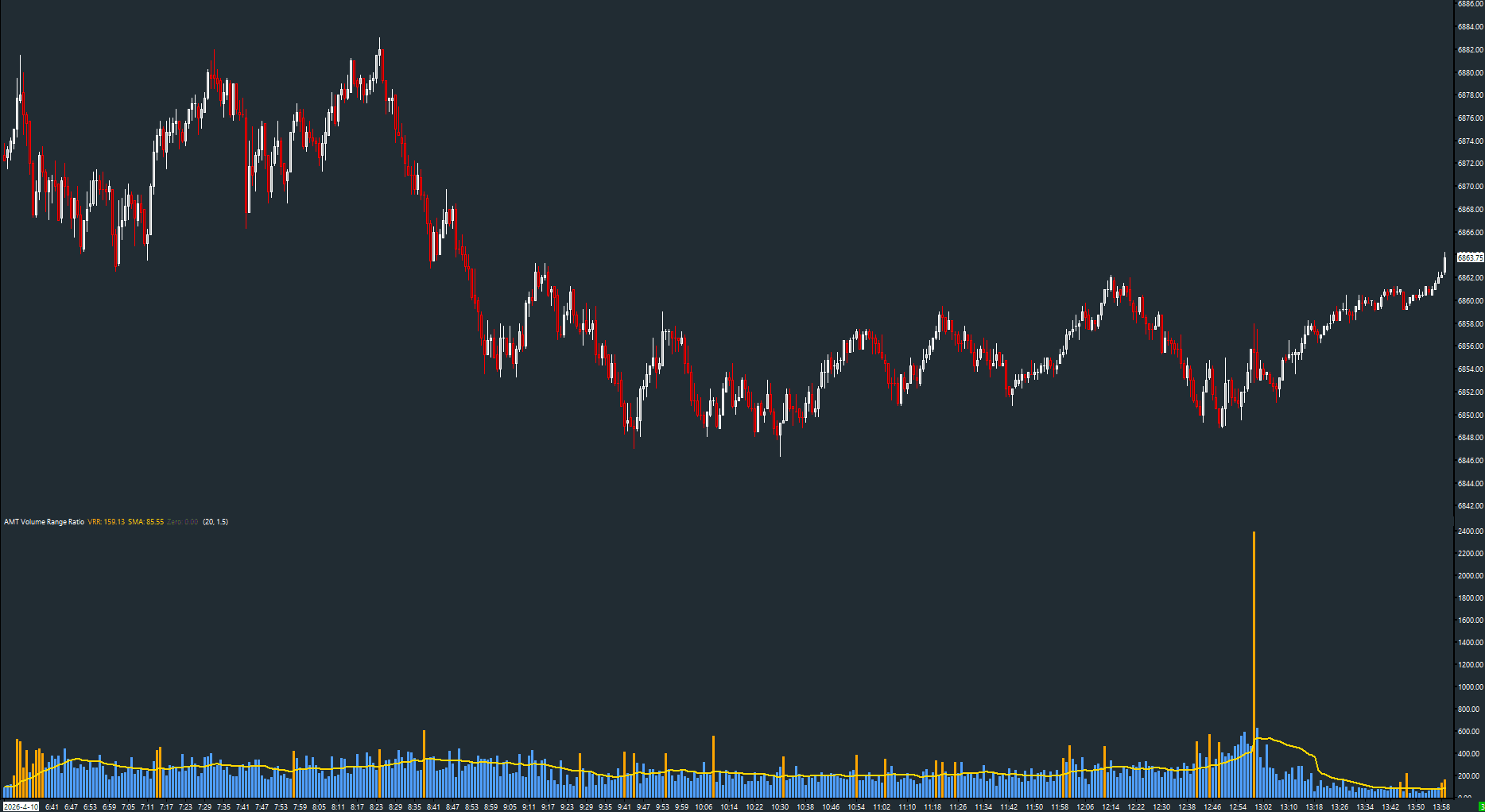
Wyckoff effort vs result — volume to price range per bar
Read the guide →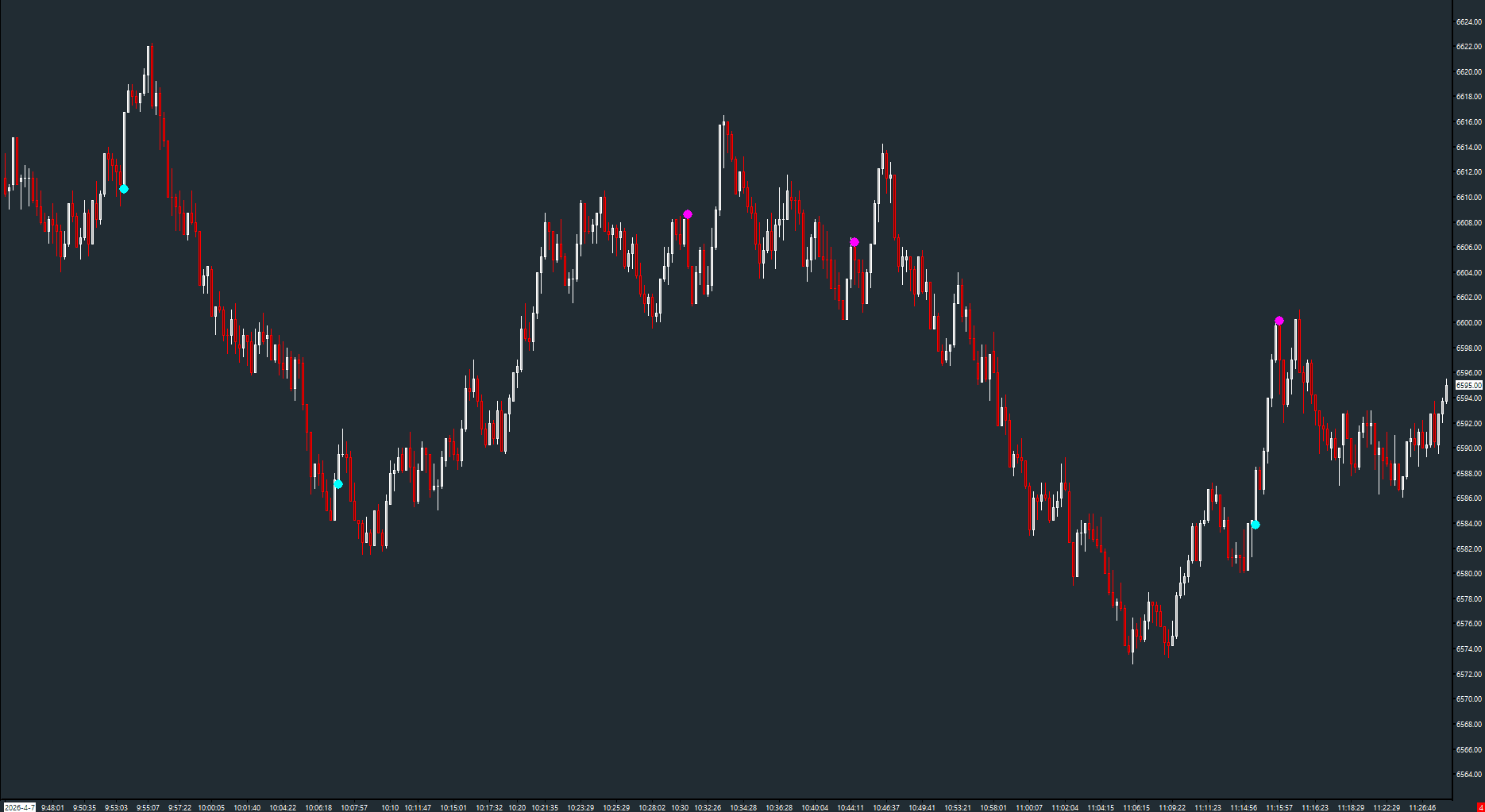
Exhaustion detection via declining volume at bar extremes
Read the guide →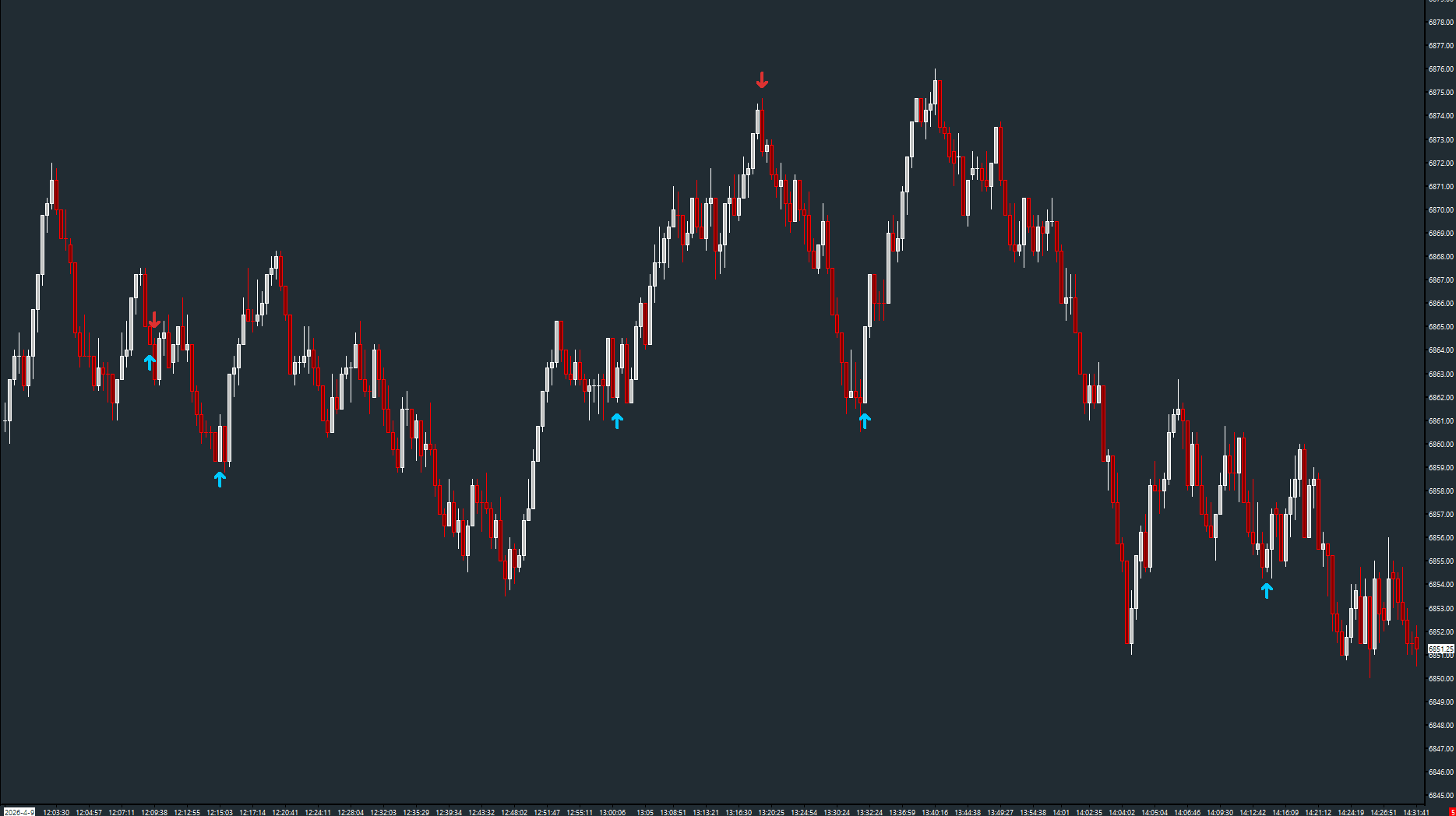
Sudden delta shift detection between consecutive bars
Read the guide →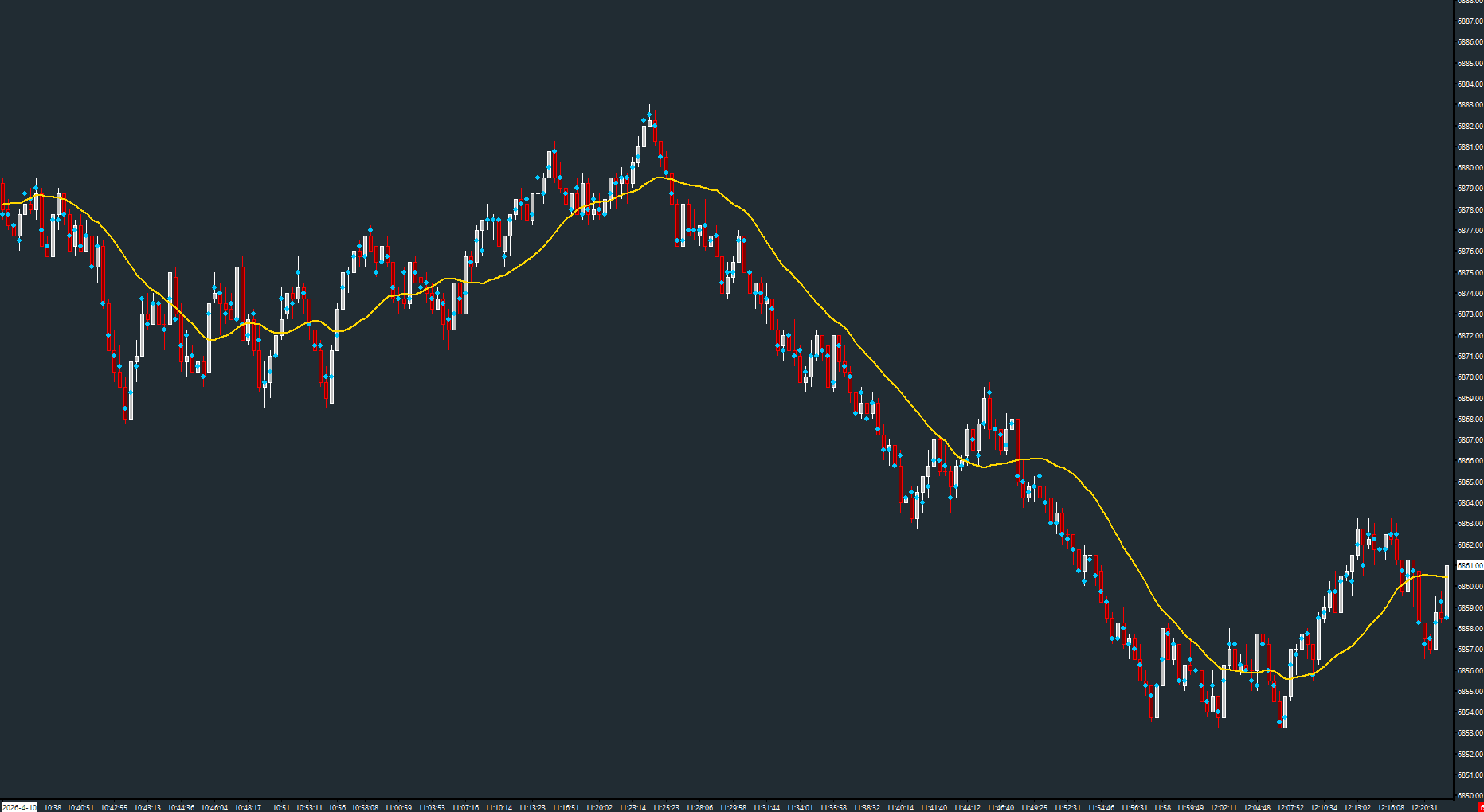
Per-bar Point of Control with migration moving average
Read the guide →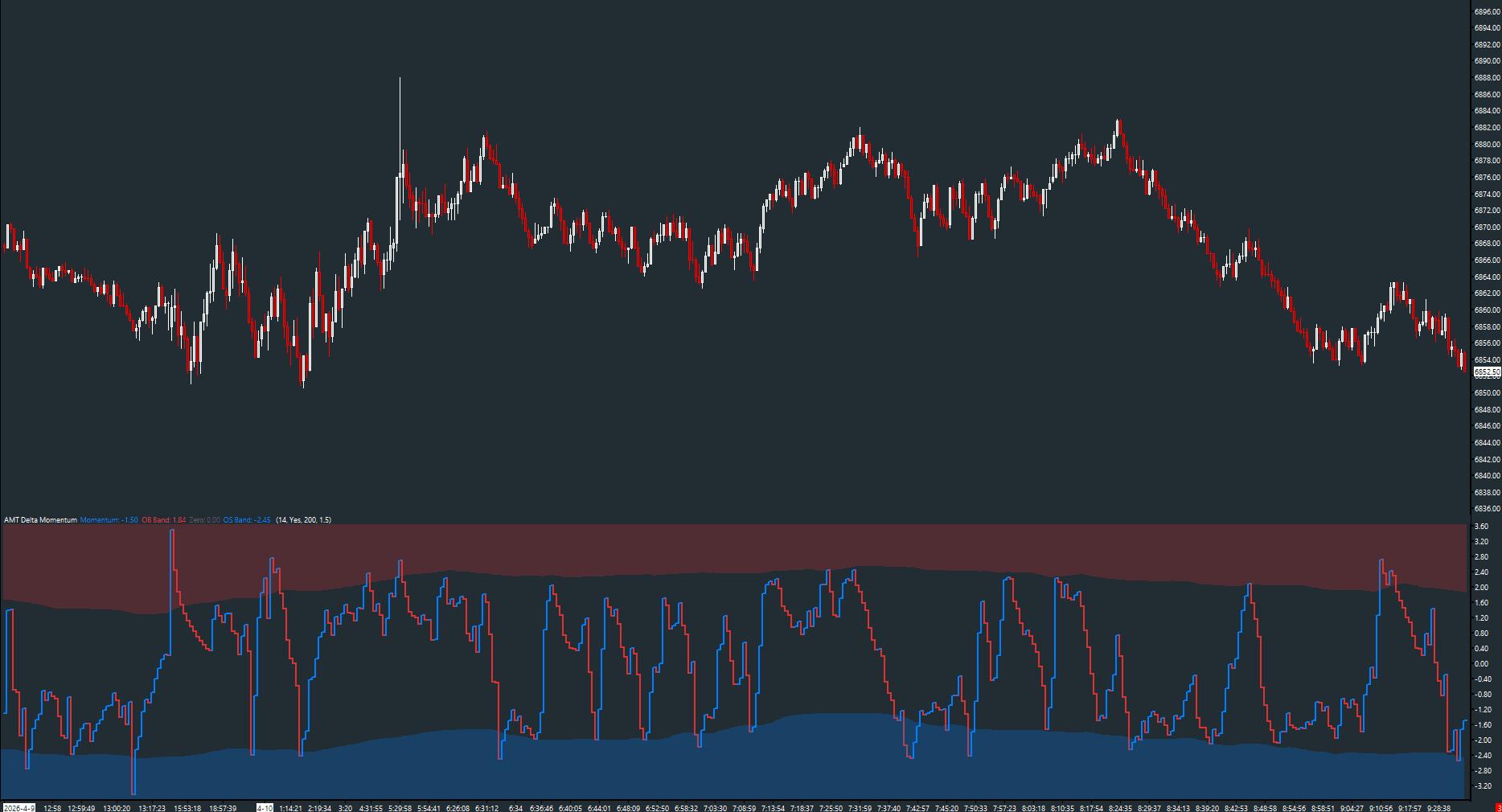
Normalized delta oscillator with dynamic OB/OS bands
Read the guide →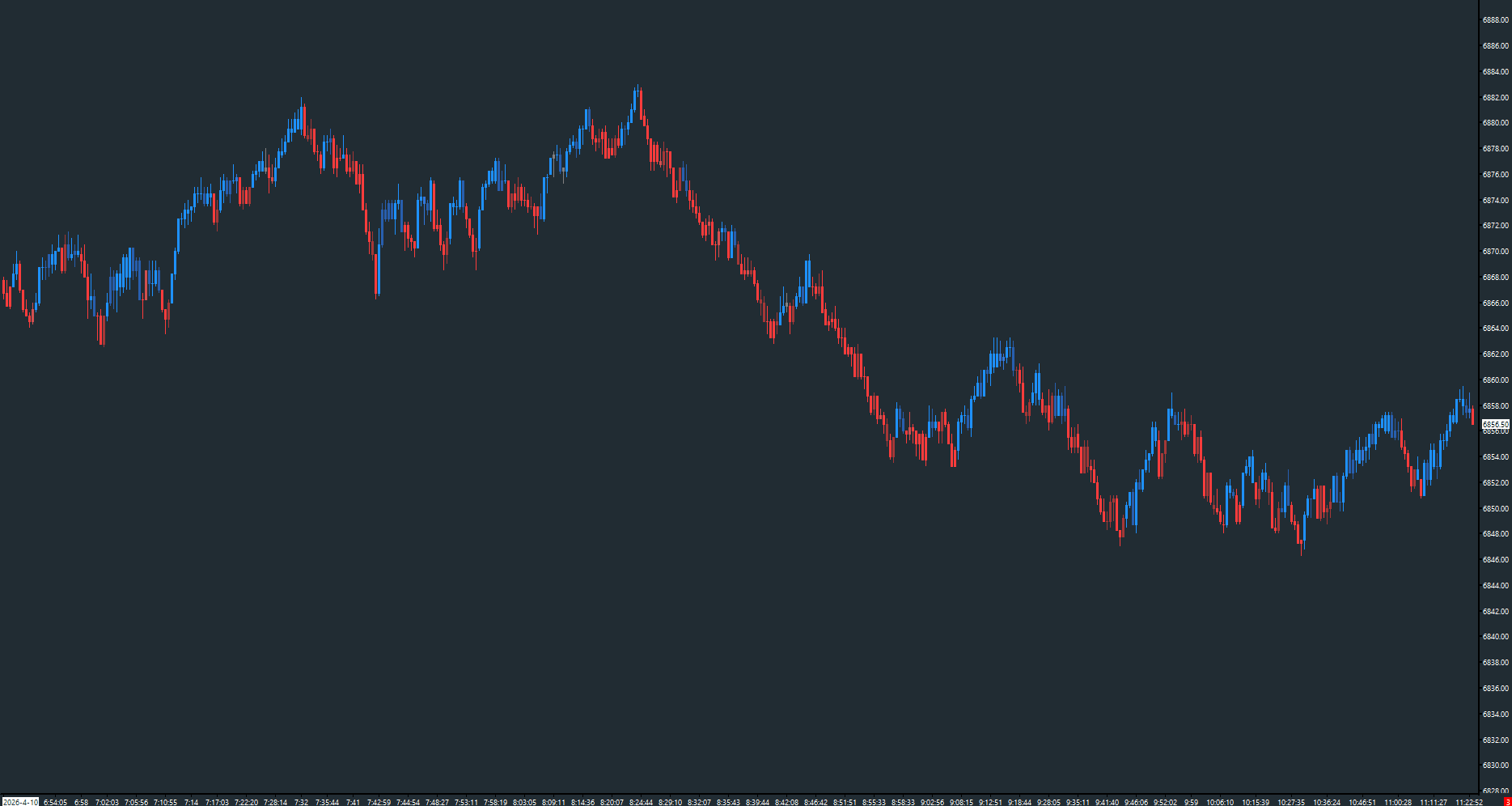
Multi-state candle coloring for dominance, exhaustion, and absorption
Read the guide →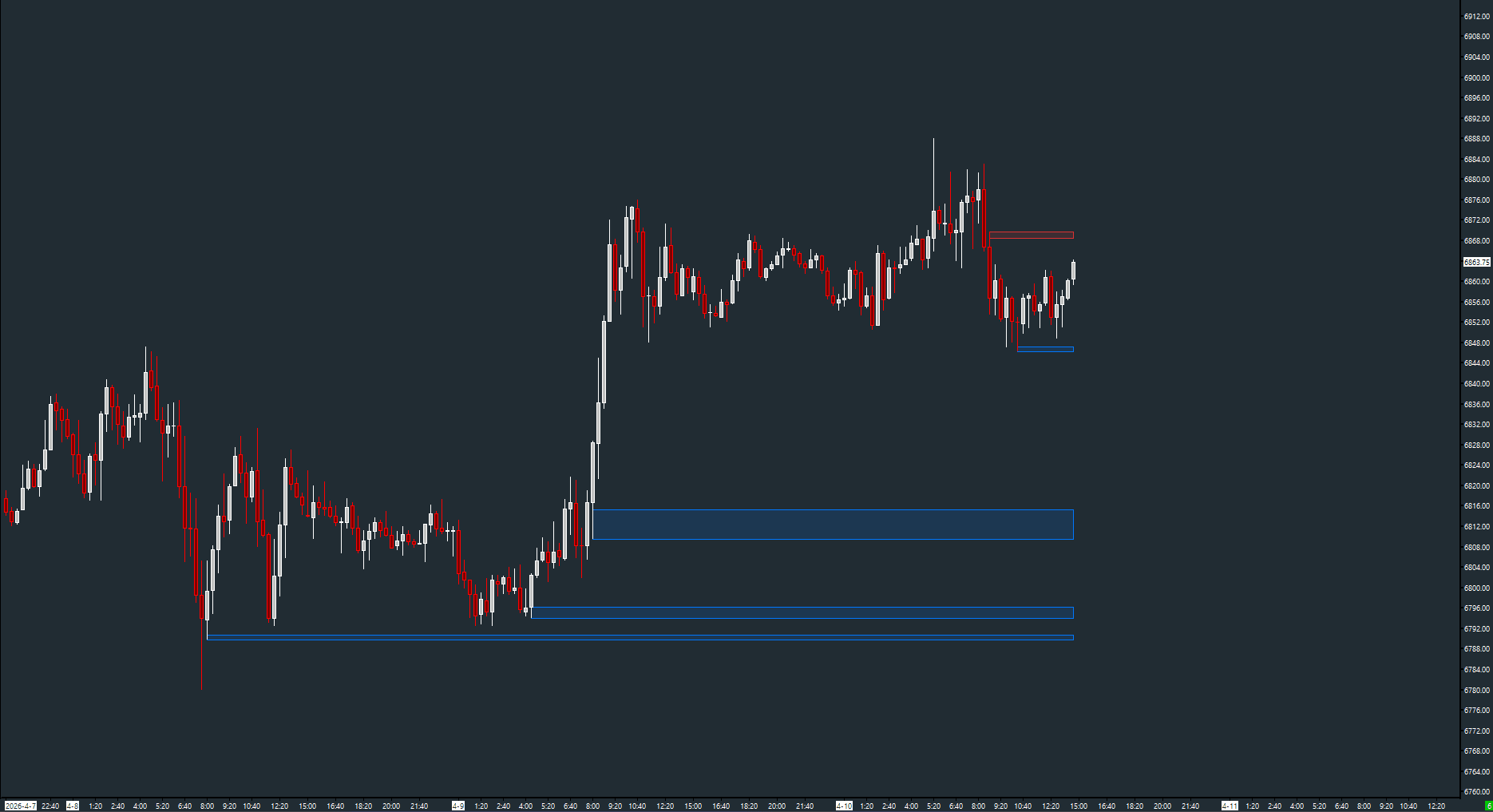
Delta-based passive absorption detection with zone drawing
Read the guide →