
 Open full-size chart ↗
What it shows
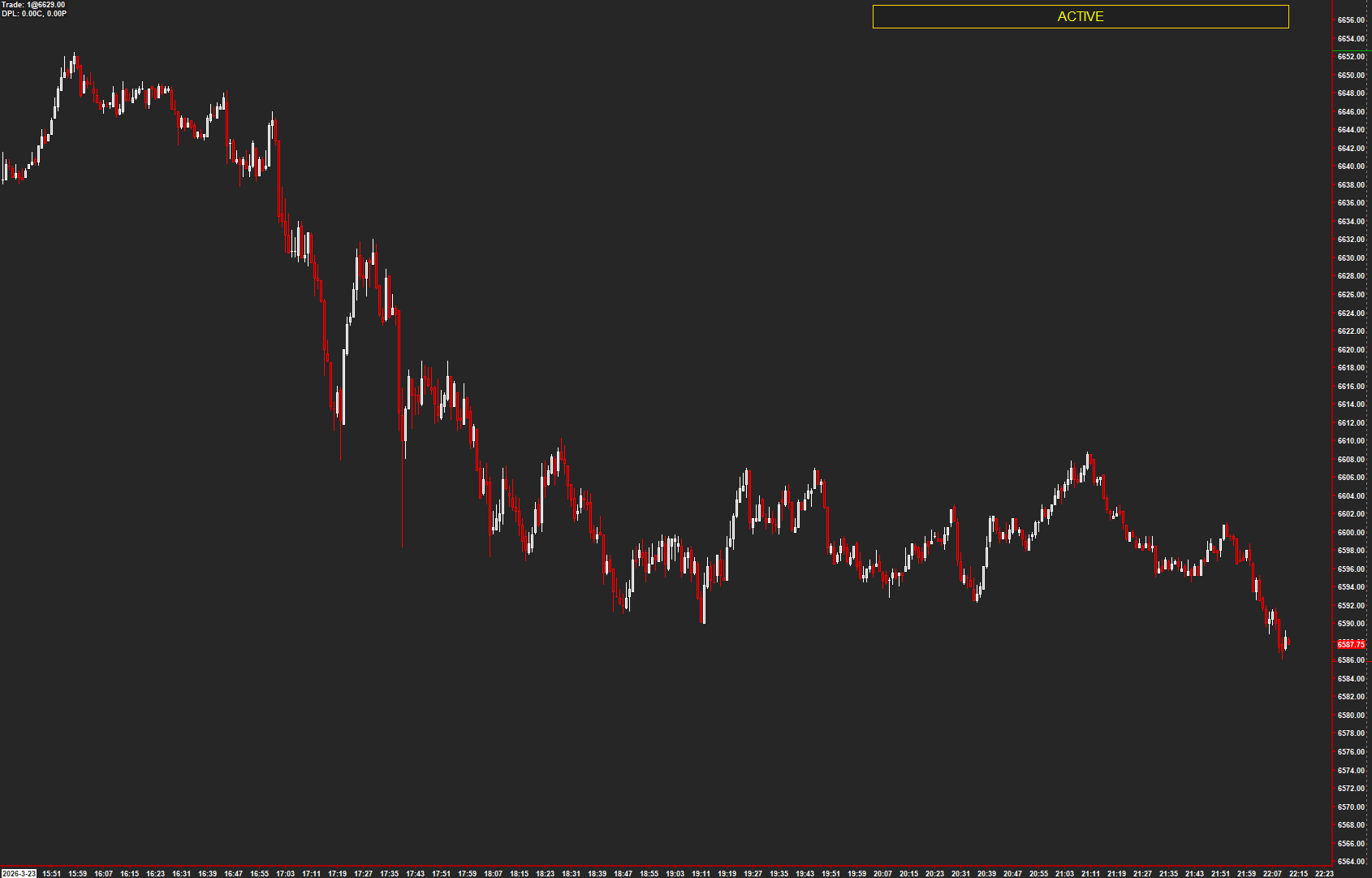
Active Chart Highlighter adds a visible band and optional text to the currently focused chart window.
How to read it
- Look for the highlight before interacting with a chart.
- Switch focus to confirm the highlight follows the intended window.
- Use clear text and contrast in a multi-chart workspace.
Settings that matter
Adjust band size, position, color, transparency, and badge text. Review anchor and width options so the display fits your layout.
An example to review
You move from an ES chart to an NQ chart. The highlight helps you identify the focused window before continuing.
Illustrative reading example, not a recorded trade or performance claim.
What to keep in mind
This is a visual aid, not an order-routing safeguard. Check your instrument and order controls separately.
Use the current AMT study on Sierra Chart. Confirm the symbol, chart type, session settings, and available data before comparing examples. Platform and market-data fees are separate.