
 Open full-size chart ↗
What it shows
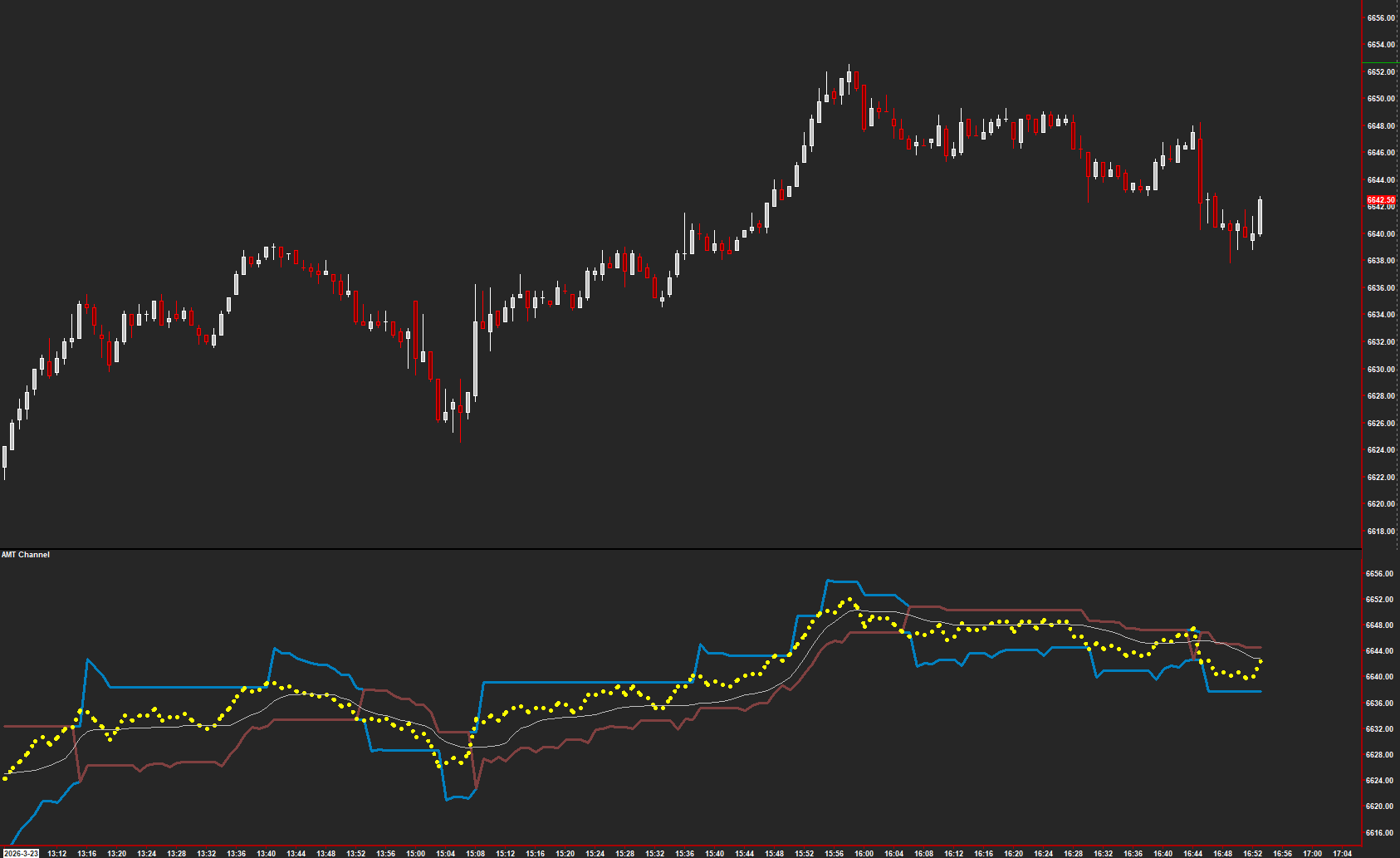
AMT Channel displays trend references, a Strength reading, and a trailing reference to compare with the price move.
How to read it
- Read price in relation to the displayed bands.
- Compare the Strength reading with actual progress in price.
- Treat the trailing reference as a chart reference, not an order placed on your behalf.
Settings that matter
Review input data, band-width controls, and the moving-average settings. Change one control at a time and compare the same period of history.
An example to review
Price moves beyond a band while Strength rises. Review whether price continues to make progress or returns inside the references.
Illustrative reading example, not a recorded trade or performance claim.
What to keep in mind
Bands can lag or be crossed repeatedly. A displayed Stop reference does not execute or guarantee an exit.
Use the current AMT study on Sierra Chart. Confirm the symbol, chart type, session settings, and available data before comparing examples. Platform and market-data fees are separate.