
 Open full-size chart ↗
What it shows
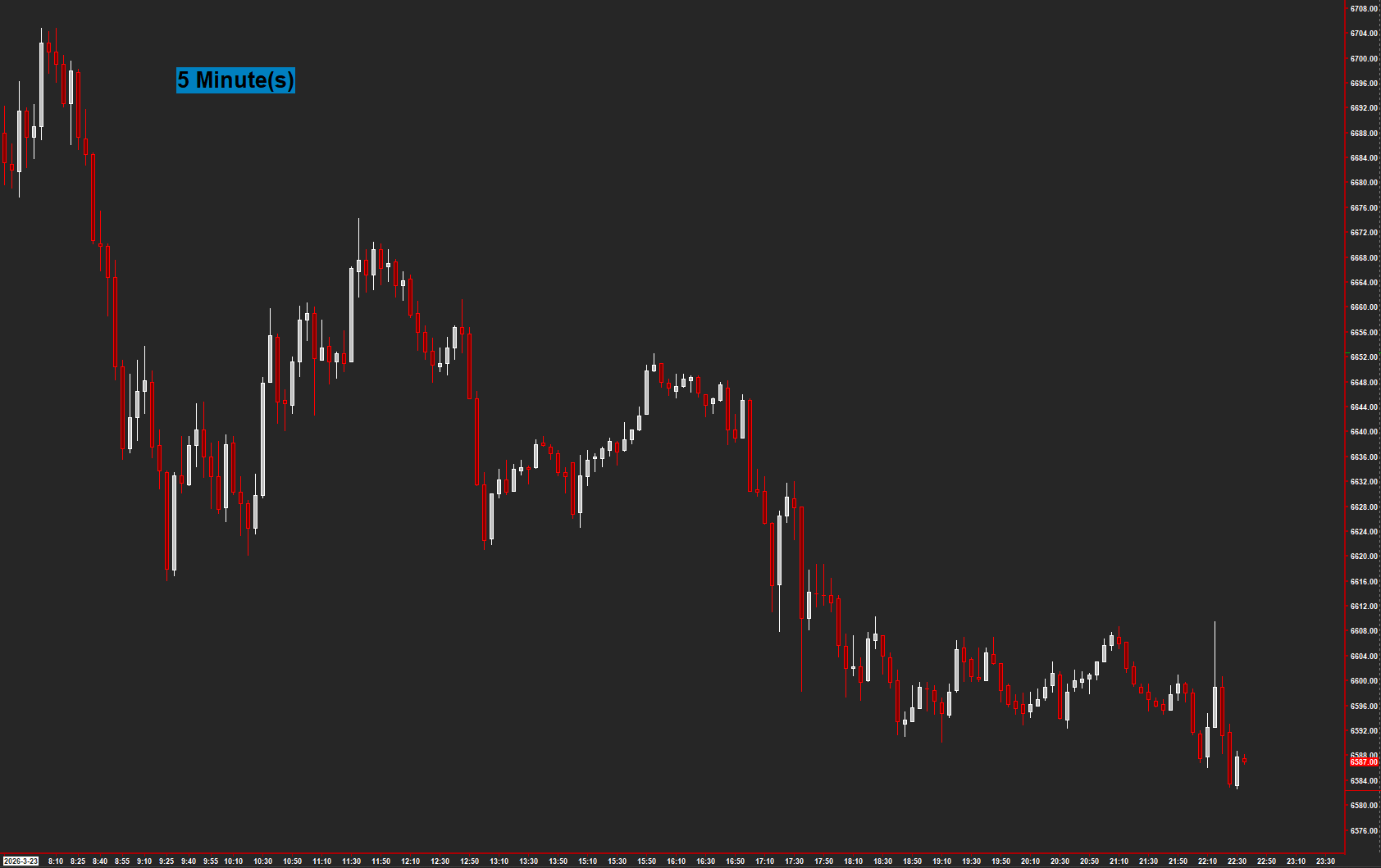
Chart Type Display places the current chart type and period directly on the chart.
How to read it
- Read the label before comparing charts.
- Check it against the chart configuration when changing bar types.
- Keep it visible when sharing screenshots or recording a walkthrough.
Settings that matter
Adjust horizontal and vertical position and the background option so the label stays clear of price and other study text.
An example to review
Two charts show the same symbol at different intervals. The label helps you identify which configuration you are reviewing.
Illustrative reading example, not a recorded trade or performance claim.
What to keep in mind
This is a workspace utility. It does not provide a market signal or check that your other study settings are correct.
Use the current AMT study on Sierra Chart. Confirm the symbol, chart type, session settings, and available data before comparing examples. Platform and market-data fees are separate.