
 Open full-size chart ↗
What it shows
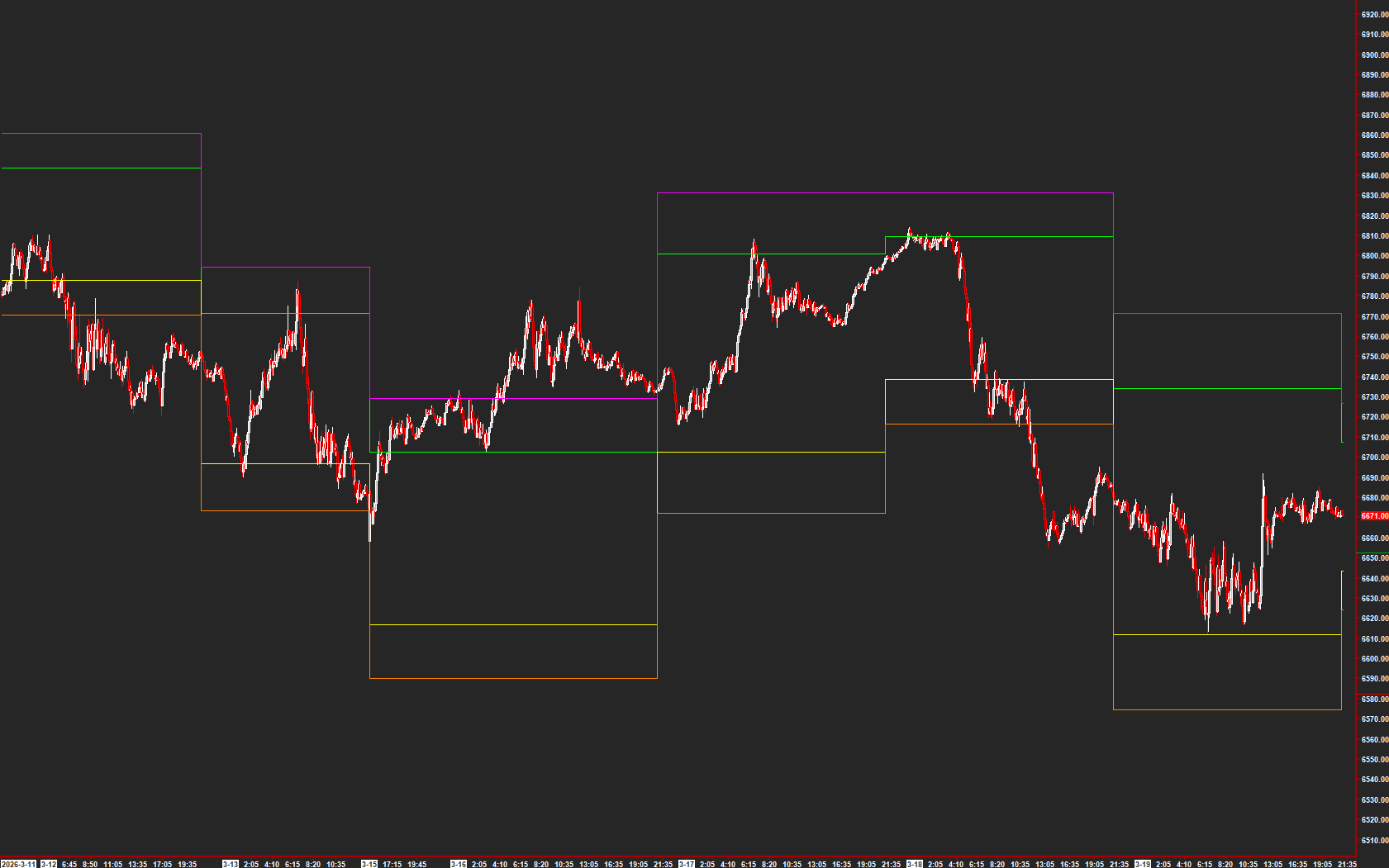
DDT Levels displays named daily reference levels that you can compare with intraday price action.
How to read it
- Identify the upper and lower labeled references.
- Check the daily source chart before using an overlay on an intraday chart.
- Observe the actual response when price reaches a reference.
Settings that matter
The existing guide uses a daily source chart. If overlaying the study, verify the source chart, symbol, session, and study reference.
An example to review
Price reaches an upper DDT reference and pauses. Review whether it rejects, accepts, or continues through that area.
Illustrative reading example, not a recorded trade or performance claim.
What to keep in mind
DDT labels do not establish a probability of reversal. These references are distinct from AMT Balance zones.
Use the current AMT study on Sierra Chart. Confirm the symbol, chart type, session settings, and available data before comparing examples. Platform and market-data fees are separate.