
 Open full-size chart ↗
What it shows
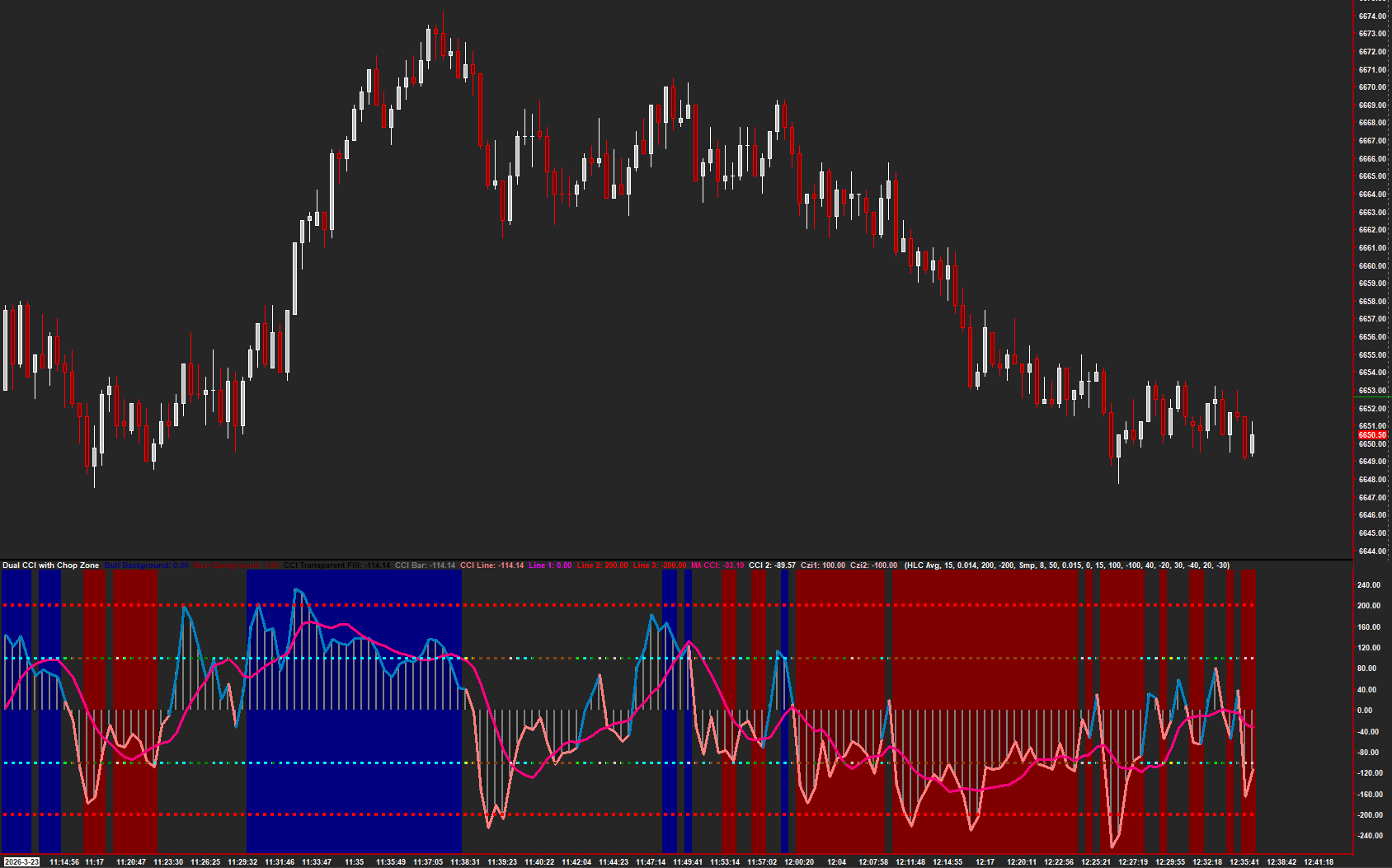
Dual CCI with Chop Zone combines two momentum lines, background shading, and chop-zone markers in a separate chart region.
How to read it
- Compare the two lines rather than reading one in isolation.
- Use the background and markers to distinguish the displayed states.
- Check whether a change in the pane is accompanied by a change in price behavior.
Settings that matter
Start with the installed study settings and identify each line and color. Keep the same chart interval and settings when comparing examples.
An example to review
The momentum lines disagree while the chop display changes. Review the surrounding range rather than treating one color as a standalone entry.
Illustrative reading example, not a recorded trade or performance claim.
What to keep in mind
Momentum readings can stay extended and chop classifications can change. Display states are not trade win rates.
Use the current AMT study on Sierra Chart. Confirm the symbol, chart type, session settings, and available data before comparing examples. Platform and market-data fees are separate.