
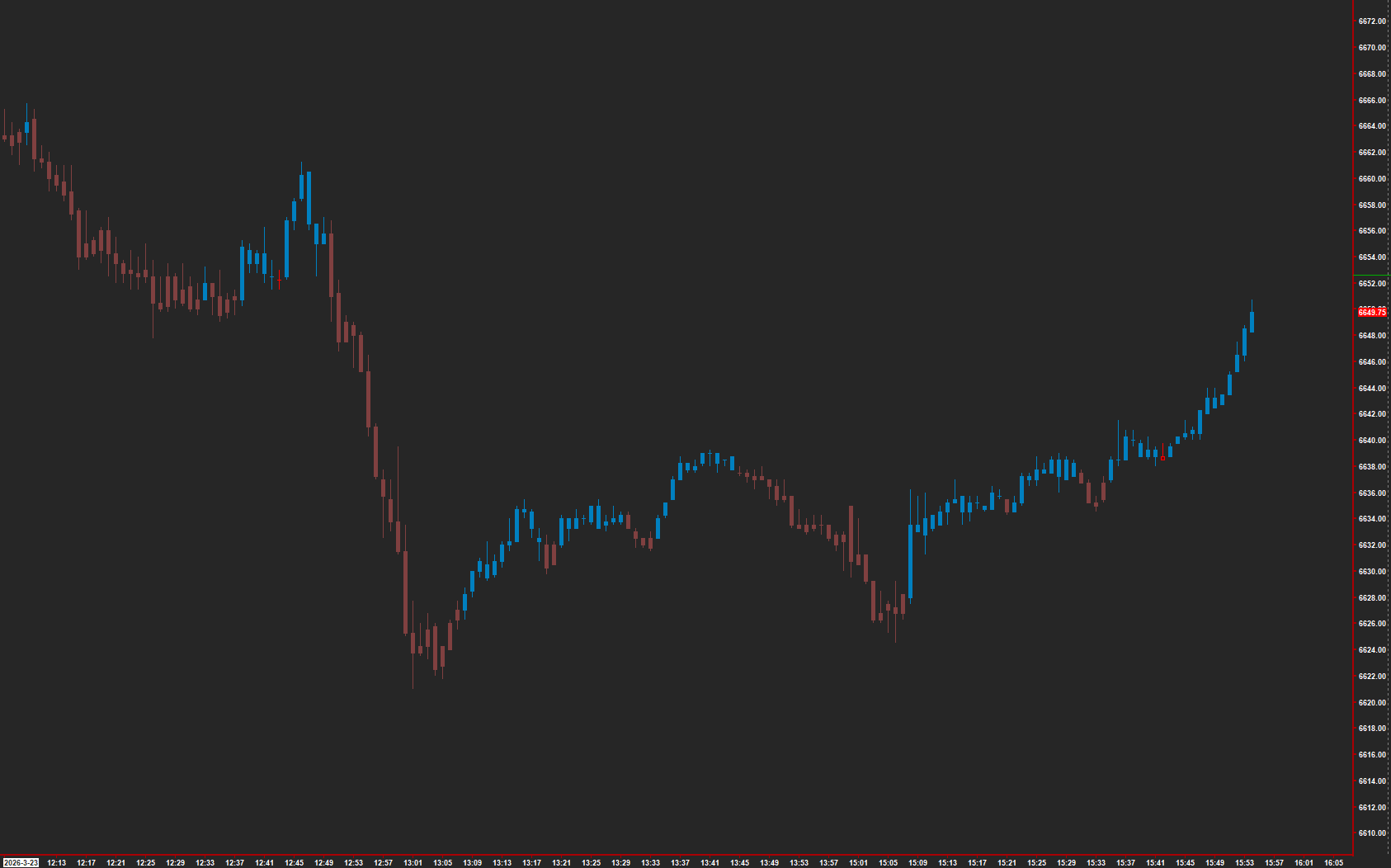
 Open full-size chart ↗
What it shows
Trend Bender colors the price display to make its current directional reading easier to follow.
How to read it
- Identify the current color state using your configured study colors.
- Follow the sequence of state changes alongside price structure.
- Separate a short-lived change from a state that persists through several bars.
Settings that matter
Review the WMA and EMA length, input-data, and shift controls. Keep the settings fixed when comparing different sessions.
An example to review
A color change appears during a pullback. Watch whether the new state persists and whether price changes structure before interpreting it as a lasting turn.
Illustrative reading example, not a recorded trade or performance claim.
What to keep in mind
Trend states can lag and can switch repeatedly in a range. Coloring is a model reading, not a trade instruction.
Use the current AMT study on Sierra Chart. Confirm the symbol, chart type, session settings, and available data before comparing examples. Platform and market-data fees are separate.